
Mockups Pack for Digital Products: 8 Layered PSD + PNG Mockups + Offline Mockup Maker
| SKU | FB-01-057B07C0 |
|---|---|
| Format | ZIP: HTML, PNG, PSD, Python, TXT |
| File size | 60.9 MB |
| Delivery | Instant download, unlimited re-downloads from your account |
| Licences | Personal, Commercial, Extended |
All sales are final. Refund policy.
About this product
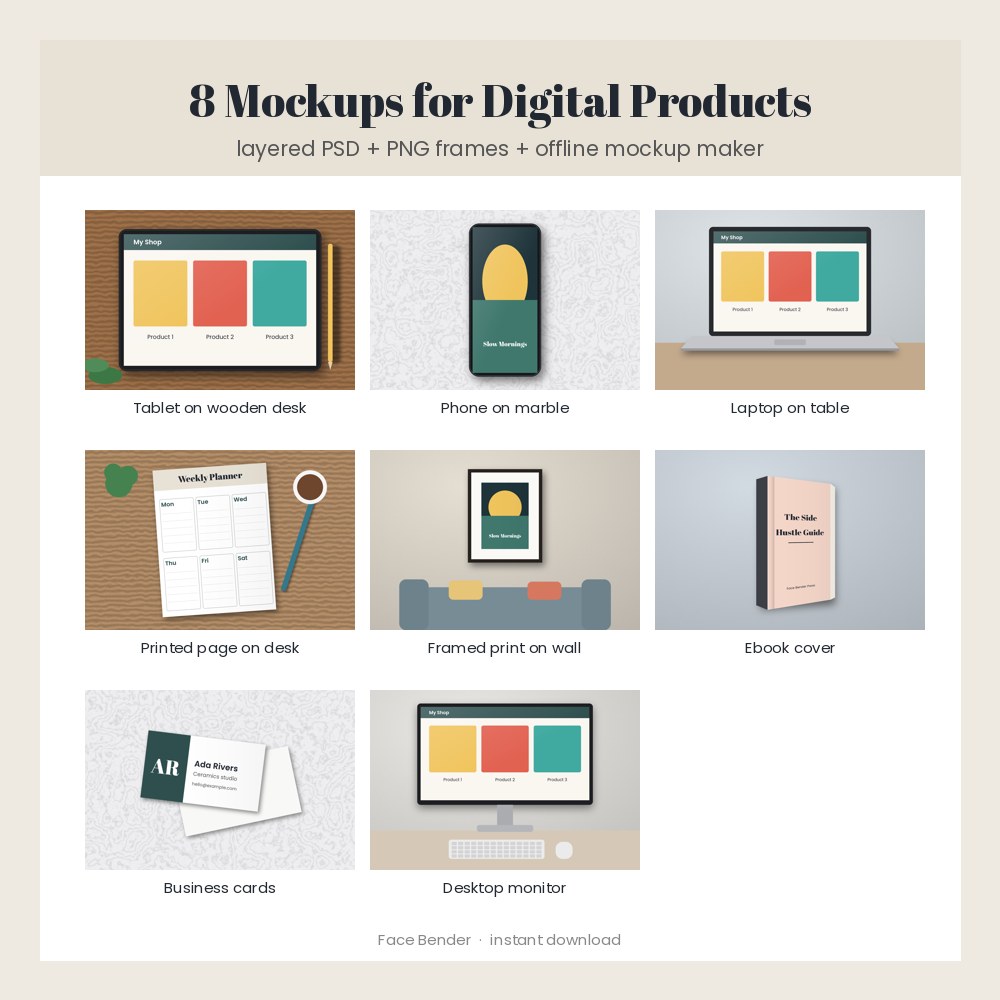
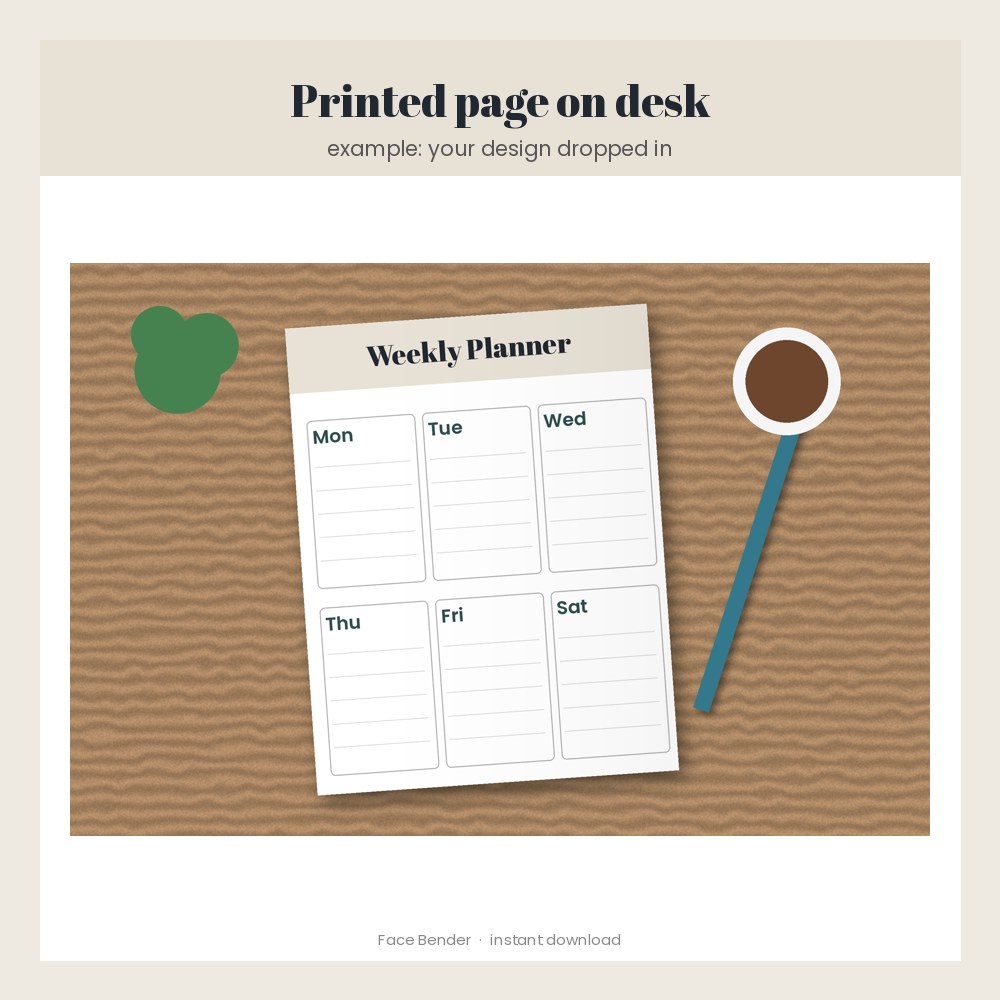
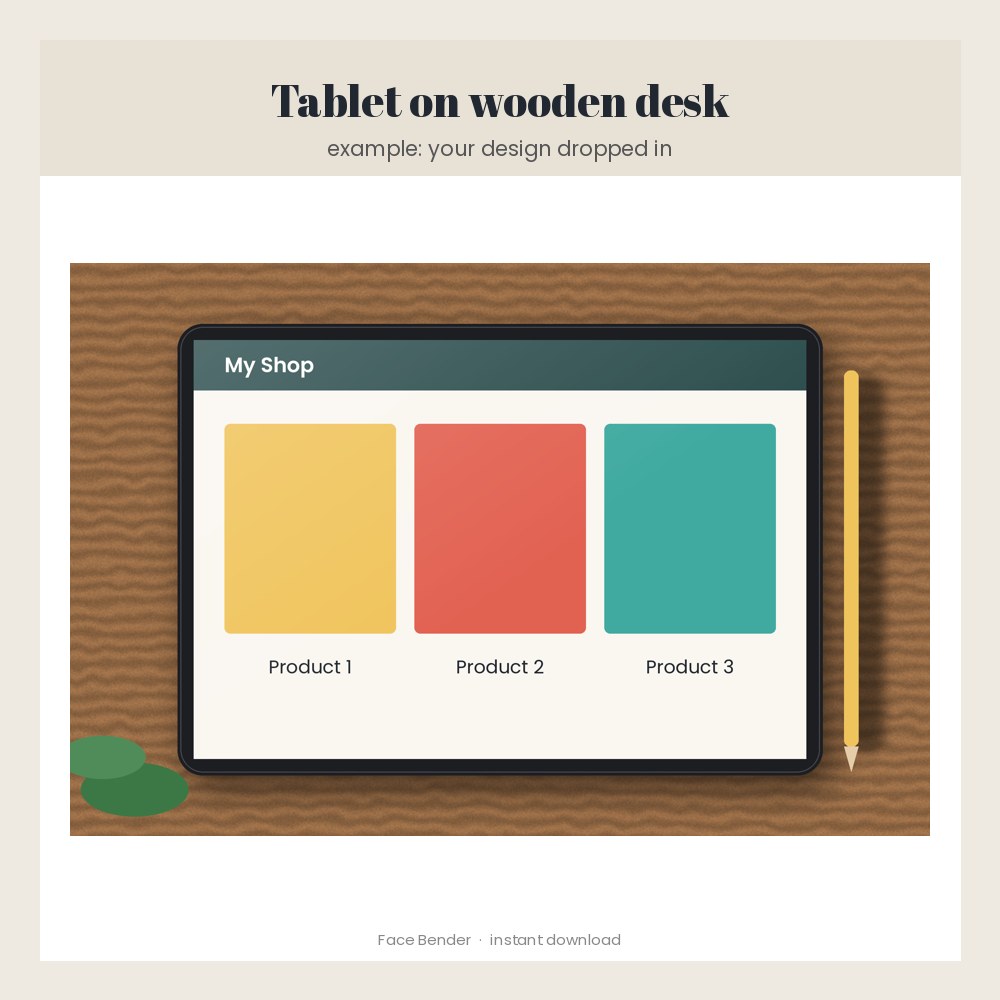
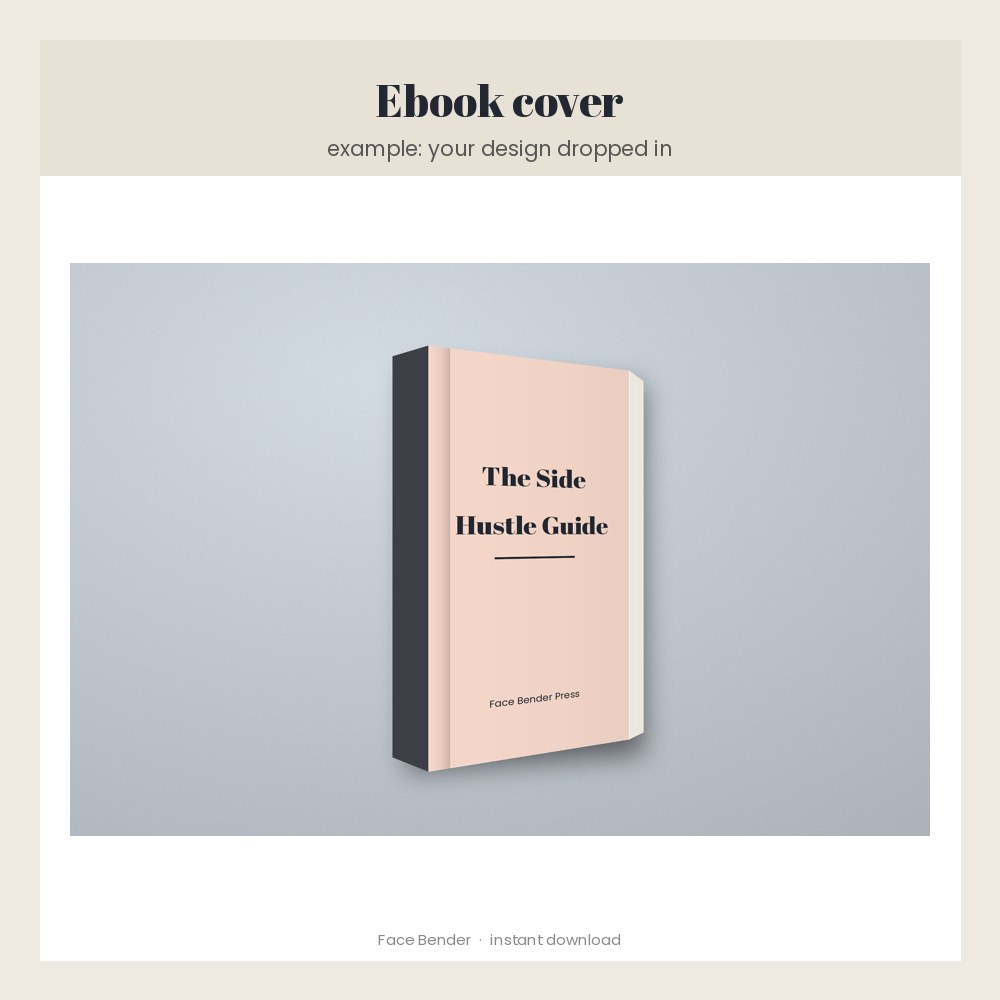
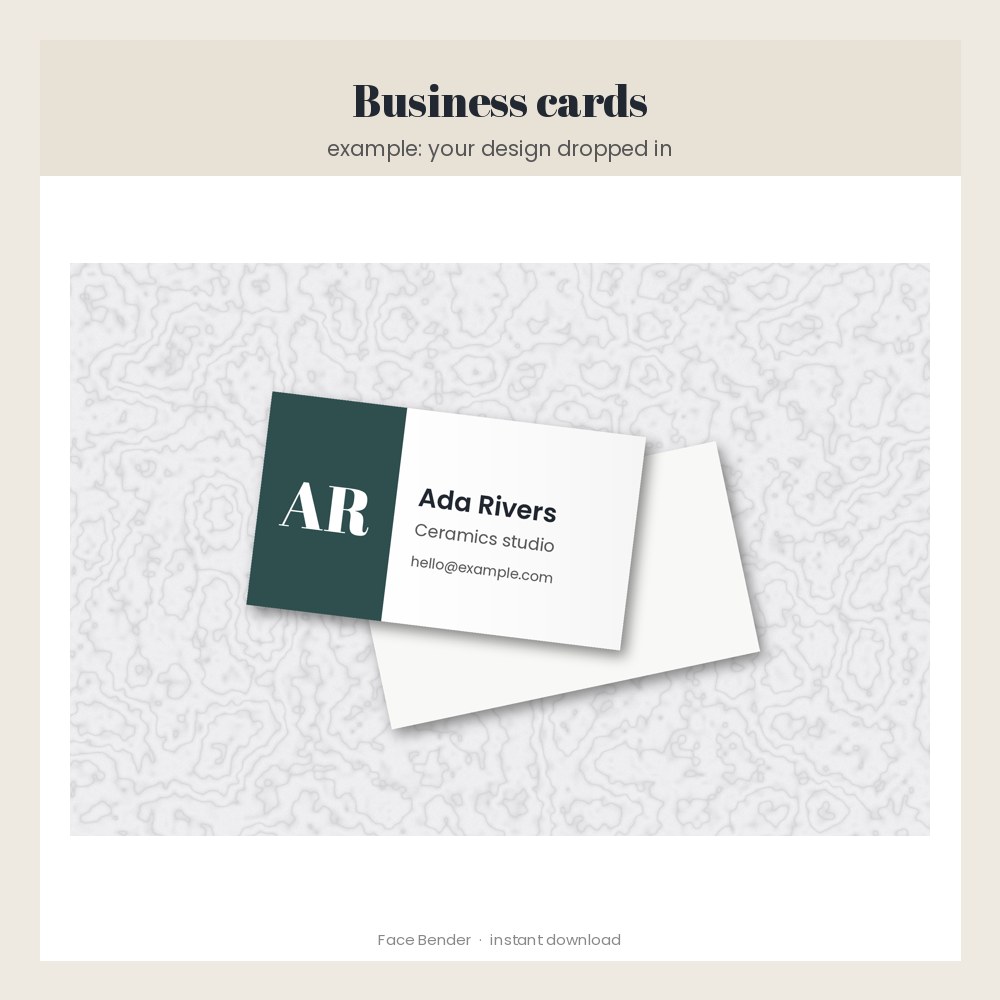
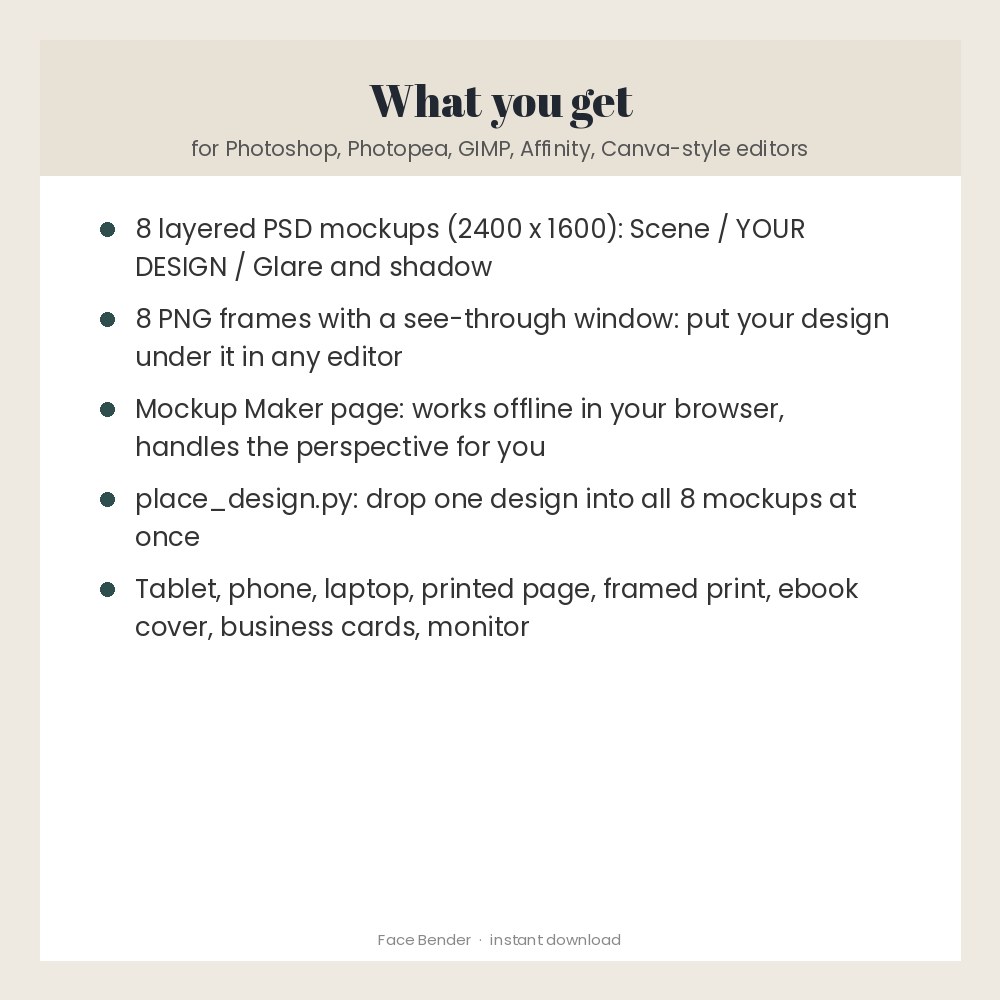
Show your digital products the way buyers will use them. Eight original mockup scenes: tablet on a wooden desk, phone on marble, laptop, printed page on a desk, framed print on a wall, ebook cover, business cards and a desktop monitor. Each comes as a layered PSD (2400 x 1600) and as a PNG frame with a see-through window, so it works in Photoshop, Photopea, GIMP, Affinity or any editor with layers. A Mockup Maker page (offline, nothing uploaded) and a small script drop your design in for you, perspective included. The scenes are drawn illustrations made for Face Bender, not photos. Made for: sellers of planners, printables, art, ebooks, apps and templates. Use: make listing pictures that sell your digital products. You get one instant download (ZIP, 60.9 MB) with 21 usable files in HTML, PNG, PSD, Python, TXT. Made with AI assistance and checked by NorthFraim's quality gate; AI-generated content may contain errors.
What's included
- 8 PNG files (15.0 MB total)
- mockup-maker.html (HTML, 4.3 KB)
- place_design.py (Python, 2.1 KB)
- LICENSE.txt (TXT, 1.3 KB)
- README.txt (TXT, 2.7 KB)
- 8 PSD files (266.3 MB total)
Download and use
- After payment, click your download link (on screen, in your receipt email, and in your account; re-download any time).
- Unzip the file on a computer: double-click it on Windows or Mac.
- Easiest: open mockup-maker.html in Chrome, Edge, Firefox or Safari, choose a '- frame.png' from the mockups folder, choose your design, click Save.
- Photoshop, Photopea, GIMP or Affinity: open a .psd, paste your design as a new layer just above 'YOUR DESIGN', fit it to the window (Free Transform / Distort for the tilted ones) and export.
- Any editor with layers (including browser editors): put your design on the bottom layer, the '- frame.png' on top, and resize your design to fill the window.
- Many at once: run python3 place_design.py --all my-design.png out-folder (needs Python and Pillow).
- Use the finished pictures in your shop listings, ads and social posts.
Tags
mockupsmockup bundlepsd mockuptablet mockupphone mockuplaptop mockupframe mockupebook mockupbusiness card mockupdigital product mockupplanner mockuppng mockup