Lumen Study UI Kit for Learning Teams
| SKU | FB-01-6FFA48AB |
|---|---|
| Format | ZIP: CSS, HTML, Markdown, PDF, PNG, SVG, TXT |
| File size | 865.6 KB |
| Delivery | Instant download, unlimited re-downloads from your account |
| Licences | Personal, Commercial, Extended |
All sales are final. Refund policy.
About this product
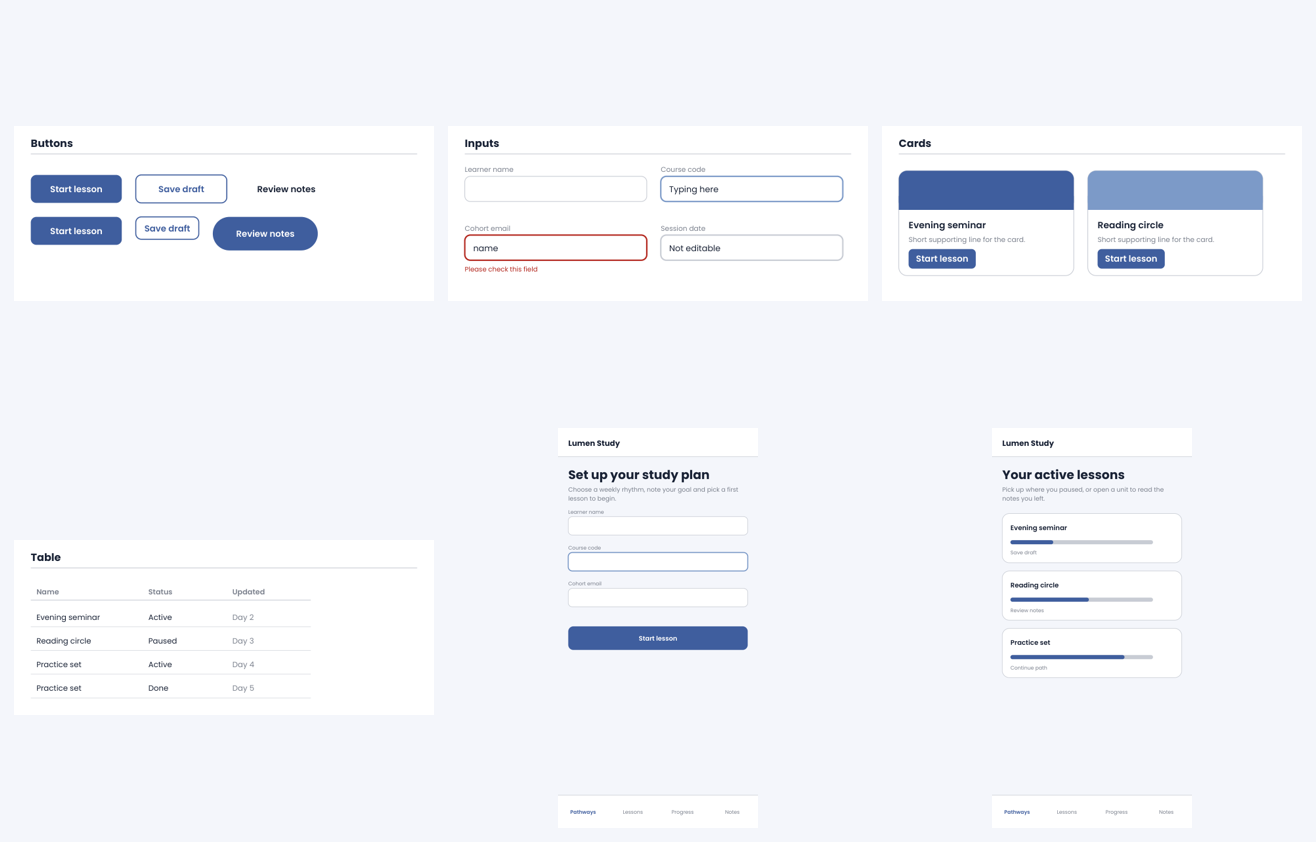
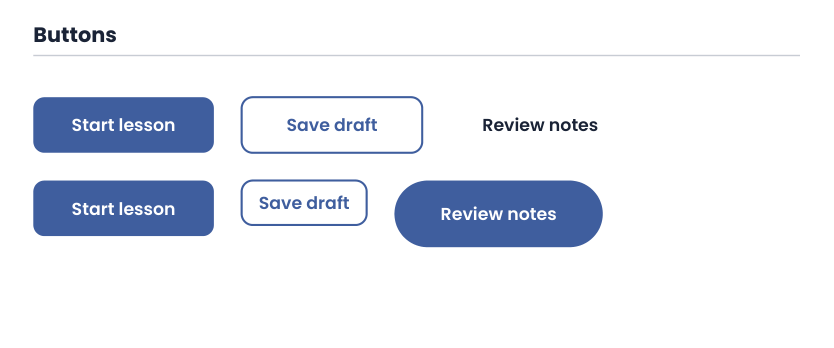
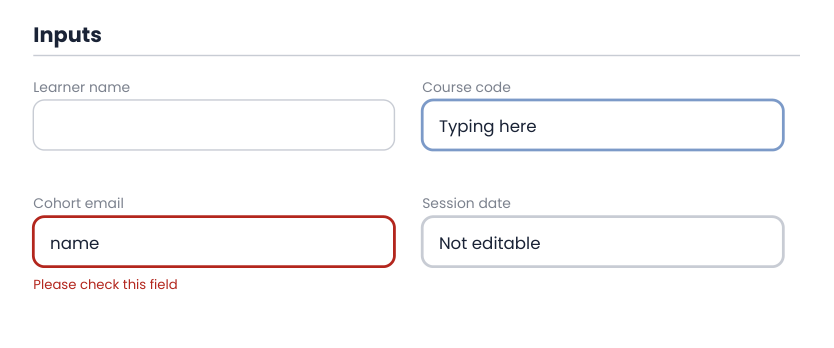
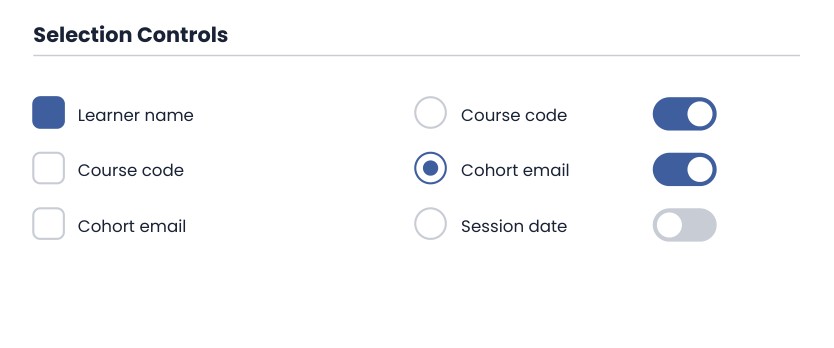
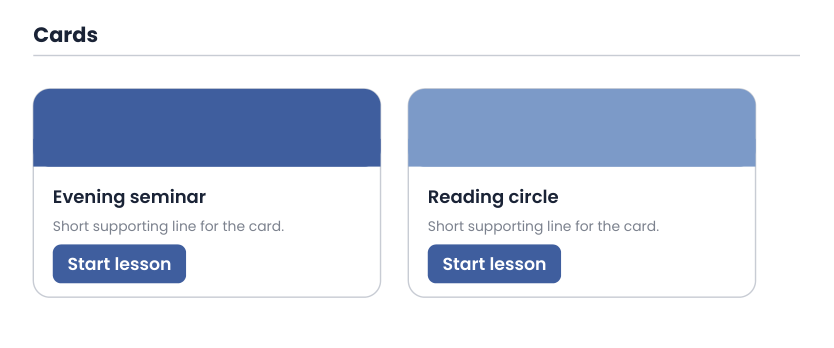
A user-interface kit for online learning apps: 12 editable SVG component sheets in light, dark and brand themes, three app screens, design tokens in JSON and CSS variables, a stylesheet, and a working HTML demo with a theme switcher. Made for education app teams building course, lesson and progress views. Made with AI assistance. Includes: 12 component SVG sheets in light theme (buttons, inputs, selection controls, cards, navigation, tabs, tags and badges, alerts, table, modal, progress and avatars, pagination and tooltip); Combined dark and brand theme SVG sheets; Three app screens as SVG in light and dark (form, list, plus a third screen set); design-tokens.json and tokens.css with CSS variables; components.css stylesheet and demo.html with a theme switcher; ui-kit-guide.pdf and SETUP-GUIDE.pdf; Four PNG preview sheets. Bundle: a complete set of matching files in one download. You get one instant download (ZIP, 865.6 KB) with 30 usable files in CSS, HTML, Markdown, PDF, PNG, SVG, TXT.
What's included
- ui-kit-guide.pdf (PDF, 45.0 KB)
- SETUP-GUIDE.pdf (PDF, 37.3 KB)
- sheet-1.png (PNG, 16.2 KB)
- sheet-2.png (PNG, 15.9 KB)
- sheet-3.png (PNG, 19.8 KB)
- sheet-4.png (PNG, 14.3 KB)
- 18 SVG files (100.5 KB total)
- demo.html (HTML, 1.9 KB)
- tokens.css (CSS, 820 B)
- components.css (CSS, 2.6 KB)
- PROVENANCE.md (Markdown, 1.7 KB)
- README.txt (TXT, 1.0 KB)
- 6 open-licence font file(s) with their licence texts (SIL OFL 1.1 / DejaVu)
- PROVENANCE.md: how every file was made
Download and use
- After payment, click your download link (on screen, in your email receipt and in your account dashboard; re-download any time).
- Unzip the file: double-click it on Windows or Mac, or tap it in the Files app on a phone.
- PDF: open in any PDF reader. To print, choose Actual size / 100% (not 'fit'), US Letter unless the page says otherwise, on matte paper or card stock.
- SVG: import into your cutting-machine software or a vector editor (Inkscape, Illustrator); each shape is a separate path, scale without losing quality.
- PNG: print at 100% or use on screen (phone/desktop wallpaper, social post, digital planner sticker).
- HTML: open the .html file in a browser to see it, then edit the text in any code editor and upload it to your web host.
- TXT/Markdown: open in any text editor; copy and paste the parts you need.
- Your licence tier (Personal, Commercial or Extended) is on your receipt and in your dashboard; see /license for what each allows.
Tags
ui kitsvgcssdesign tokensonline learningeducation appcomponent librarydark modehtml demointerface design
More on this shelf See all →