
Floor 1 · Business › Software and tools
Creator Tools Pack: 12 Python Scripts for Digital Sellers (Sales Report, Invoices, ZIP Checker, More)
| SKU | FB-01-A878A43C |
|---|---|
| Format | ZIP: CSV, Python, TXT |
| File size | 26.2 KB |
| Delivery | Instant download, unlimited re-downloads from your account |
| Licences | Personal, Commercial, Extended |
All sales are final. Refund policy.
About this product
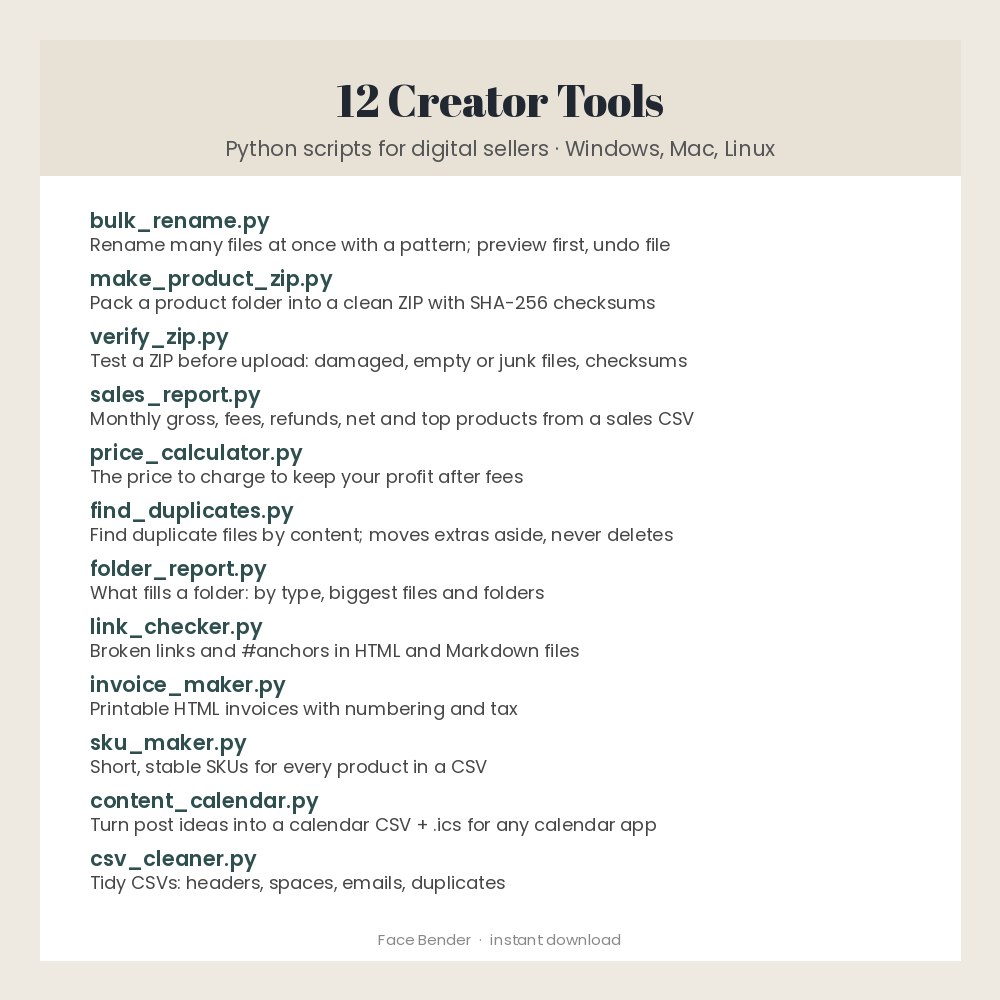
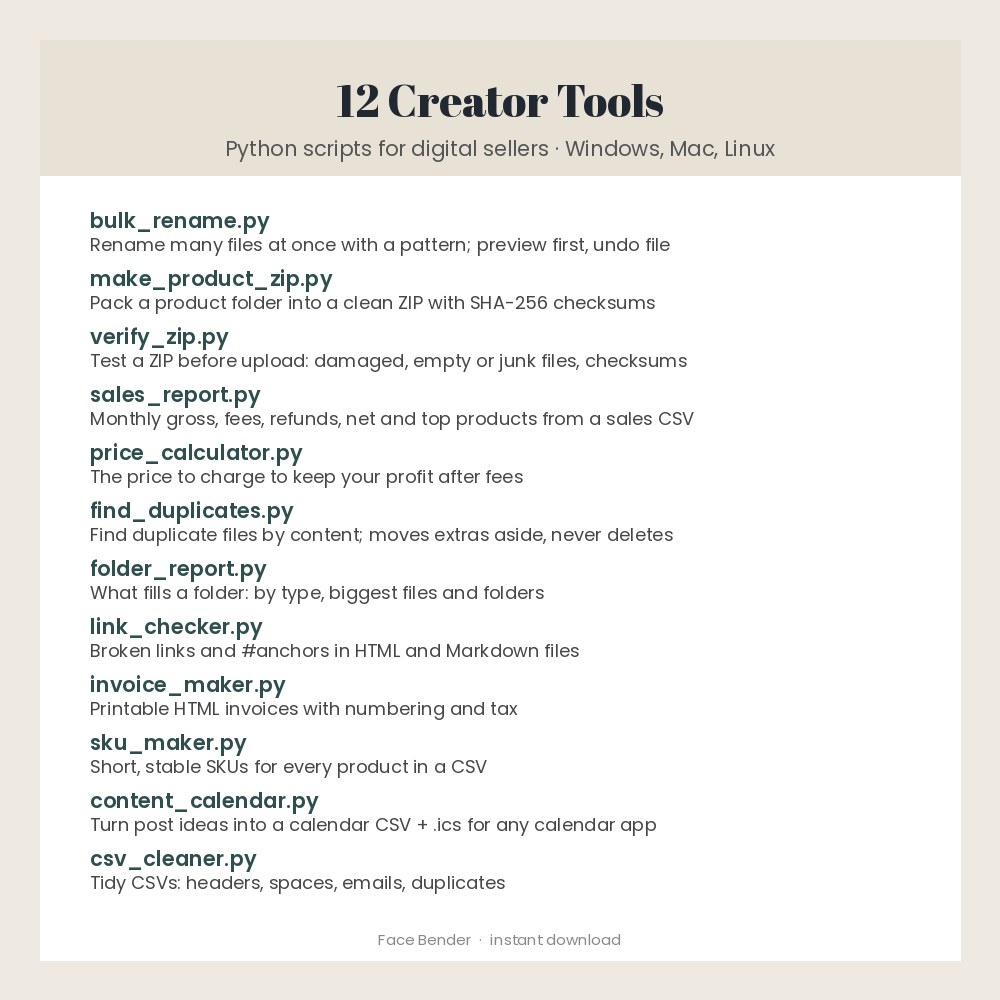
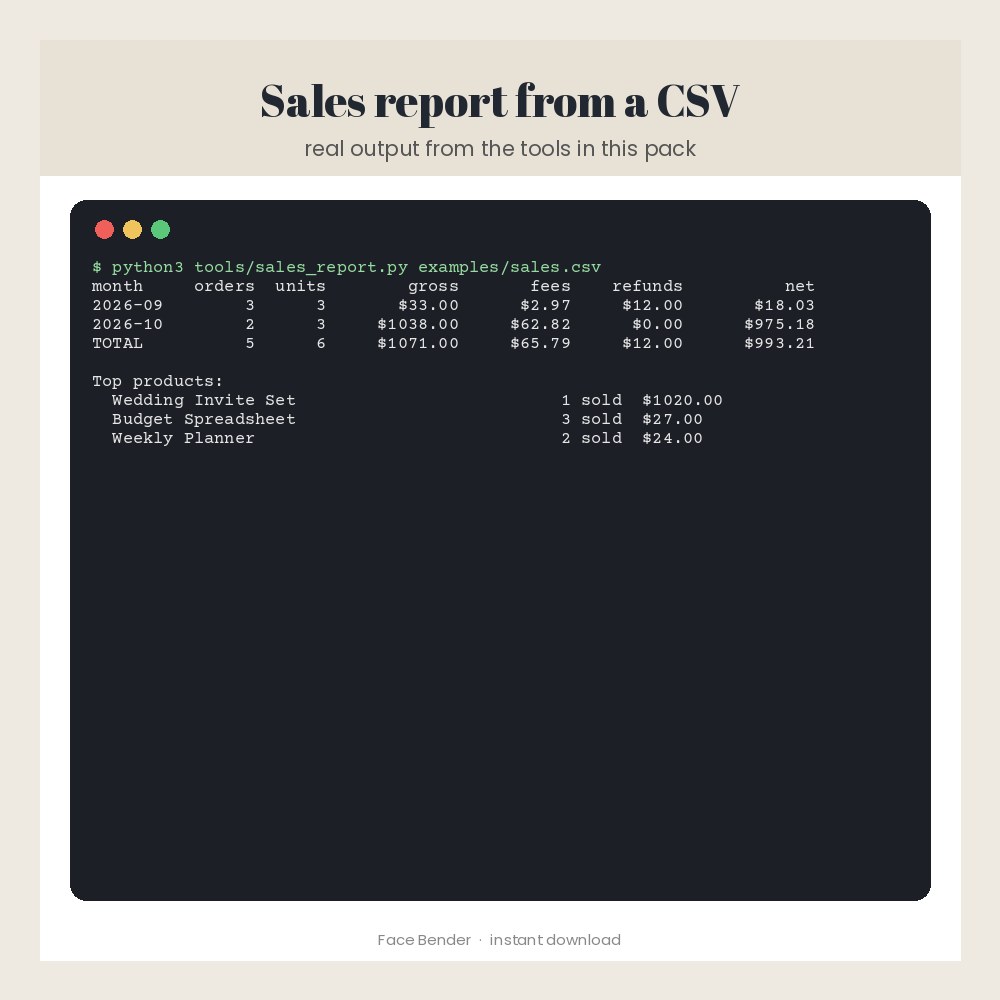
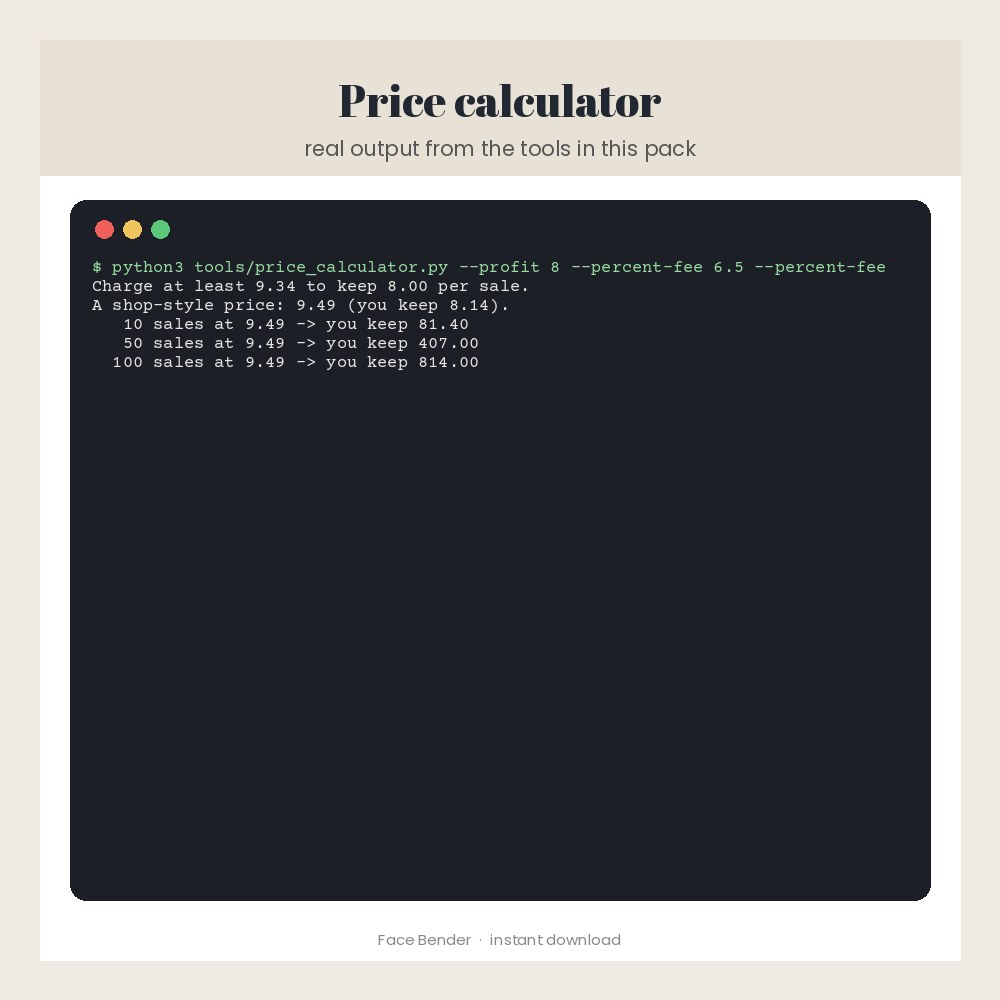
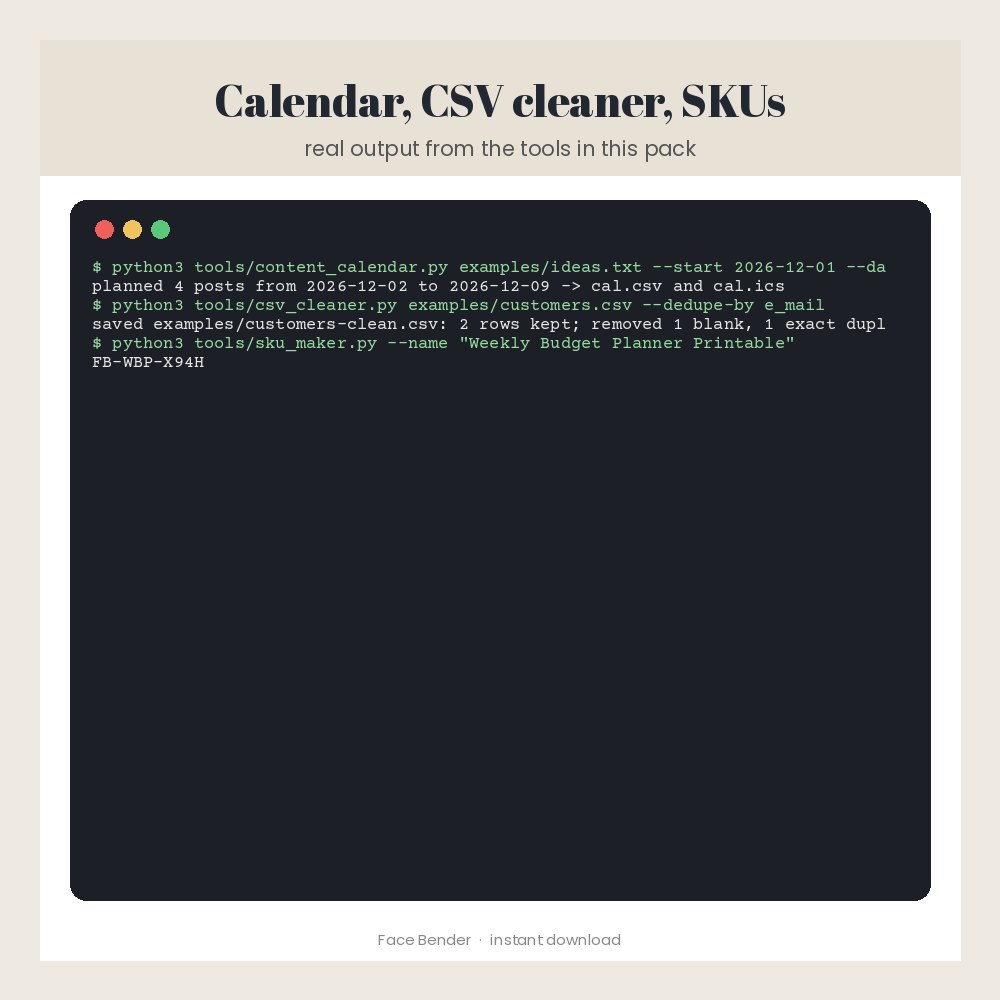
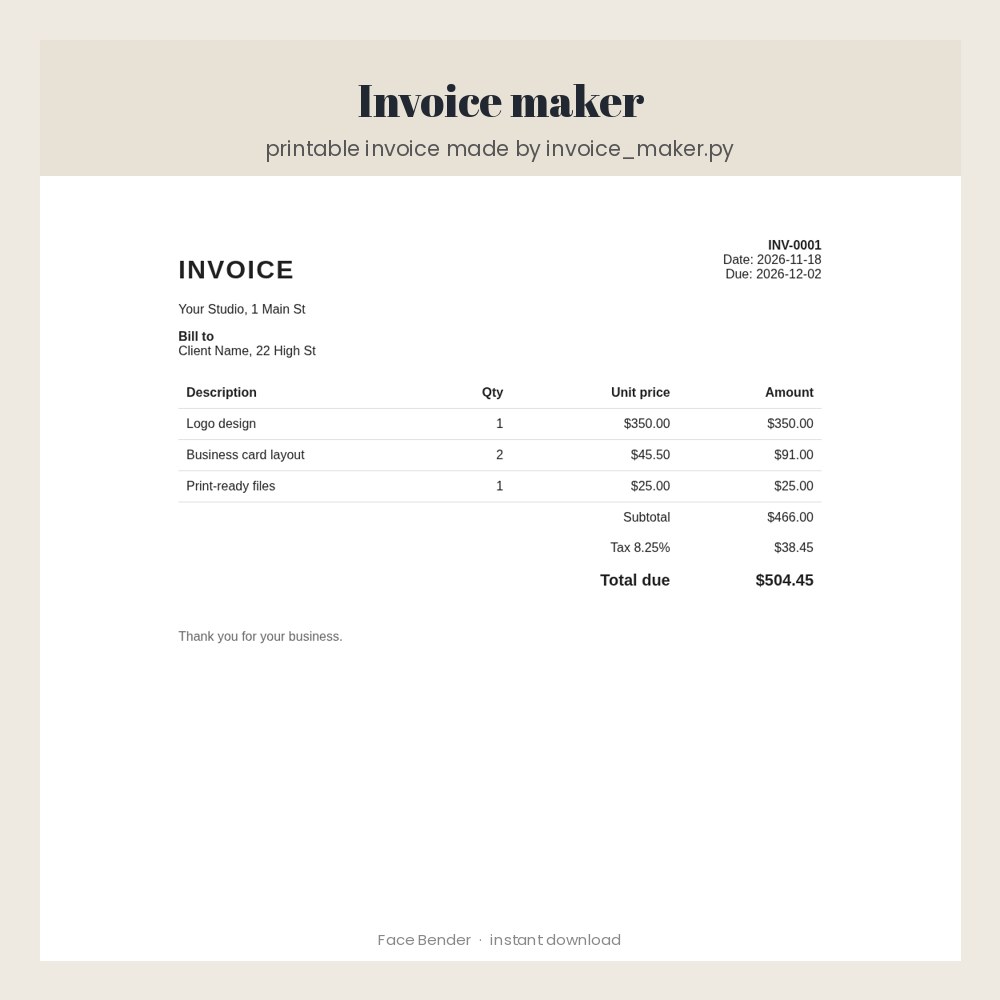
Twelve small, working command-line tools for people who sell digital products: bulk file renamer with undo, product ZIP packer with checksums, ZIP checker, sales report from any CSV export (gross, fees, refunds, net per month, top products), fee-aware price calculator, duplicate file finder (never deletes), folder size report, HTML/Markdown link checker, invoice maker (print to PDF), SKU maker, content calendar to CSV and .ics, and a CSV cleaner. Standard-library Python only (3.9+): nothing else to install, works offline on Windows, Mac and Linux. Example files, a quick guide and 13 automatic tests are included, and every tool was run and tested before sale. You need to be comfortable typing a command in a terminal. Made for: digital sellers, creators and small business owners. Use: save hours on files, sales numbers, invoices and planning. You get one instant download (ZIP, 26.2 KB) with 21 usable files in CSV, Python, TXT. Made with AI assistance and checked by NorthFraim's quality gate; AI-generated content may contain errors.
What's included
- customers.csv (CSV, 136 B)
- invoice-items.csv (CSV, 102 B)
- products.csv (CSV, 98 B)
- sales.csv (CSV, 267 B)
- 13 Python files (46.2 KB total)
- LICENSE.txt (TXT, 1.5 KB)
- README.txt (TXT, 2.5 KB)
- TOOLS-GUIDE.txt (TXT, 2.2 KB)
- ideas.txt (TXT, 146 B)
Download and use
- After payment, click your download link (on screen, in your receipt email, and in your account; re-download any time).
- Unzip the file on a computer: double-click it on Windows or Mac.
- Install Python 3.9 or newer if you do not have it (free from python.org; on Windows tick 'Add Python to PATH').
- Open a terminal in the unzipped folder (Windows: type cmd in the folder's address bar; Mac: right-click the folder > New Terminal at Folder).
- Run python3 tests/test_tools.py once (Windows: py tests\test_tools.py) to check everything works on your computer.
- Run any tool with --help to see how to use it, then try the commands in TOOLS-GUIDE.txt with the example files.
- Tools that change files only preview until you add --go, and never delete anything.
Tags
python scriptsseller toolssmall business toolsinvoice generatorsales reportprice calculatorfile renamerzip checkercontent calendarcsv cleanerautomation scriptsdigital seller software