Monochrome Studio: Wedding & Event Planner Workspace Template Pack
| SKU | FB-01-BC7C6972 |
|---|---|
| Format | ZIP: CSV, Markdown, PDF, PNG, TXT |
| File size | 1.2 MB |
| Delivery | Instant download, unlimited re-downloads from your account |
| Licences | Personal, Commercial, Extended |
All sales are final. Refund policy.
About this product
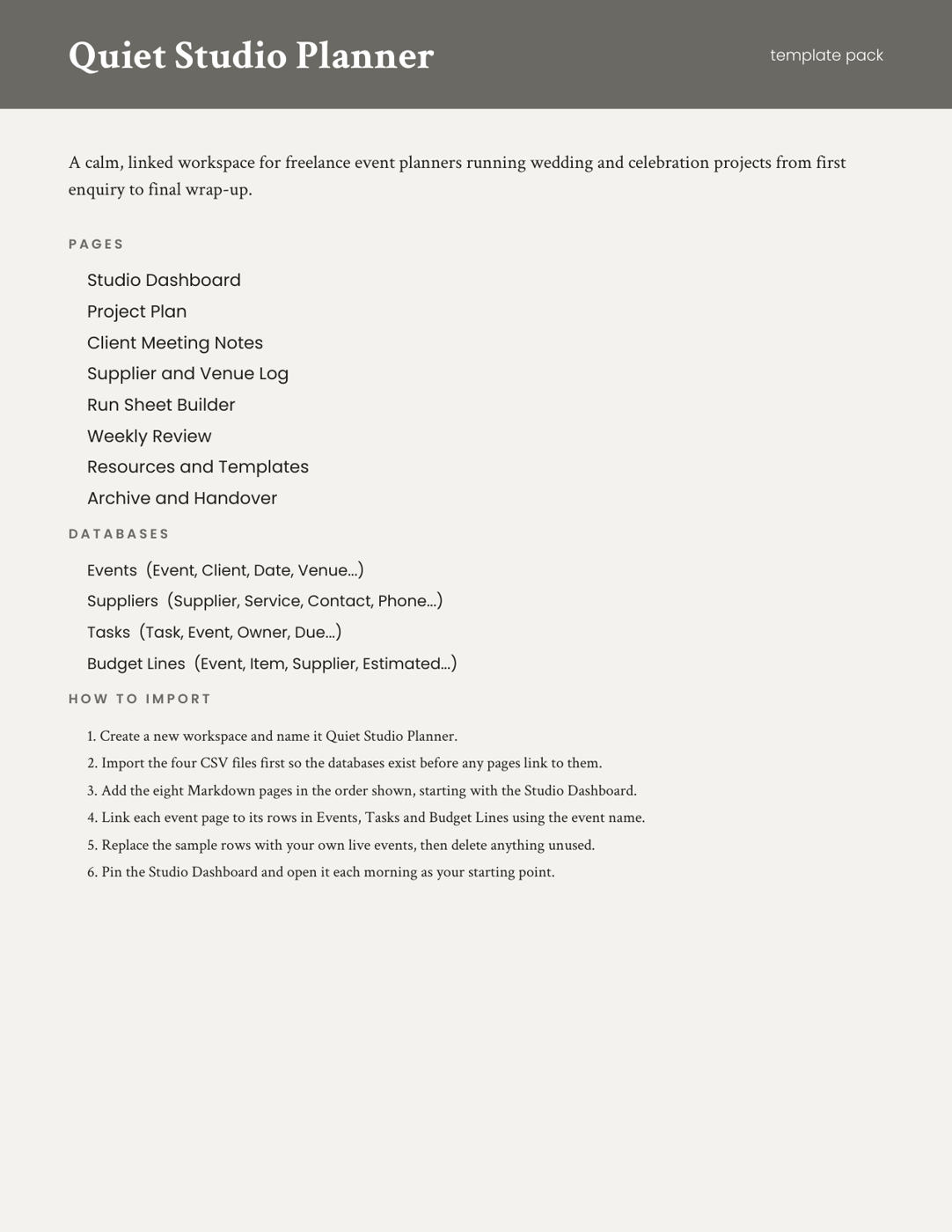
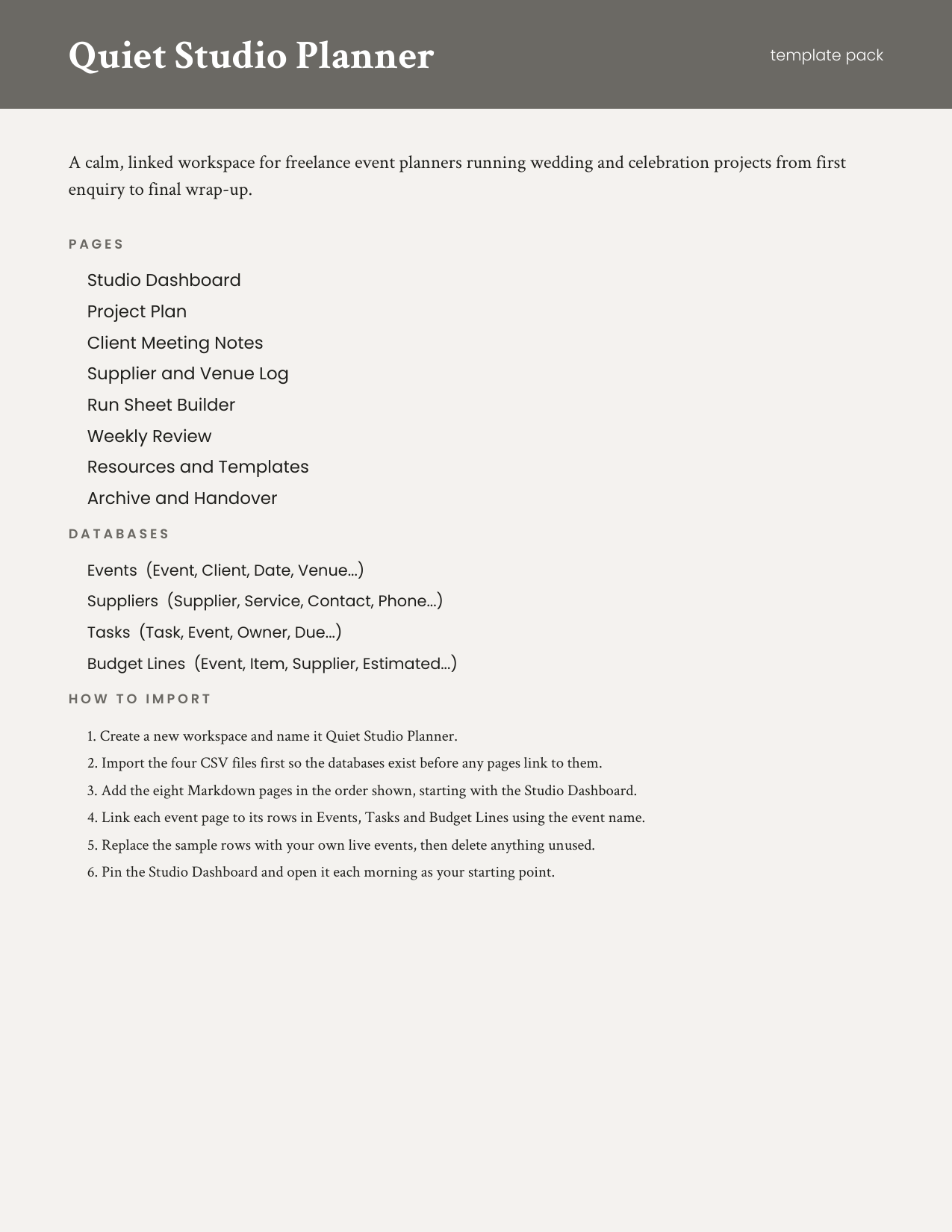
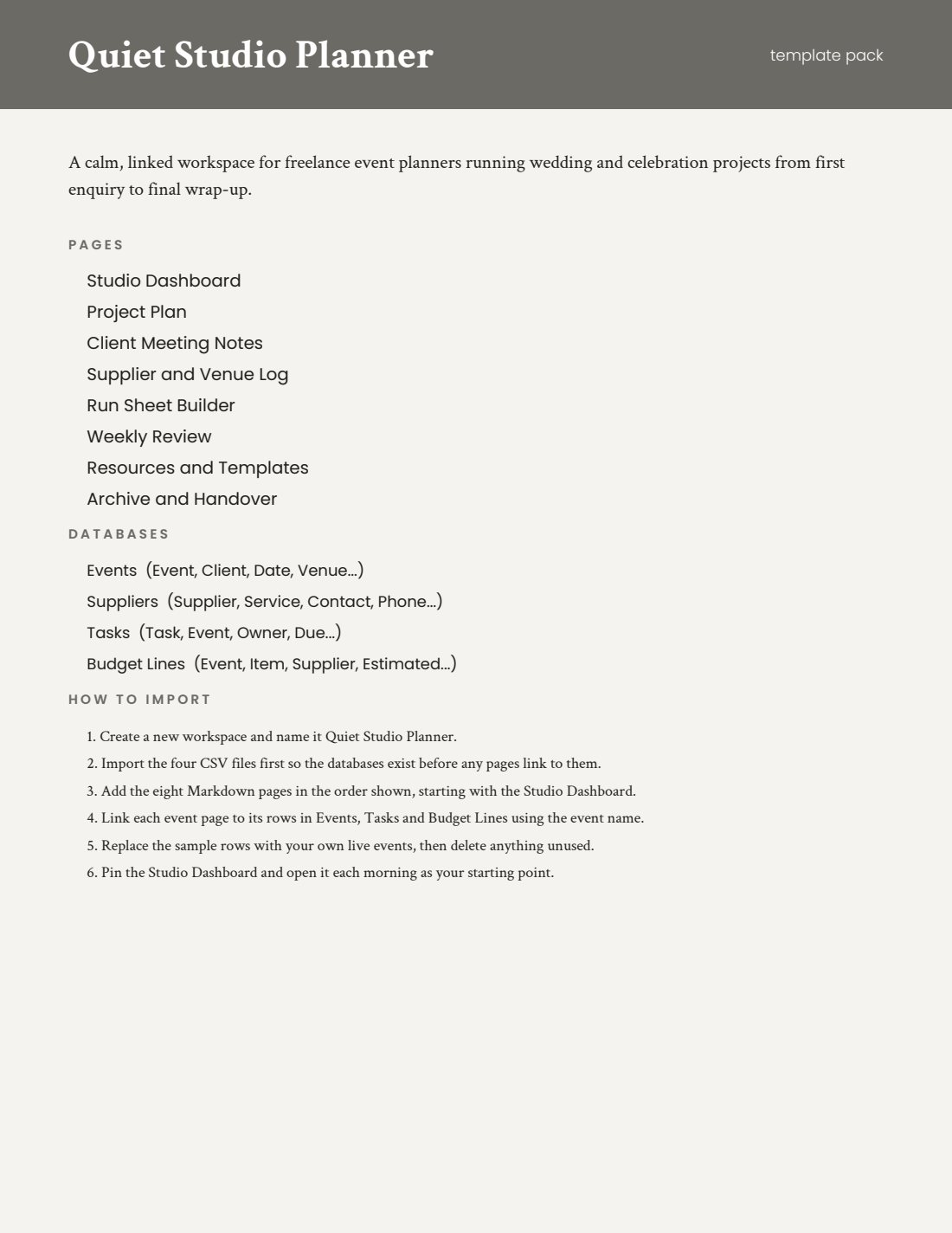
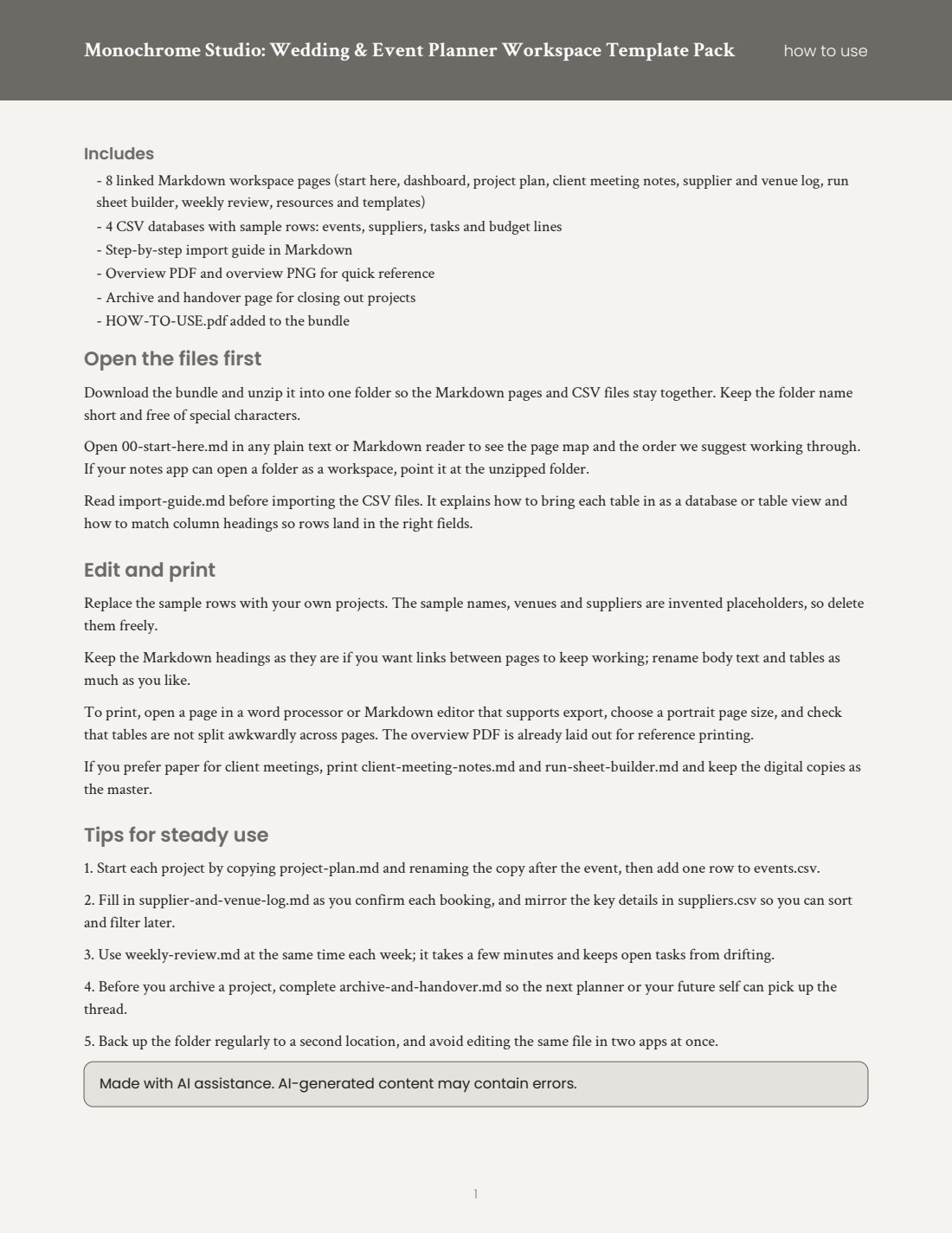
A monochrome workspace pack for freelance wedding and event planners: 8 linked Markdown pages and 4 CSV databases with sample rows, plus an import guide and overview files. Opens in any notes or workspace app that reads Markdown and CSV. Includes a printable how-to-use guide. Made with AI assistance. Includes: 8 linked Markdown workspace pages (start here, dashboard, project plan, client meeting notes, supplier and venue log, run sheet builder, weekly review, resources and templates); 4 CSV databases with sample rows: events, suppliers, tasks and budget lines; Step-by-step import guide in Markdown; Overview PDF and overview PNG for quick reference; Archive and handover page for closing out projects; HOW-TO-USE.pdf added to the bundle. Bundle: a complete set of matching files in one download. You get one instant download (ZIP, 1.2 MB) with 20 usable files in CSV, Markdown, PDF, PNG, TXT.
What's included
- overview.pdf (PDF, 65.8 KB)
- HOW-TO-USE.pdf (PDF, 67.1 KB)
- events.csv (CSV, 760 B)
- suppliers.csv (CSV, 807 B)
- tasks.csv (CSV, 700 B)
- budget-lines.csv (CSV, 823 B)
- overview.png (PNG, 124.9 KB)
- 11 Markdown files (8.4 KB total)
- README.txt (TXT, 969 B)
- 8 open-licence font file(s) with their licence texts (SIL OFL 1.1 / DejaVu)
- PROVENANCE.md: how every file was made
Download and use
- After payment, click your download link (on screen, in your email receipt and in your account dashboard; re-download any time).
- Unzip the file: double-click it on Windows or Mac, or tap it in the Files app on a phone.
- PDF: open in any PDF reader. To print, choose Actual size / 100% (not 'fit'), US Letter unless the page says otherwise, on matte paper or card stock.
- XLSX/CSV: open in Excel, LibreOffice Calc, Numbers or Google Sheets; type in the white cells, formulas fill the rest.
- PNG: print at 100% or use on screen (phone/desktop wallpaper, social post, digital planner sticker).
- TXT/Markdown: open in any text editor; copy and paste the parts you need.
- Your licence tier (Personal, Commercial or Extended) is on your receipt and in your dashboard; see /license for what each allows.
Tags
event plannerwedding plannerworkspace templatemarkdowncsvproject managementclient notesfreelance businessprintabledigital download
More on this shelf See all →