Floor 2 · Planners and Home › Digital planner stickers
Digital Planner Stickers for GoodNotes, 50 Transparent PNG Functional Stickers
| SKU | FB-02-4D1823D2 |
|---|---|
| Format | ZIP: PDF, PNG, TXT |
| File size | 525.9 KB |
| Delivery | Instant download, unlimited re-downloads from your account |
| Licences | Personal, Commercial, Extended |
All sales are final. Refund policy.
About this product
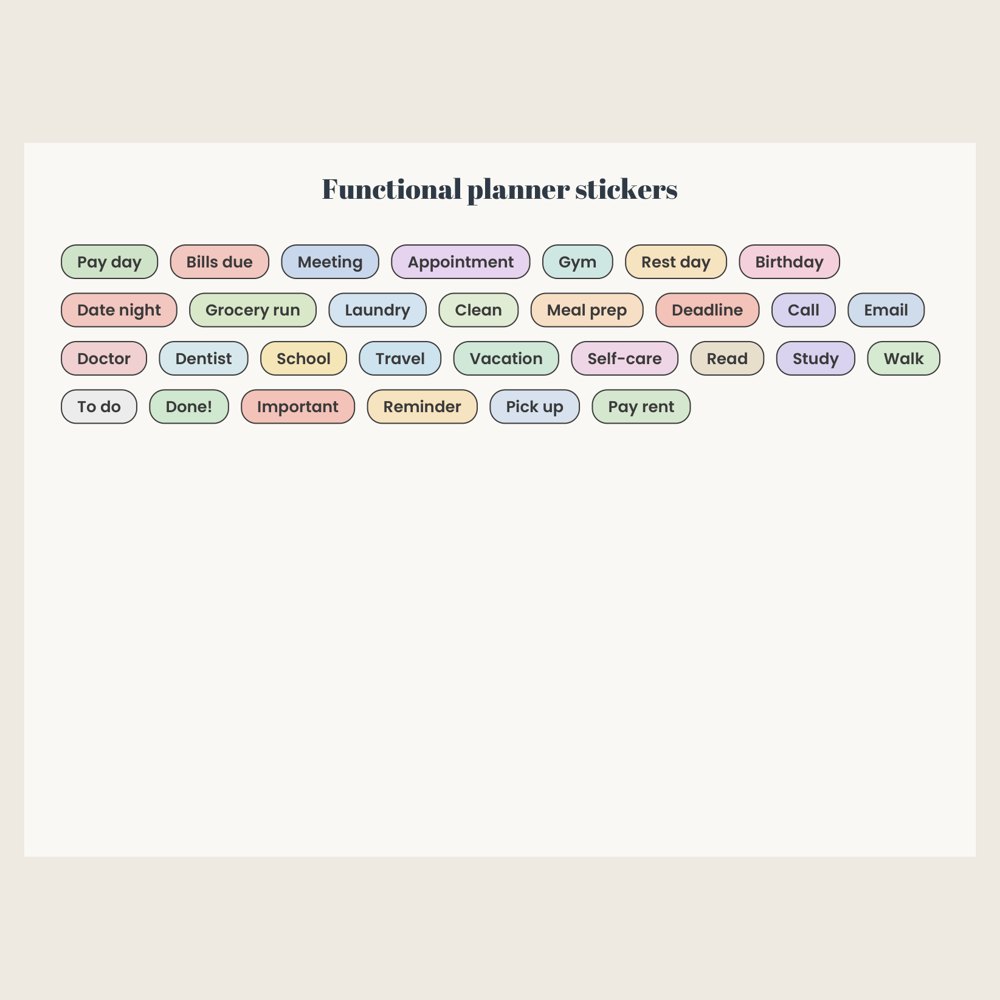
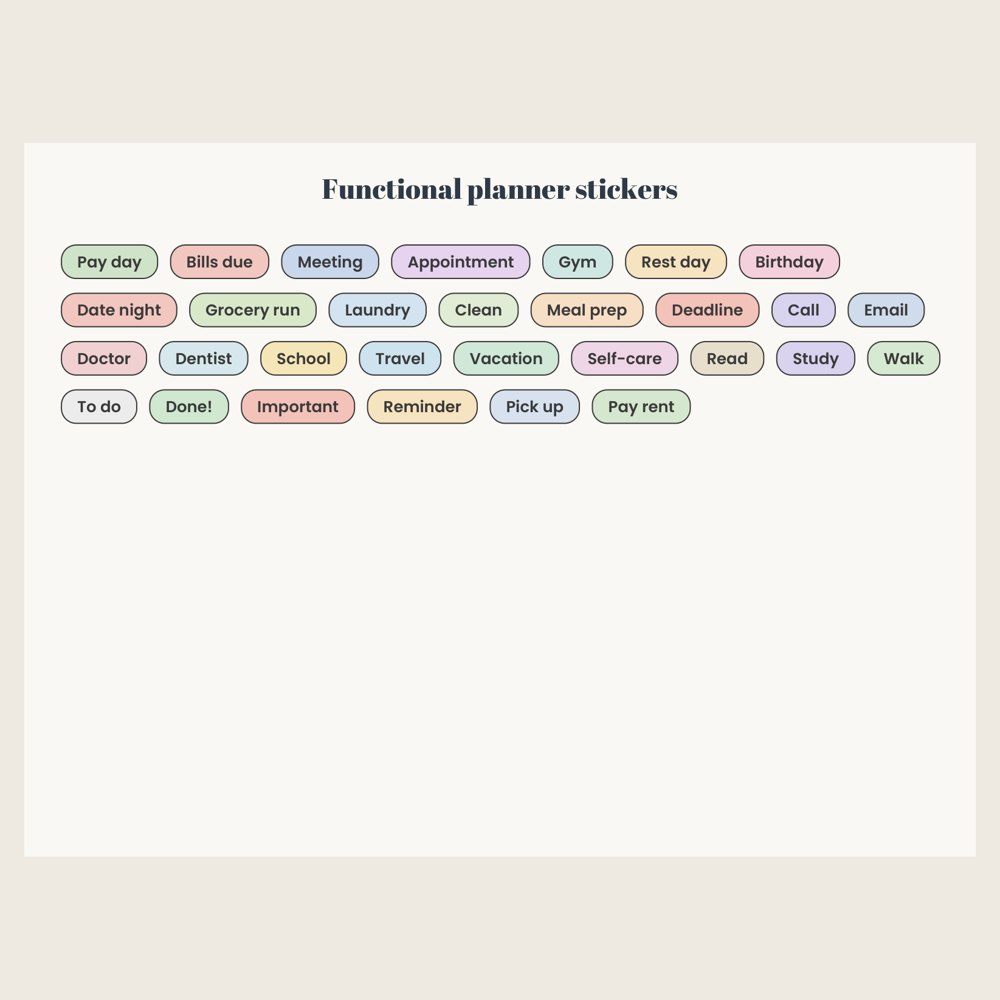
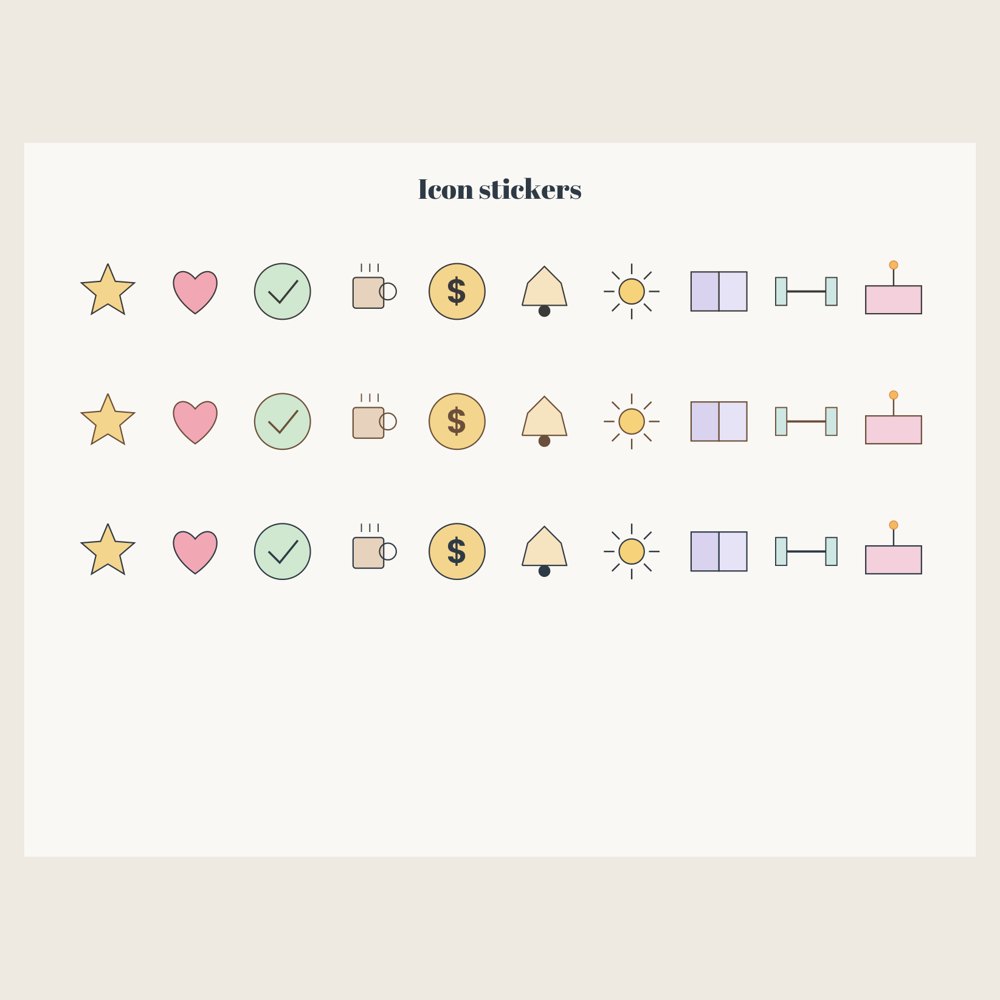
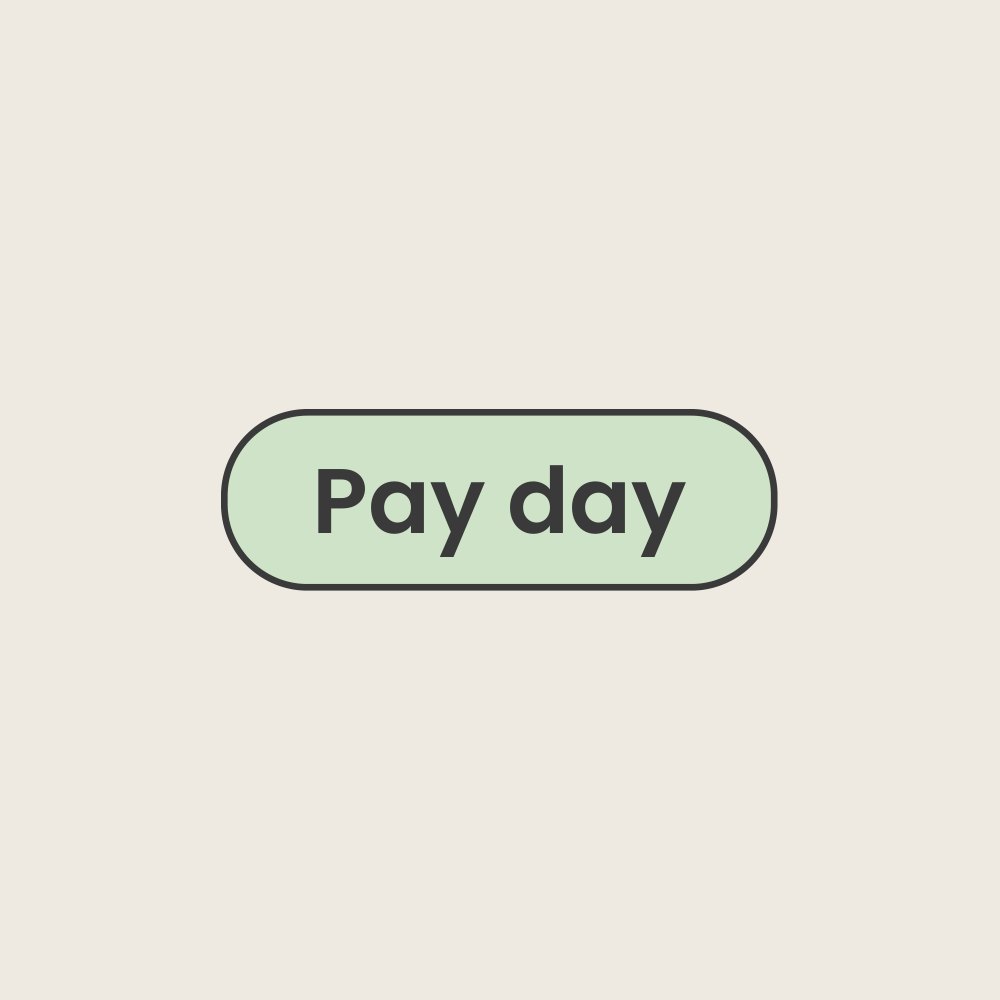
50 transparent 300 dpi PNG planner stickers: 30 functional labels (Pay day, Bills due, Meeting, Gym, Meal prep, Deadline, Doctor, Travel, Done! and more) and 20 hand-drawn style icons (star, heart, check, coffee, coin, bell, sun, book, dumbbell, cake) in two ink colours, plus a 2-page sticker book PDF for GoodNotes. Works in GoodNotes, Notability and any app that takes PNG images. Made for: digital planners on iPad or Android tablets. Use: decorate and label pages in a digital planner. You get one instant download (ZIP, 525.9 KB) with 53 usable files in PDF, PNG, TXT. Made with AI assistance and checked by NorthFraim's quality gate; AI-generated content may contain errors.
What's included
- sticker-book-GoodNotes.pdf (PDF, 138.8 KB)
- 50 PNG files (413.1 KB total)
- HOW-TO-USE.txt (TXT, 301 B)
- README.txt (TXT, 2.4 KB)
Download and use
- After payment, click your download link (on screen, in your email receipt and in your account dashboard; re-download any time).
- Unzip the file: double-click it on Windows or Mac, or tap it in the Files app on a phone.
- PDF: open in any PDF reader. To print, choose Actual size / 100% (not 'fit'), US Letter unless the page says otherwise, on matte paper or card stock.
- PNG: print at 100% or use on screen (phone/desktop wallpaper, social post, digital planner sticker).
- TXT/Markdown: open in any text editor; copy and paste the parts you need.
- Your licence tier (Personal, Commercial or Extended) is on your receipt and in your dashboard; see /license for what each allows.
Tags
digital stickersgoodnotes stickersplanner stickersfunctional stickerstransparent pngdigital planner stickersipad stickersnotability stickers