Floor 3 · Paper and Party › Save the dates
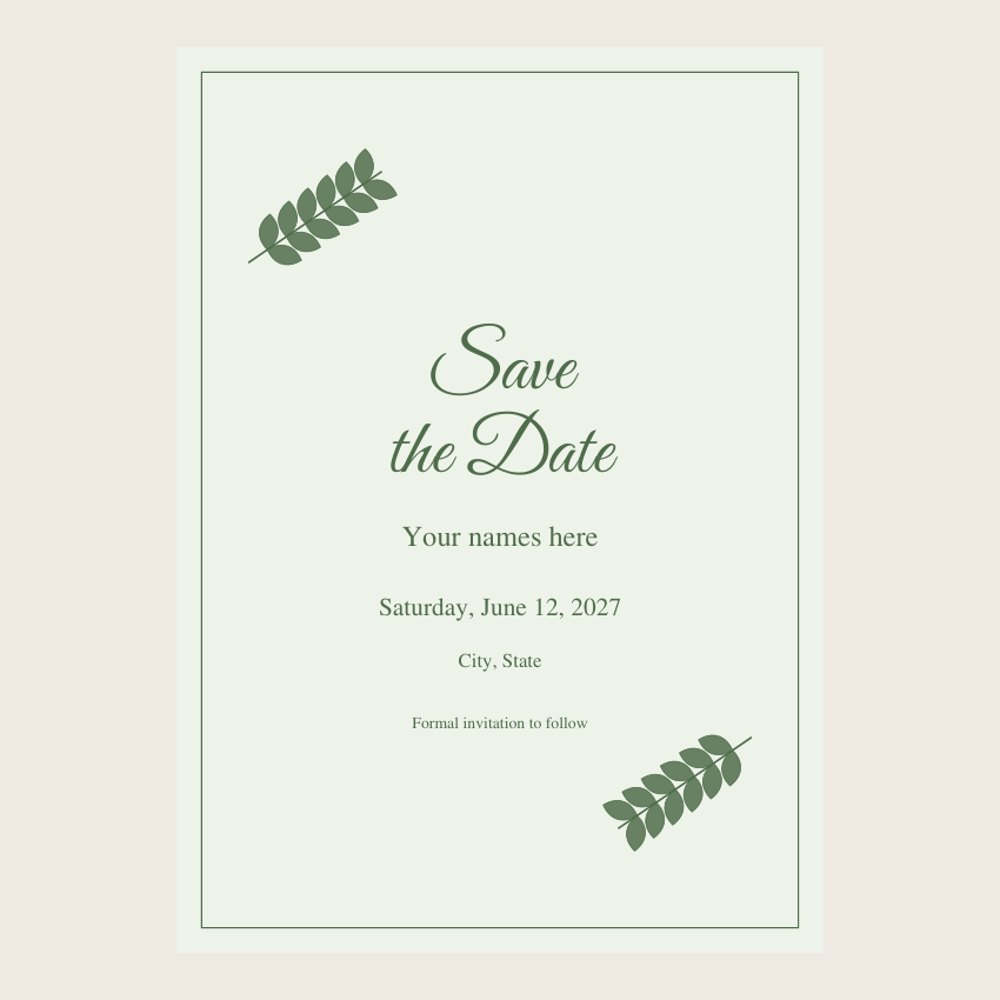
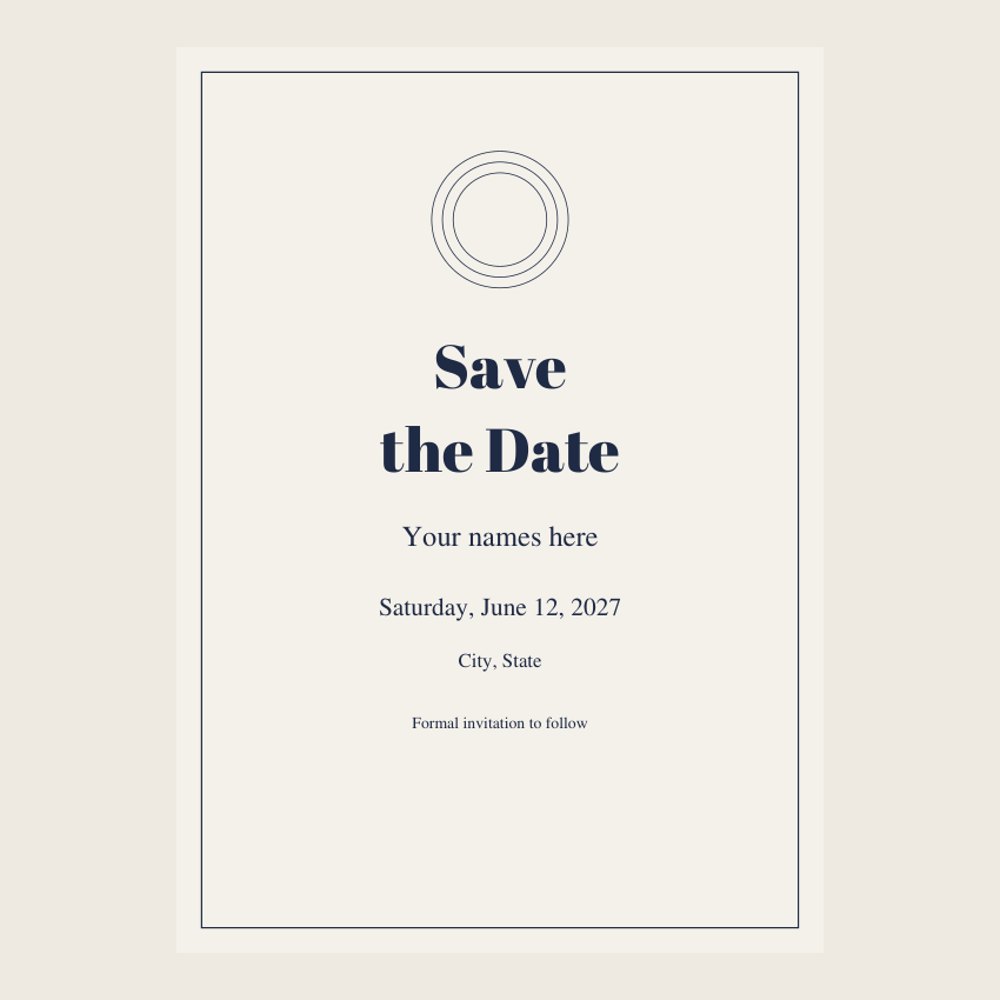
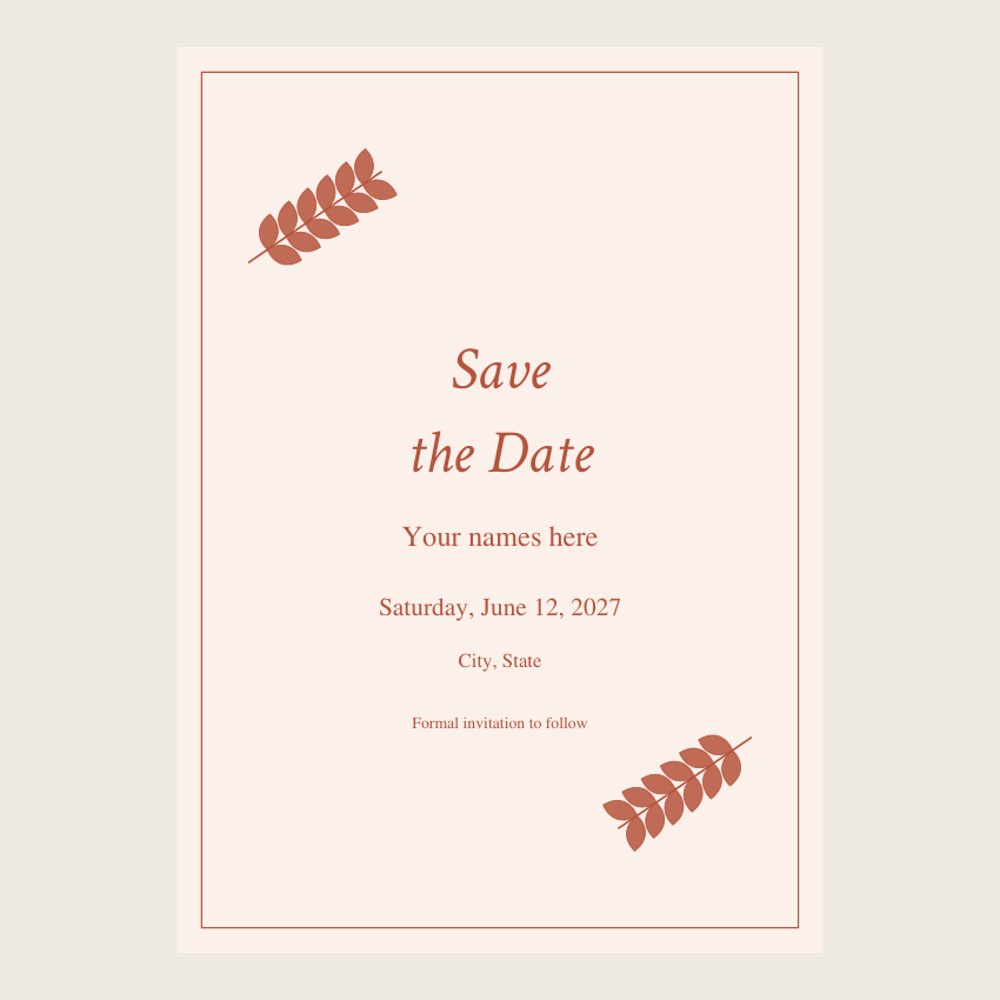
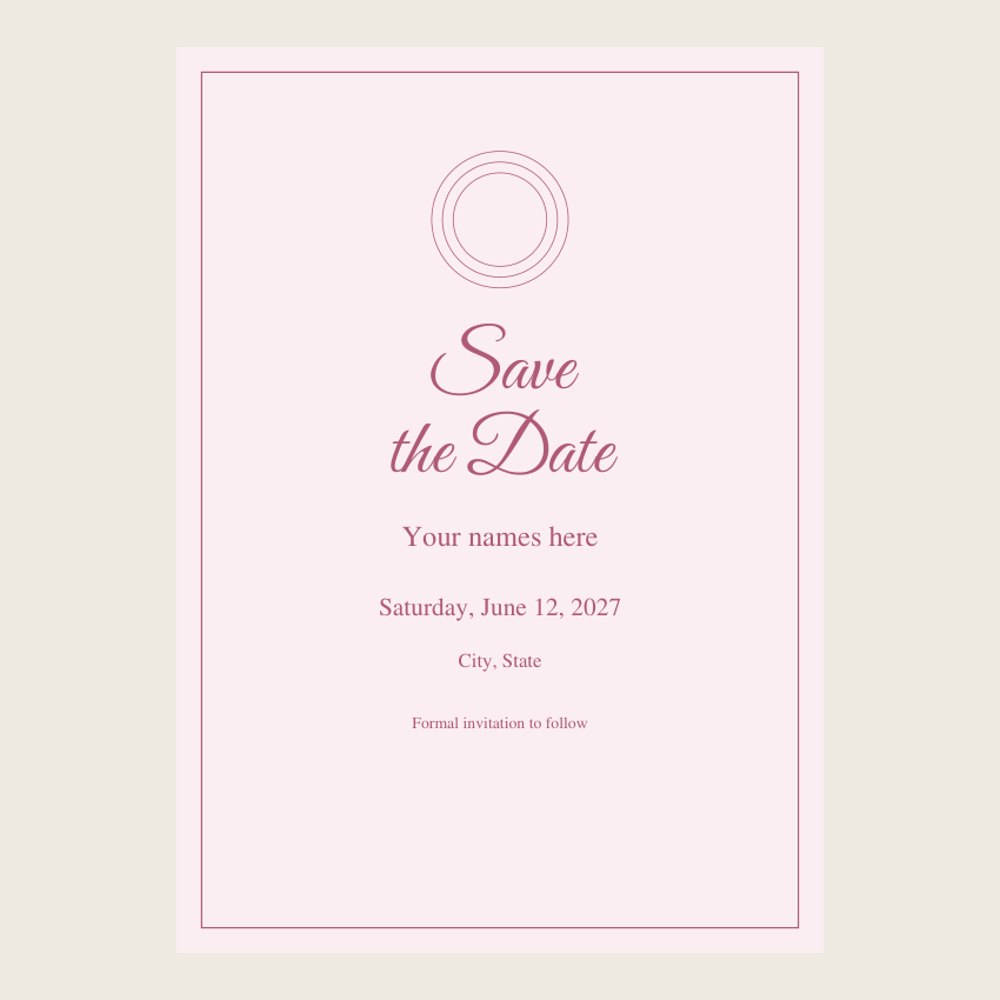
Save the Date Cards, 4 Designs, Editable Fillable PDF 5x7, No App Needed
| SKU | FB-03-F5203AA0 |
|---|---|
| Format | ZIP: PDF, TXT |
| File size | 1.9 MB |
| Delivery | Instant download, unlimited re-downloads from your account |
| Licences | Personal, Commercial, Extended |
All sales are final. Refund policy.
About this product
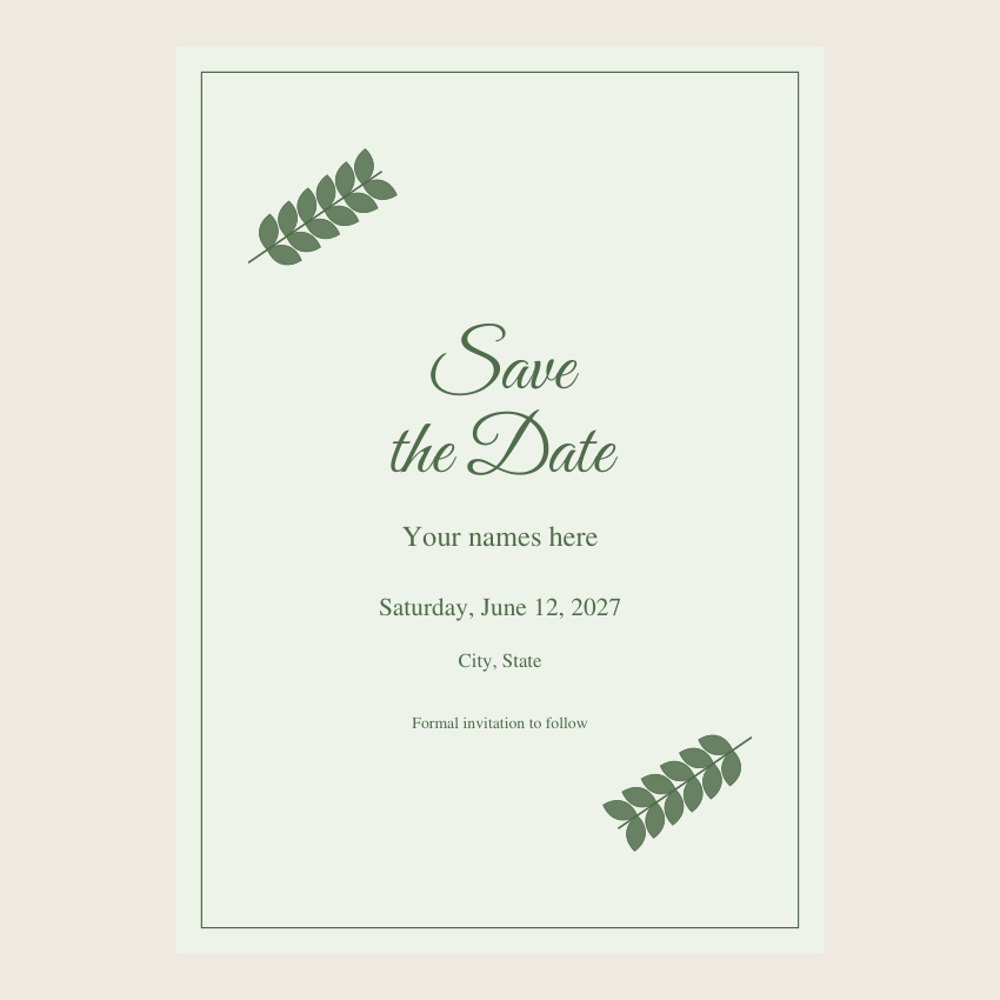
Four save the date card designs (Greenery, Classic, Terracotta, Blush) as 5x7 inch PDFs. Each comes as a fillable version where you click and type your names, date and place in free Adobe Acrobat Reader, and a write-in version for hand lettering, plus a print sheet with two cards per US Letter page and crop marks. No Canva or other account needed. Print at home, at a print shop, or send digitally. Made for: couples announcing their wedding date. Use: send save the dates by mail, text or email. You get one instant download (ZIP, 1.9 MB) with 11 usable files in PDF, TXT. Made with AI assistance and checked by NorthFraim's quality gate; AI-generated content may contain errors.
What's included
- 9 PDF files (2.0 MB total)
- HOW-TO-EDIT.txt (TXT, 420 B)
- README.txt (TXT, 1.1 KB)
Download and use
- After payment, click your download link (on screen, in your email receipt and in your account dashboard; re-download any time).
- Unzip the file: double-click it on Windows or Mac, or tap it in the Files app on a phone.
- PDF: open in any PDF reader. To print, choose Actual size / 100% (not 'fit'), US Letter unless the page says otherwise, on matte paper or card stock.
- TXT/Markdown: open in any text editor; copy and paste the parts you need.
- Your licence tier (Personal, Commercial or Extended) is on your receipt and in your dashboard; see /license for what each allows.
Tags
save the datesave the date cardwedding save the dateeditable save the dategreenery weddingprintable wedding5x7 carddigital save the datewedding stationery