
Floor 4 · Craft and Wall Art › Fonts
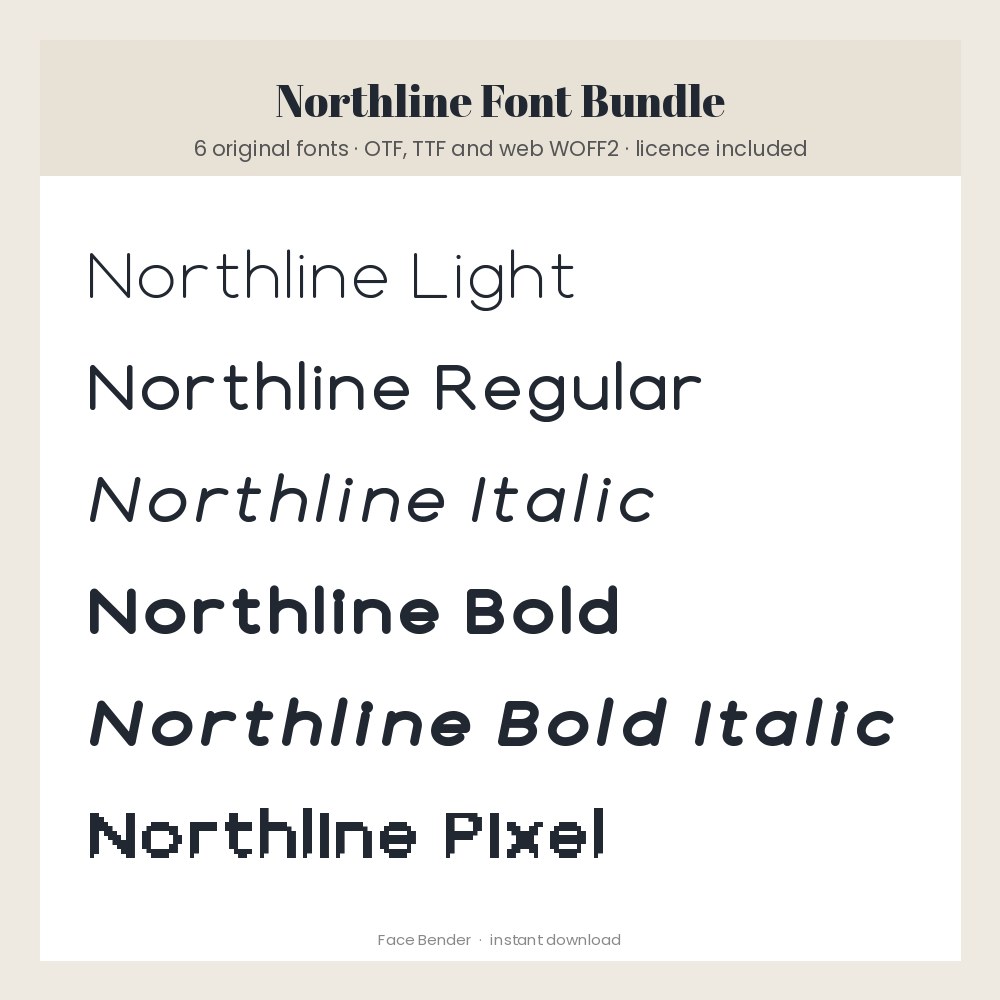
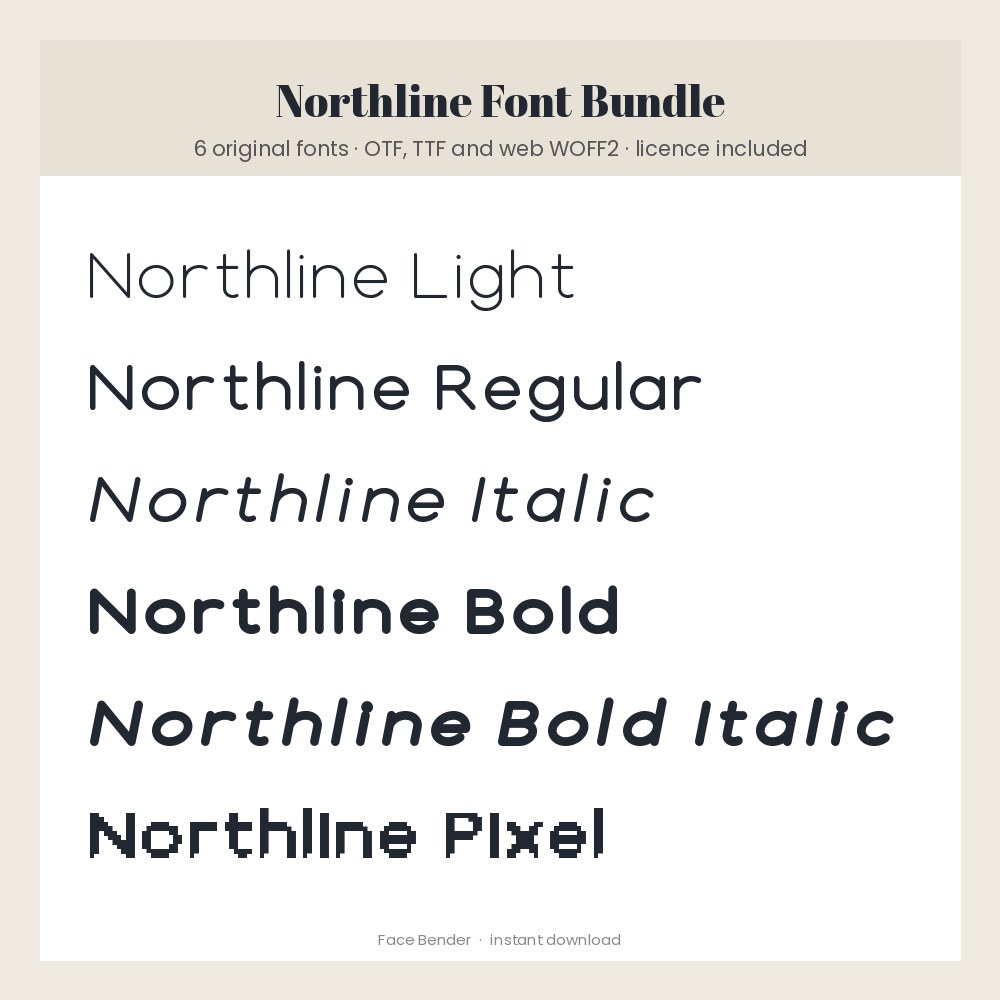
Northline Font Bundle: 6 Original Fonts (Light to Bold, Italic, Pixel), OTF TTF WOFF2
| SKU | FB-04-A426E7AD |
|---|---|
| Format | ZIP: HTML, PDF, TXT, WOFF2 |
| File size | 226.0 KB |
| Delivery | Instant download, unlimited re-downloads from your account |
| Licences | Personal, Commercial, Extended |
All sales are final. Refund policy.
About this product
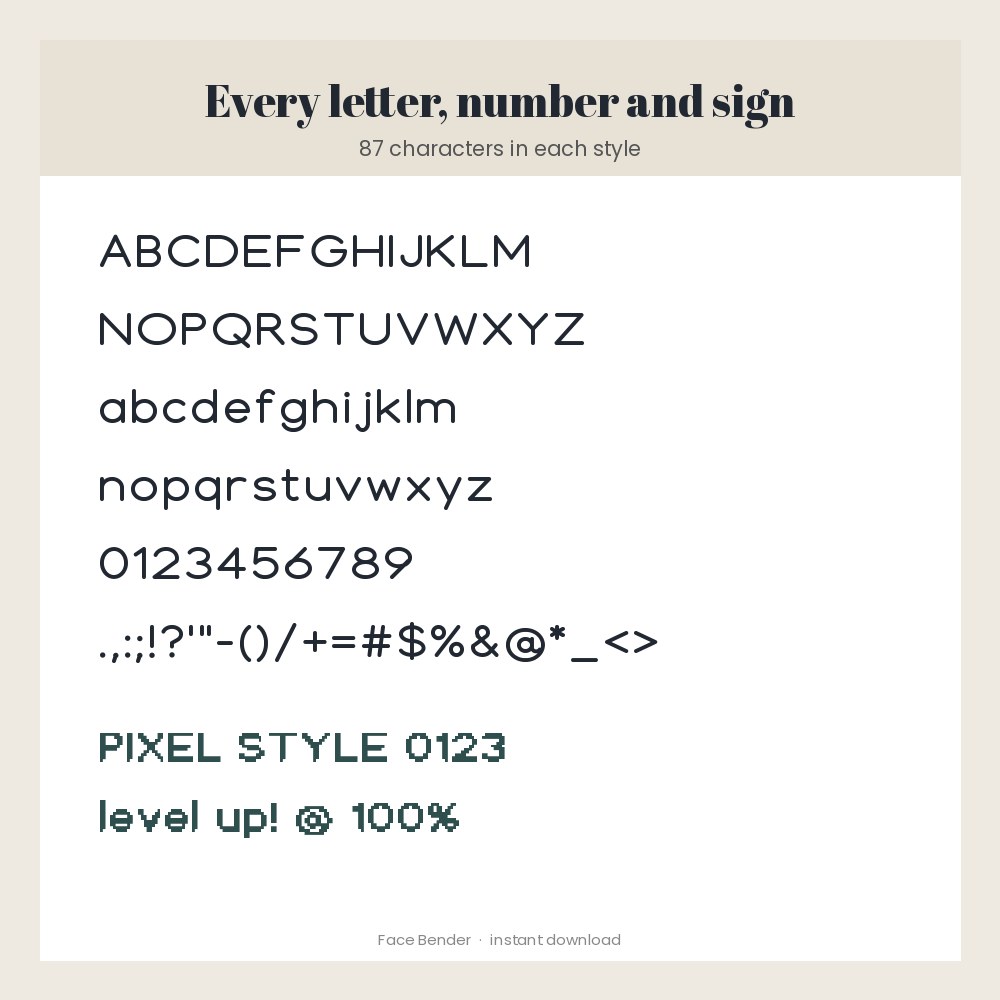
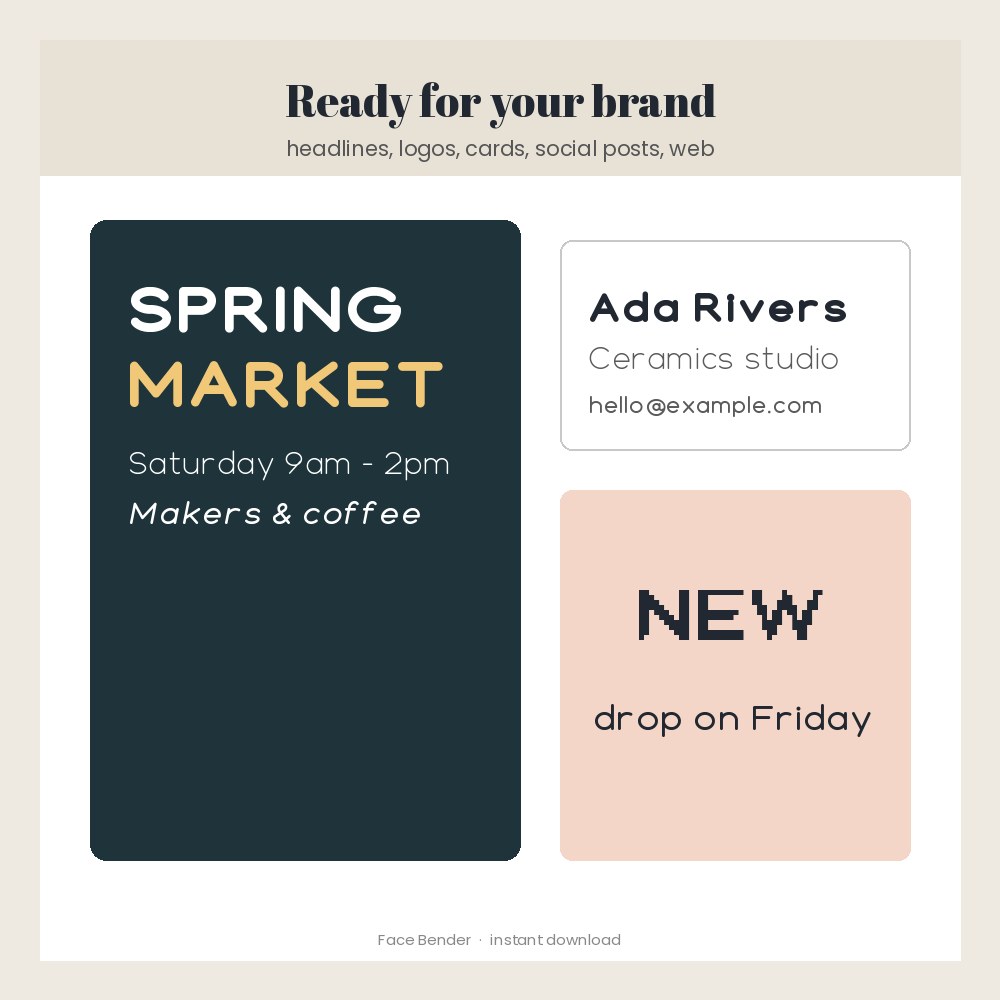
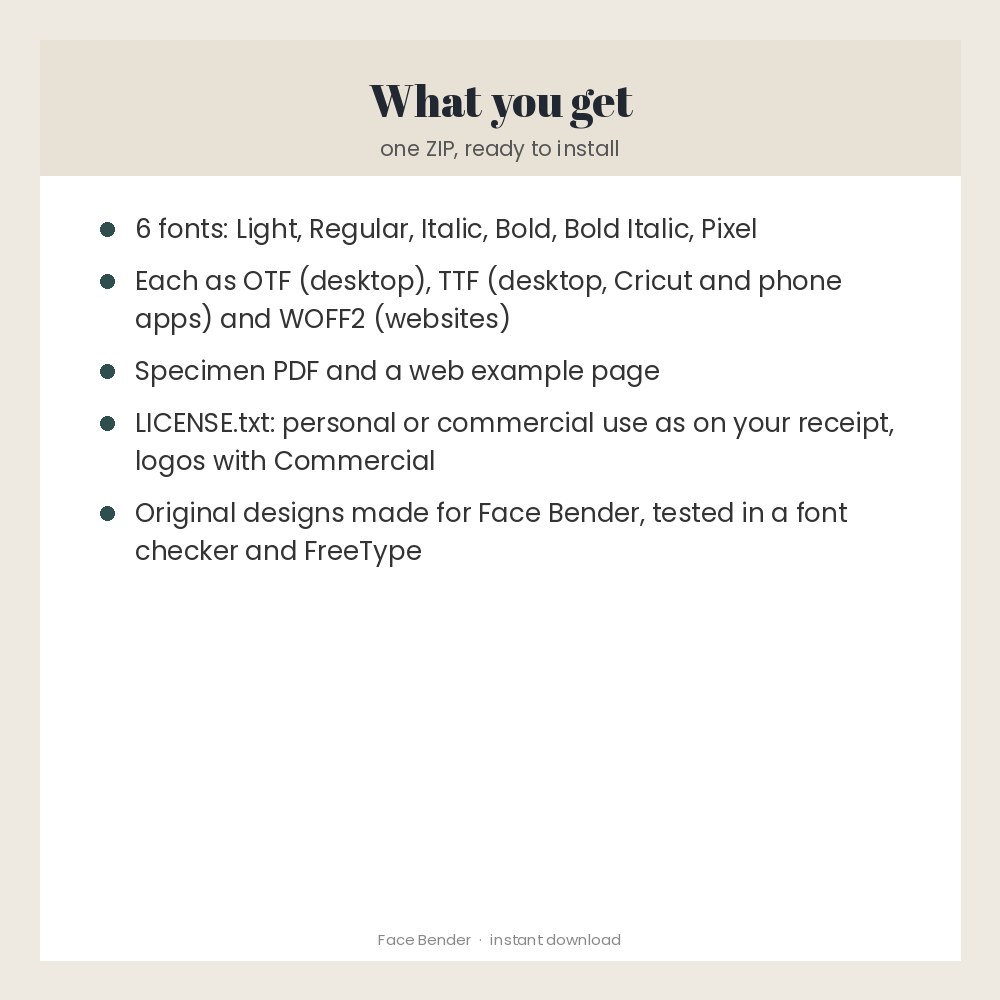
Northline is an original geometric monoline font family made for Face Bender: Light, Regular, Italic, Bold and Bold Italic, plus a matching Northline Pixel style for game and retro looks. Each style has the full A-Z, a-z, 0-9 and common signs (87 characters) and comes as OTF, TTF and WOFF2 web fonts, with a specimen PDF, a web example and a clear licence file. Commercial use and logos are allowed with the Commercial licence. Every file was checked with the OpenType Sanitizer used by web browsers and rendered with FreeType before sale. English letters only (no accented letters). Made for: makers, designers, crafters and small brands. Use: headlines, logos, social posts, printables and websites. You get one instant download (ZIP, 226.0 KB) with 22 usable files in HTML, PDF, TXT, WOFF2. Made with AI assistance and checked by NorthFraim's quality gate; AI-generated content may contain errors.
What's included
- Northline-specimen.pdf (PDF, 148.7 KB)
- web-example.html (HTML, 1.3 KB)
- LICENSE.txt (TXT, 1.5 KB)
- README.txt (TXT, 2.4 KB)
- Northline-Bold.woff2 (WOFF2, 8.2 KB)
- Northline-BoldItalic.woff2 (WOFF2, 8.8 KB)
- Northline-Italic.woff2 (WOFF2, 9.4 KB)
- Northline-Light.woff2 (WOFF2, 9.1 KB)
- Northline-Regular.woff2 (WOFF2, 8.8 KB)
- NorthlinePixel-Regular.woff2 (WOFF2, 2.5 KB)
- 12 open-licence font file(s) with their licence texts (SIL OFL 1.1 / DejaVu)
Download and use
- After payment, click your download link (on screen, in your receipt email, and in your account; re-download any time).
- Unzip the file: double-click it on Windows or Mac, or tap it in the Files app on a phone.
- Windows: open the fonts folder, right-click the .otf files and choose Install (or Install for all users).
- Mac: double-click each .otf file and click Install Font in Font Book.
- iPhone/iPad or Procreate/Canva-style apps: use the .ttf files (Procreate: Actions > Add > Import a font; other apps: their Upload font button).
- Websites: copy the .woff2 files and use the @font-face lines in web-example.html.
- Restart your design app if the font does not show in its list yet.
Tags
font bundlefontscommercial use fontgeometric fontsans serif fontpixel fontotfttfweb fontlogo fontcricut fontprocreate font