
Floor 4 · Craft and Wall Art › Digital art brushes
Digital Art Brushes for Procreate, Photoshop, Krita and GIMP: 20 Brushes + 6 Grains
| SKU | FB-04-A89ADD6D |
|---|---|
| Format | ZIP: GBR, PNG, TXT |
| File size | 9.6 MB |
| Delivery | Instant download, unlimited re-downloads from your account |
| Licences | Personal, Commercial, Extended |
All sales are final. Refund policy.
About this product
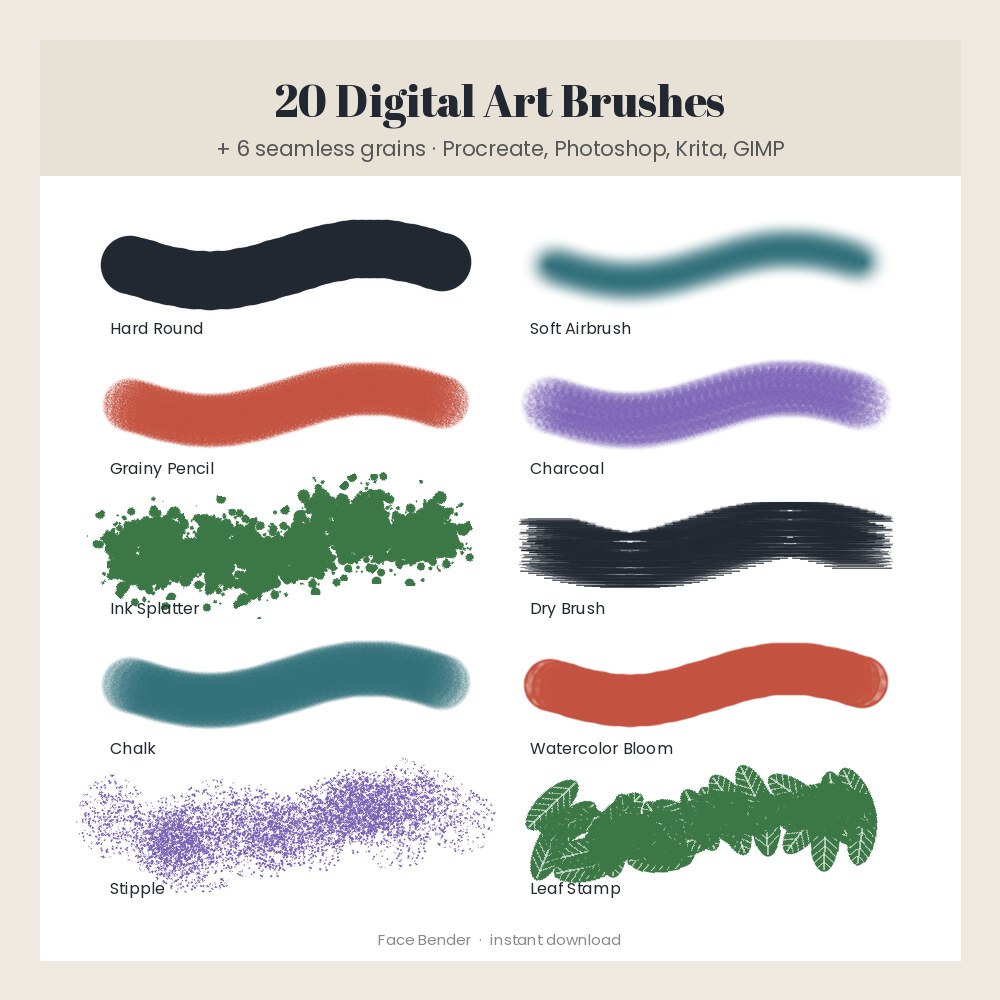
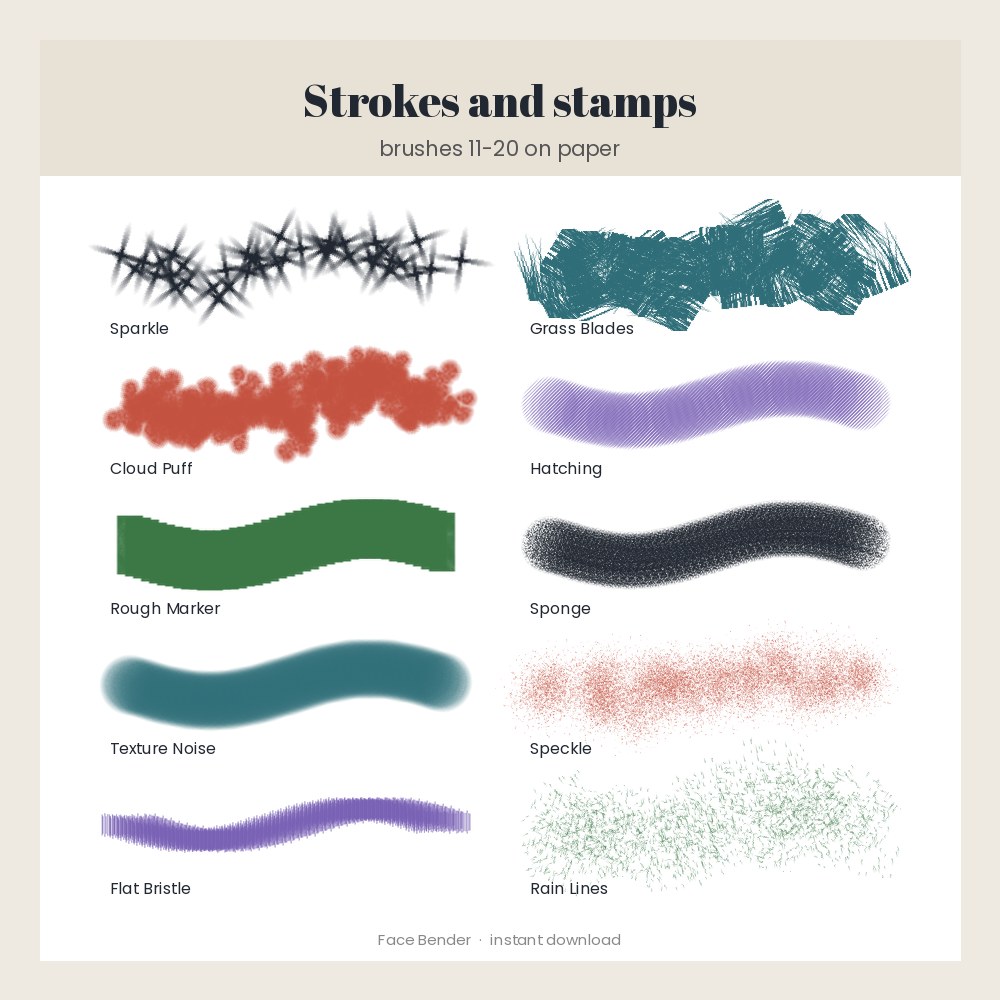
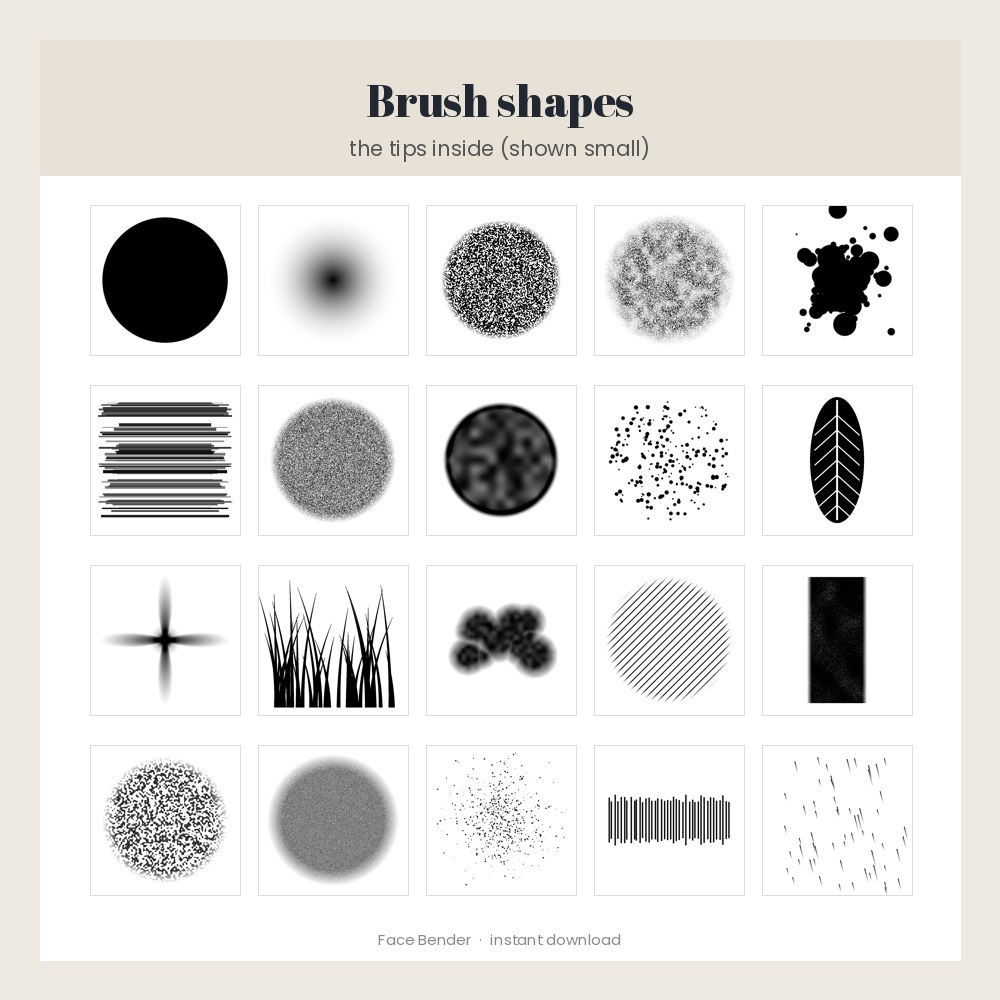
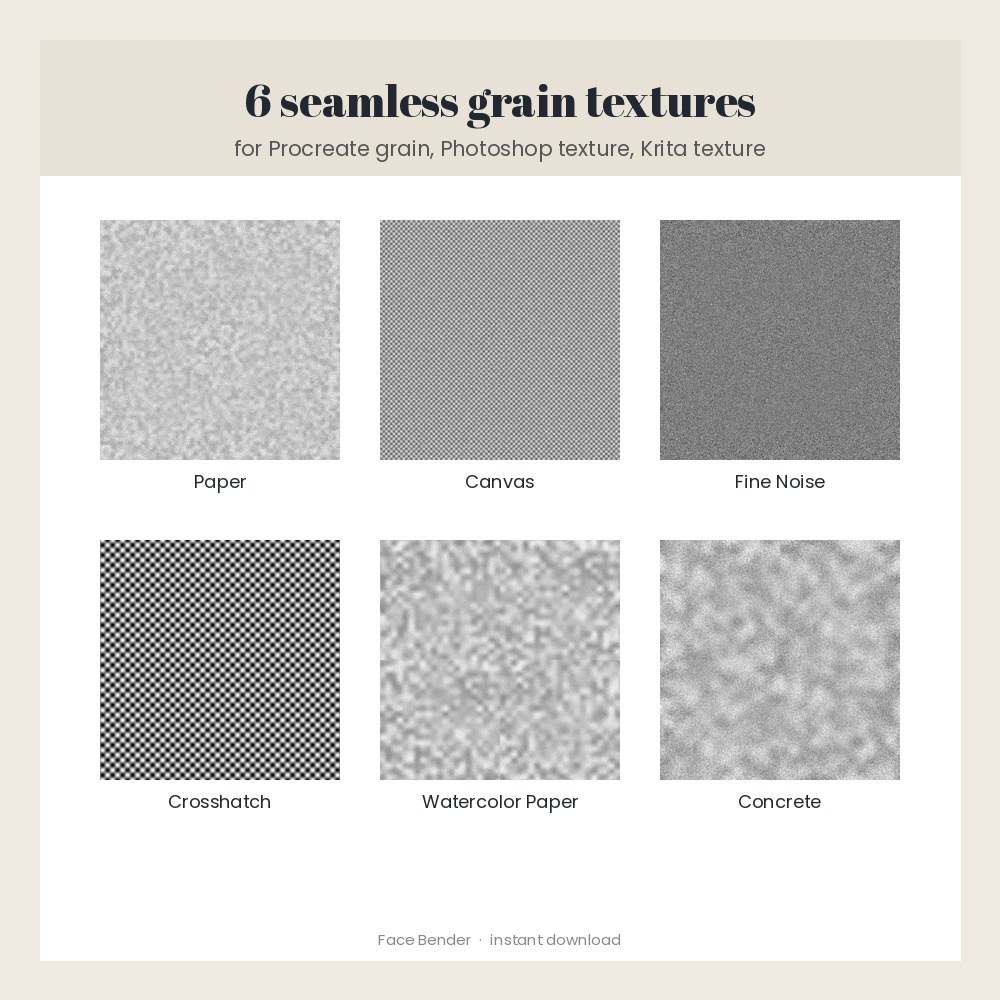
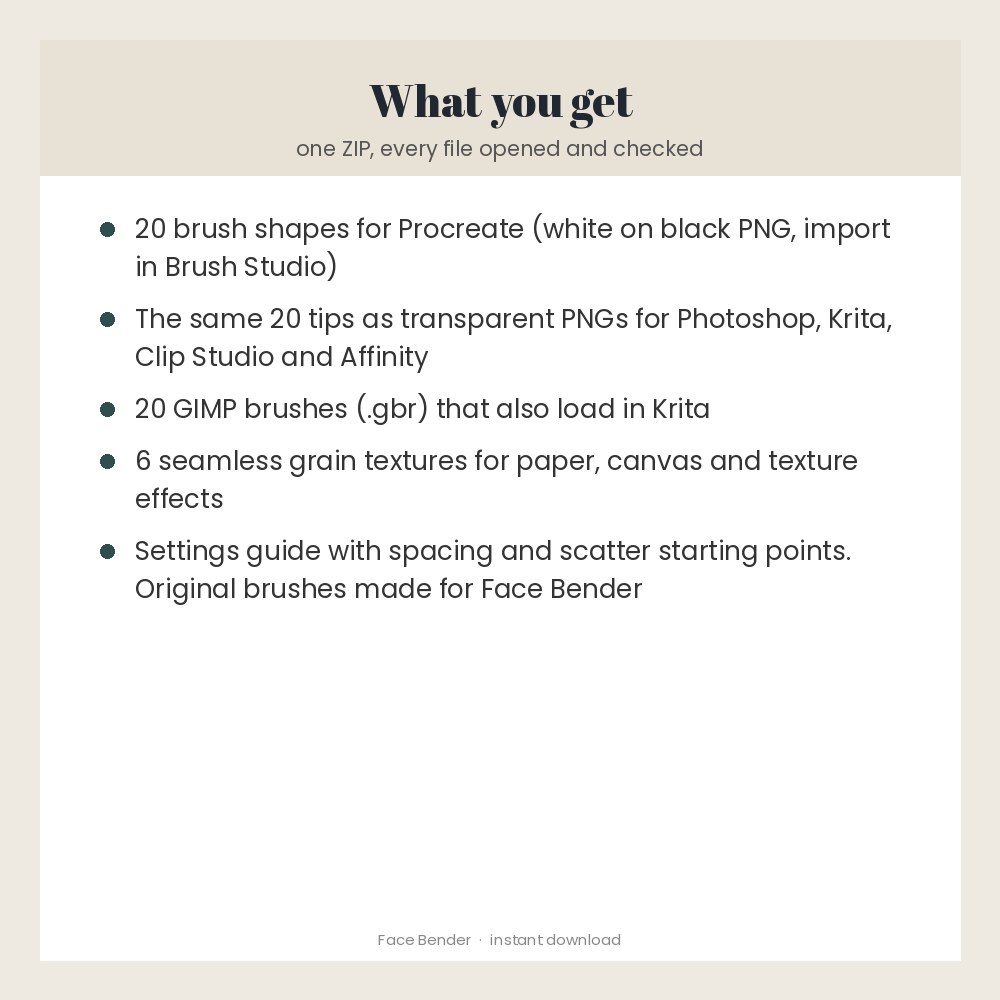
Twenty original digital painting brushes and six seamless grain textures, made for Face Bender: hard round, soft airbrush, grainy pencil, charcoal, ink splatter, dry brush, chalk, watercolor bloom, stipple, leaf stamp, sparkle, grass blades, cloud puff, hatching, rough marker, sponge, texture noise, speckle, flat bristle and rain lines. You get Procreate-ready shape and grain images (import them in Brush Studio, steps included), the same tips as transparent PNGs for Photoshop, Krita, Clip Studio and Affinity, and 20 GIMP .gbr brushes that also work in Krita, plus a settings guide. Note: this pack gives Procreate the shape and grain files to build each brush in a minute; it does not include ready-made .brushset files. Made for: digital artists, illustrators, letterers and sticker makers. Use: paint, sketch, texture and stamp in your art app. You get one instant download (ZIP, 9.6 MB) with 69 usable files in GBR, PNG, TXT. Made with AI assistance and checked by NorthFraim's quality gate; AI-generated content may contain errors.
What's included
- 46 PNG files (9.4 MB total)
- BRUSH-SETTINGS.txt (TXT, 1.4 KB)
- LICENSE.txt (TXT, 1.2 KB)
- README.txt (TXT, 5.8 KB)
- 20 GBR files (1.3 MB total)
Download and use
- After payment, click your download link (on screen, in your receipt email, and in your account; re-download any time).
- Unzip the file: double-click it on a computer, or tap it in the Files app on iPad.
- Procreate: open the Brush Library, tap + to make a new brush, then Shape > Edit > Import and pick a file from 'Procreate shapes (PNG)'. Do the same under Grain with a file from 'Grains'. Use BRUSH-SETTINGS.txt for spacing.
- Photoshop: open a PNG from the 'Brush tips' folder and choose Edit > Define Brush Preset.
- Krita: Settings > Manage Resources > Import resources, choose the .gbr files.
- GIMP: copy the .gbr files into your brushes folder and click Refresh brushes.
- Other apps (Clip Studio Paint, Affinity and similar): import a PNG tip as a new brush tip.
Tags
procreate brushesdigital brushesphotoshop brusheskrita brushesgimp brushesbrush packgrain textureswatercolor brushpencil brushink brushstamp brushesdigital painting