
Floor 4 · Craft and Wall Art › Photo presets
Lightroom Presets Pack: 12 Creator Presets for Desktop + Mobile DNG + LUT Versions
| SKU | FB-04-B85BE14E |
|---|---|
| Format | ZIP: CUBE, DNG, TXT, XMP |
| File size | 22.2 MB |
| Delivery | Instant download, unlimited re-downloads from your account |
| Licences | Personal, Commercial, Extended |
All sales are final. Refund policy.
About this product
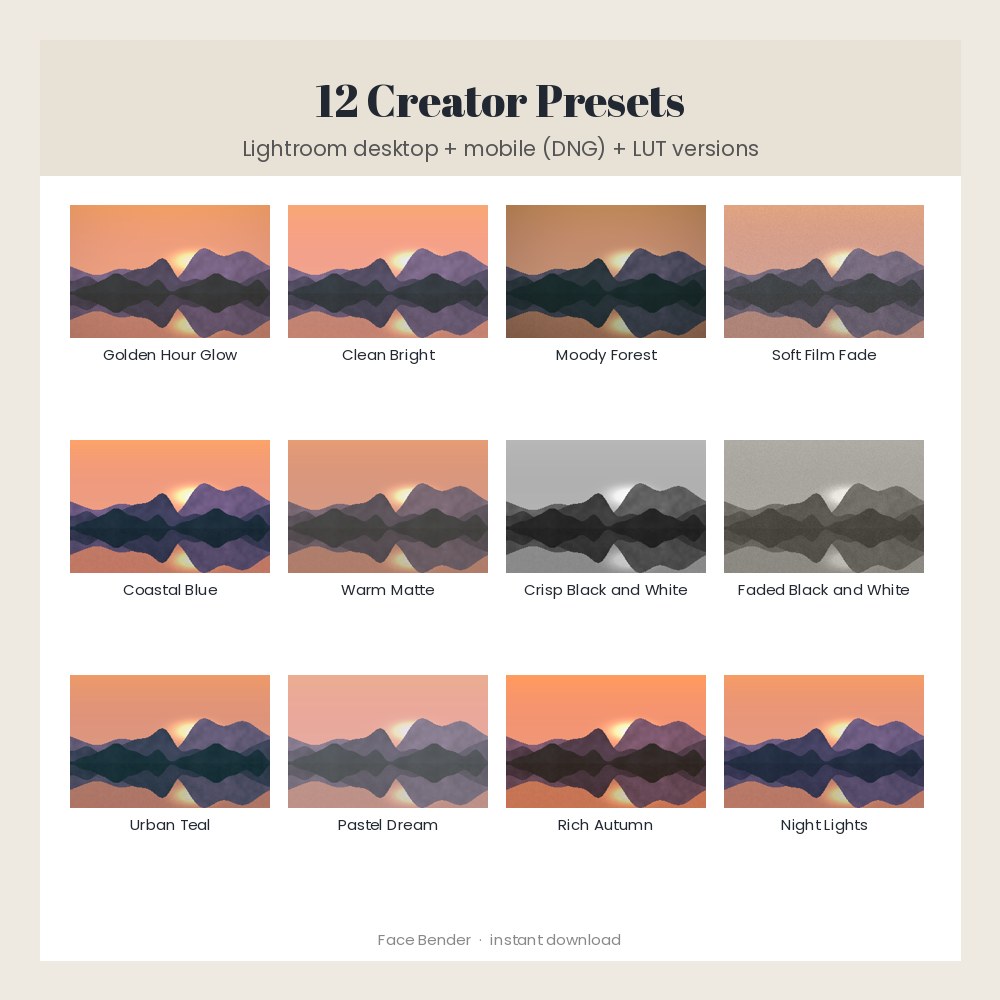
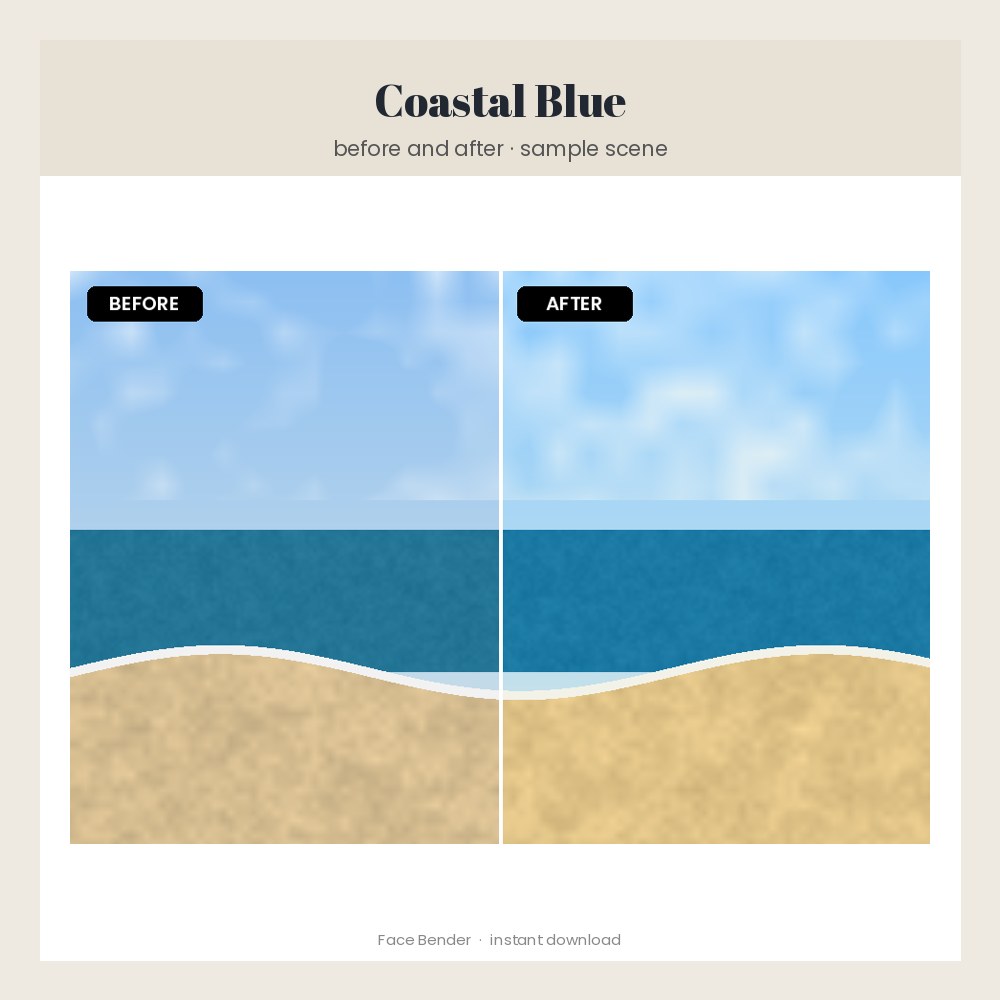
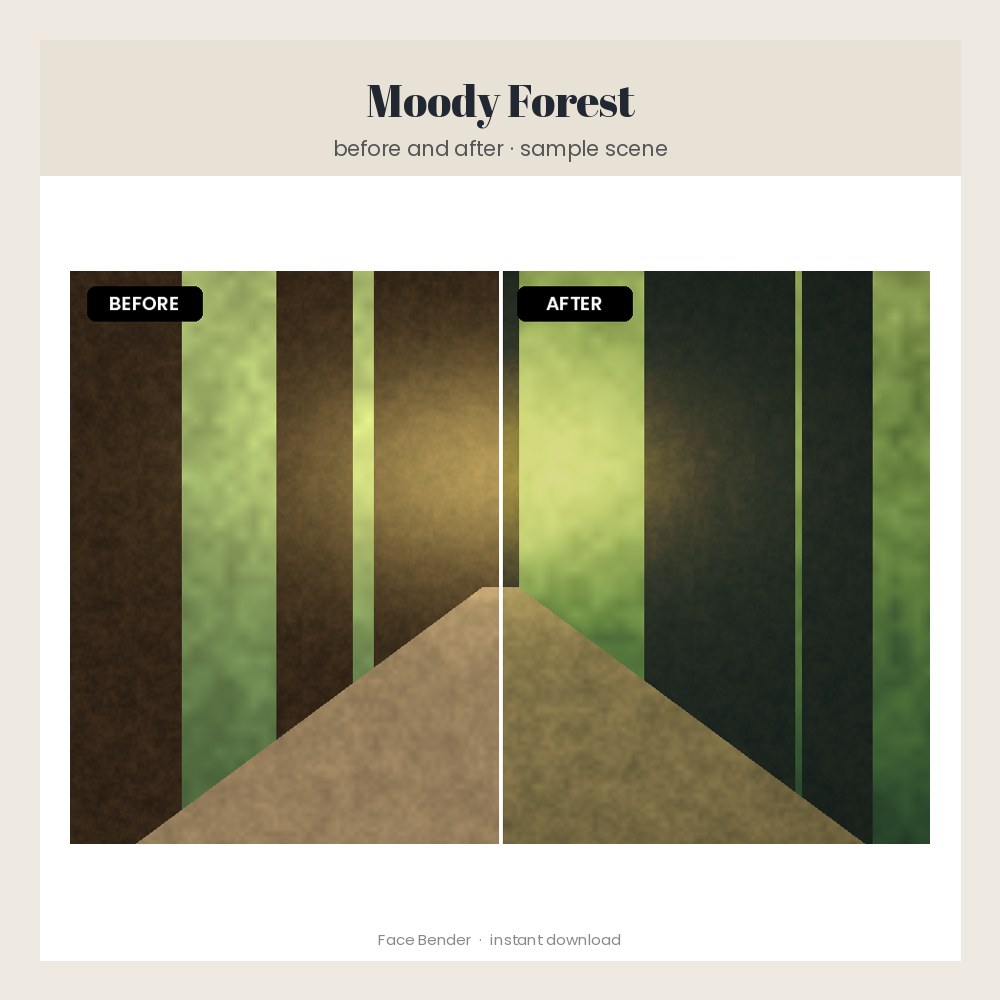
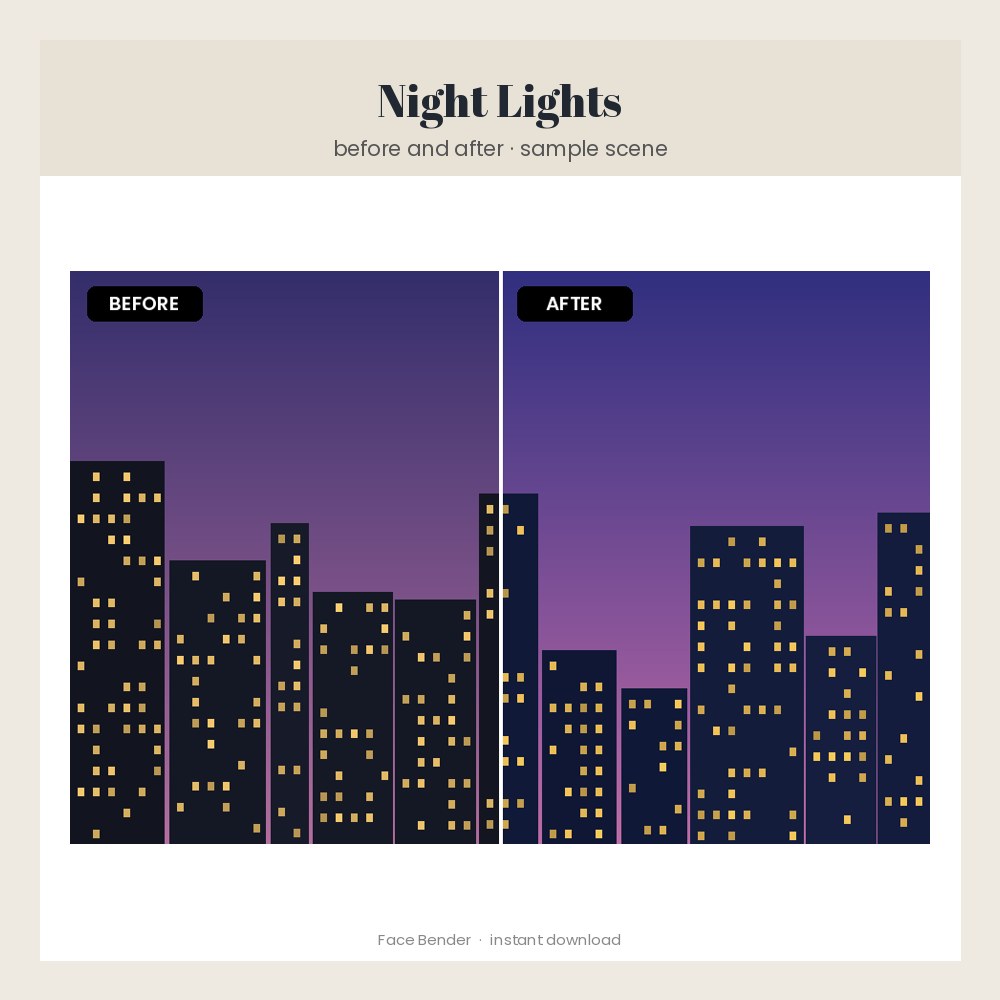
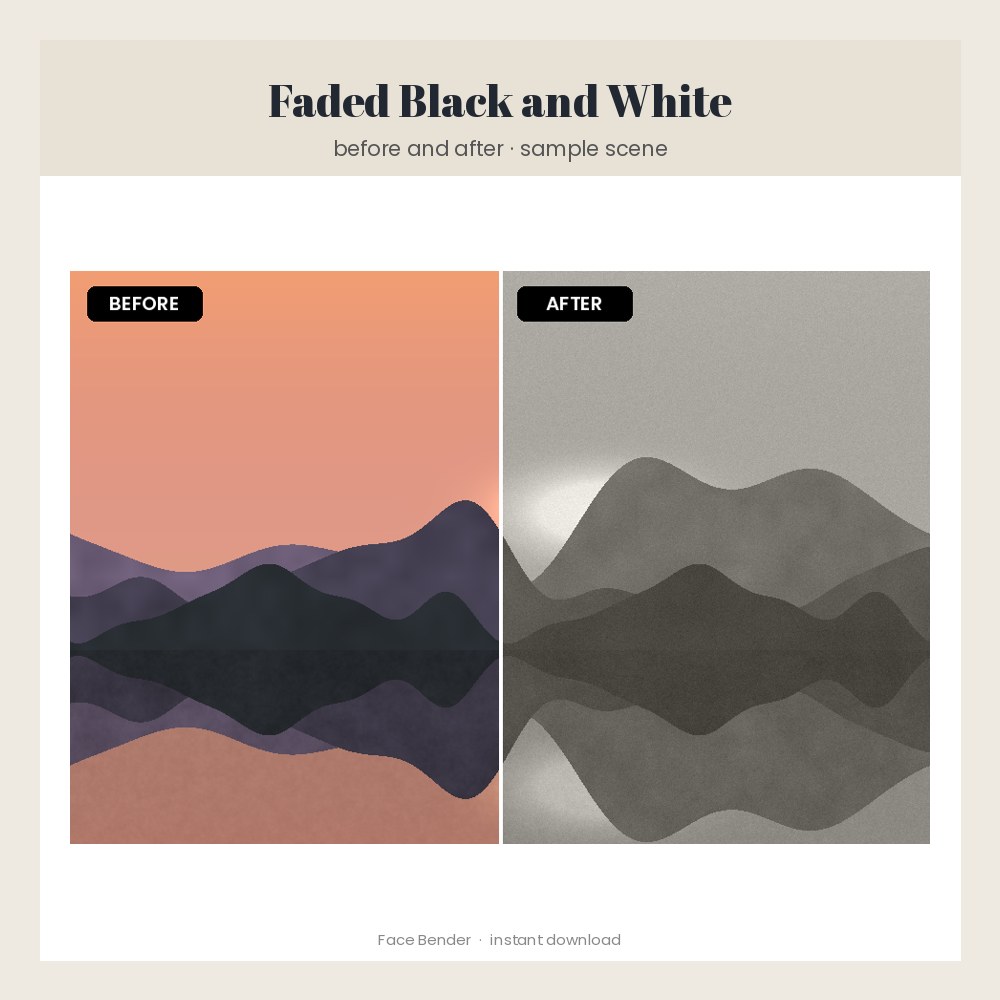
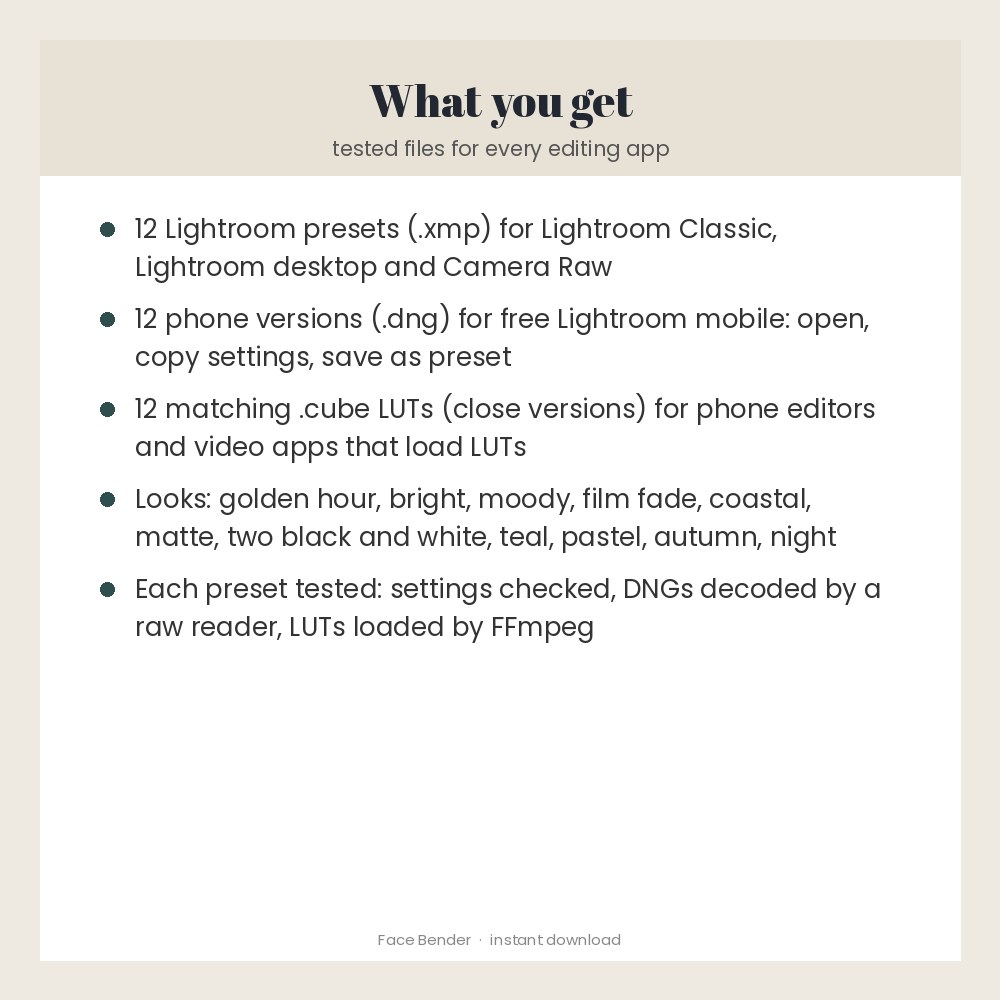
Twelve original Lightroom presets for creators, sellers and photographers: Golden Hour Glow, Clean Bright, Moody Forest, Soft Film Fade, Coastal Blue, Warm Matte, Crisp Black and White, Faded Black and White, Urban Teal, Pastel Dream, Rich Autumn and Night Lights. You get .xmp presets for Lightroom Classic, Lightroom desktop and Camera Raw, a .dng phone version of every preset for the free Lightroom mobile app, and matching .cube LUTs (close versions) for other photo and video apps. Preview pictures use sample scenes made for this listing; results depend on your photo. Every file was tested before sale. Made for: creators, sellers, bloggers and photographers. Use: give your photos one consistent, professional look. You get one instant download (ZIP, 22.2 MB) with 38 usable files in CUBE, DNG, TXT, XMP. Made with AI assistance and checked by NorthFraim's quality gate; AI-generated content may contain errors.
What's included
- LICENSE.txt (TXT, 1.2 KB)
- README.txt (TXT, 3.7 KB)
- 12 CUBE files (11.1 MB total)
- 12 DNG files (37.1 MB total)
- 12 XMP files (35.4 KB total)
Download and use
- After payment, click your download link (on screen, in your receipt email, and in your account; re-download any time).
- Unzip the file: double-click it on Windows or Mac, or tap it in the Files app on a phone.
- Lightroom Classic: Develop module > Presets panel > + > Import Presets, then pick the .xmp files in 'Lightroom desktop (XMP)'.
- Lightroom desktop (cloud): Edit panel > Presets > the three dots > Import Presets, then pick the .xmp files.
- Lightroom mobile (free app): import a .dng from 'Lightroom mobile (DNG)', open it, tap the three dots > Create Preset, name it, save. Repeat for each look.
- Other photo or video apps: load a .cube file from 'LUT versions (CUBE)' as a LUT or filter.
- Apply a preset, then adjust Exposure and White Balance to suit each photo.
Tags
lightroom presetspresetsmobile presetsdng presetsxmp presetsphoto presetslutsphoto editingcreator presetsfilm presetsblack and white presets