Floor 5 · Kids, Books and Tech › AI Prompt Packs
Lesson Planning AI Prompt Pack for Teachers, 70 Prompts for Objectives, Warm-Ups, Differentiation and Feedback
| SKU | FB-05-427264EA |
|---|---|
| Format | ZIP: CSV, DOCX, PDF, TXT |
| File size | 765.2 KB |
| Delivery | Instant download, unlimited re-downloads from your account |
| Licences | Personal, Commercial, Extended |
All sales are final. Refund policy.
About this product
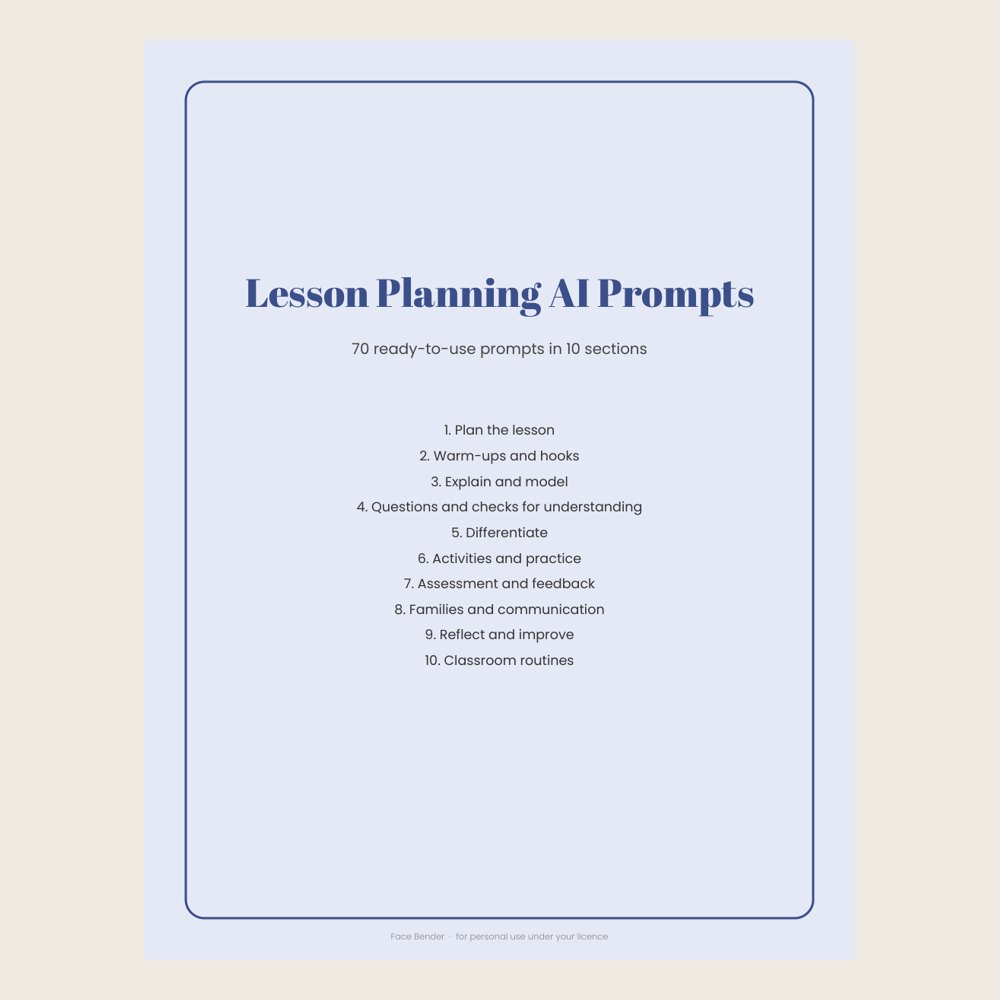
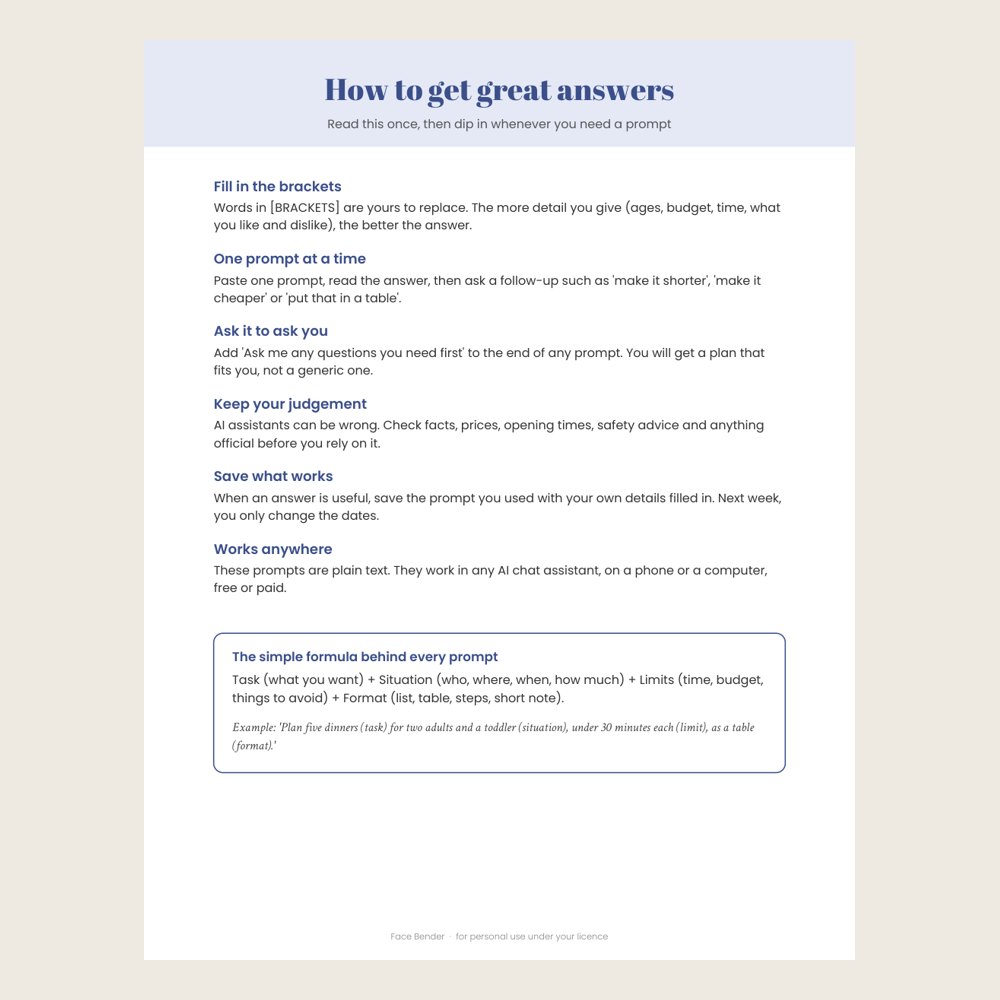
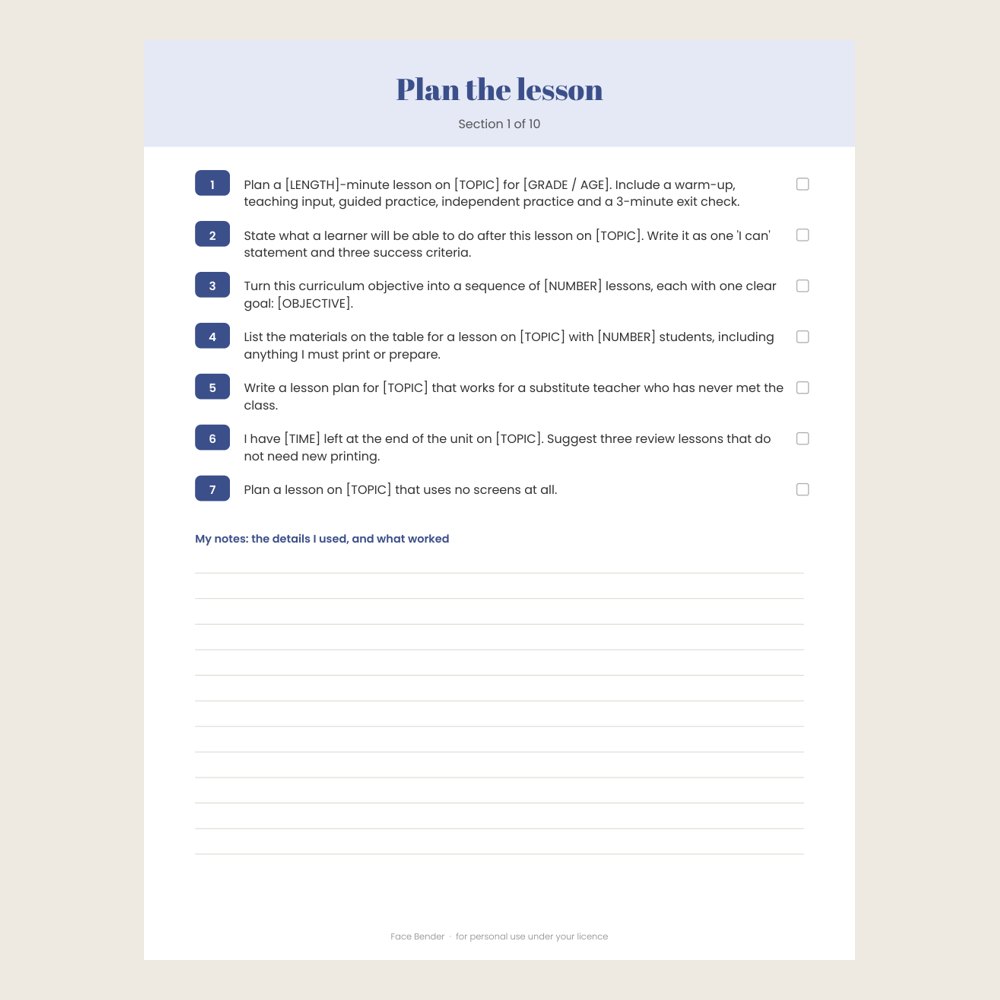
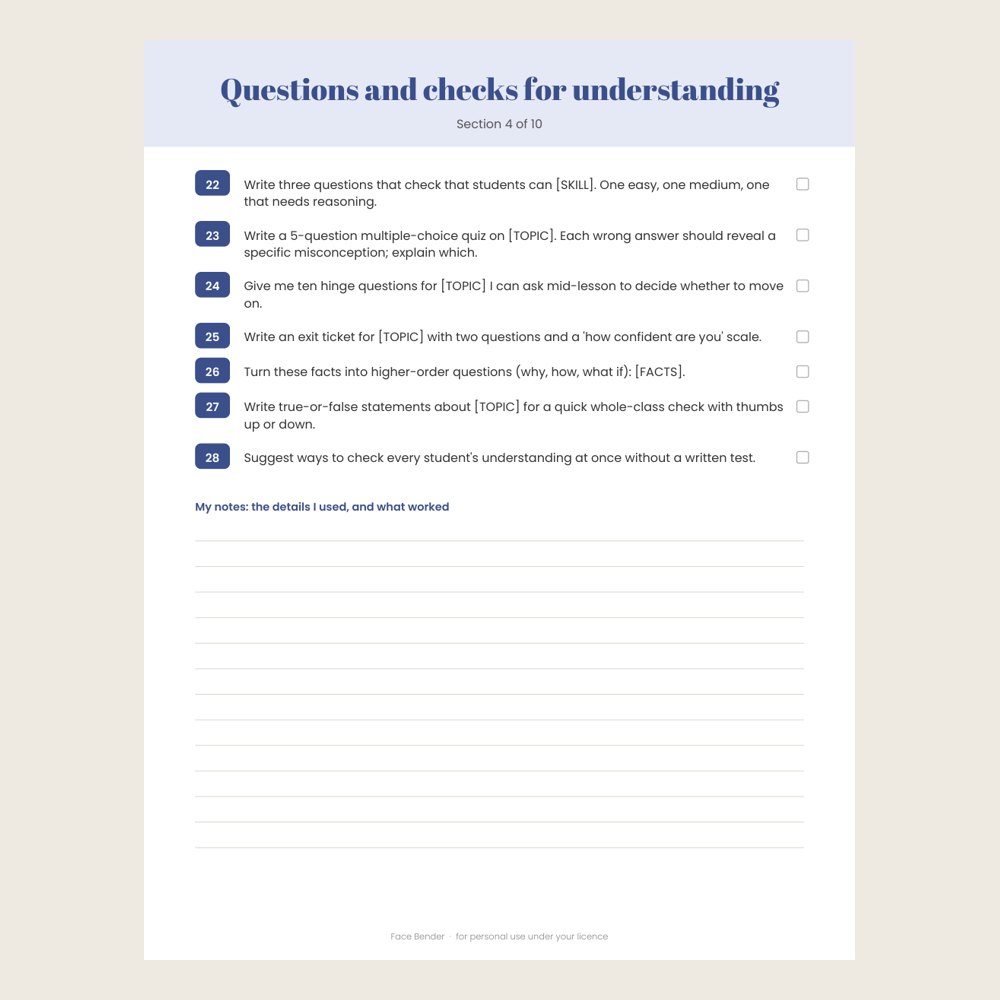
70 written, ready-to-use AI prompts in 10 sections: plan the lesson, warm-ups and hooks, explain and model, questions and checks for understanding, differentiate, activities and practice, assessment and feedback, families and communication, reflect and improve, classroom routines. Each prompt has [BRACKETS] for your own details, so the answers fit your life, not a generic one. Starts with a one-page guide to getting great answers (the task + situation + limits + format formula, follow-ups, and checking facts). Comes as a 13-page printable PDF (US Letter and A4) with a tick box by every prompt, plus plain text and CSV for copy and paste, and an editable Word file. Works with any AI chat assistant. Made for: classroom teachers, tutors, homeschool parents, coaches and trainers. Use: plan lessons faster with any AI chat assistant, from objectives to feedback, while keeping your own judgement in charge. You get one instant download (ZIP, 765.2 KB) with 6 usable files in CSV, DOCX, PDF, TXT. Made with AI assistance and checked by NorthFraim's quality gate; AI-generated content may contain errors.
What's included
- lesson-planning-ai-prompts-A4.pdf (PDF, 445.8 KB)
- lesson-planning-ai-prompts-US-Letter.pdf (PDF, 440.5 KB)
- lesson-planning-ai-prompts-editable.docx (DOCX, 39.0 KB)
- lesson-planning-ai-prompts.csv (CSV, 8.2 KB)
- README.txt (TXT, 1.2 KB)
- lesson-planning-ai-prompts.txt (TXT, 7.1 KB)
Download and use
- After payment, click your download link (on screen, in your email receipt and in your account dashboard; re-download any time).
- Unzip the file: double-click it on Windows or Mac, or tap it in the Files app on a phone.
- PDF: open in any PDF reader. To print, choose Actual size / 100% (not 'fit'), US Letter unless the page says otherwise, on matte paper or card stock.
- DOCX: open in Word, LibreOffice Writer, or upload to Google Docs; replace the sample text with your own, then print or save as PDF.
- XLSX/CSV: open in Excel, LibreOffice Calc, Numbers or Google Sheets; type in the white cells, formulas fill the rest.
- TXT/Markdown: open in any text editor; copy and paste the parts you need.
- Your licence tier (Personal, Commercial or Extended) is on your receipt and in your dashboard; see /license for what each allows.
Tags
teacher ai promptslesson planning promptschatgpt for teacherslesson plandifferentiationclassroom promptstutor promptshomeschoolprompt packassessment ideas