
Floor 5 · Kids, Books and Tech › Video editing
Video Editing Bundle: Lower Thirds, Transitions, Light Leaks, 12 LUTs and 12 Sound Effects
| SKU | FB-05-7F537BC3 |
|---|---|
| Format | ZIP: CUBE, MOV, MP4, PNG, TXT, WAV |
| File size | 49.3 MB |
| Delivery | Instant download, unlimited re-downloads from your account |
| Licences | Personal, Commercial, Extended |
All sales are final. Refund policy.
About this product
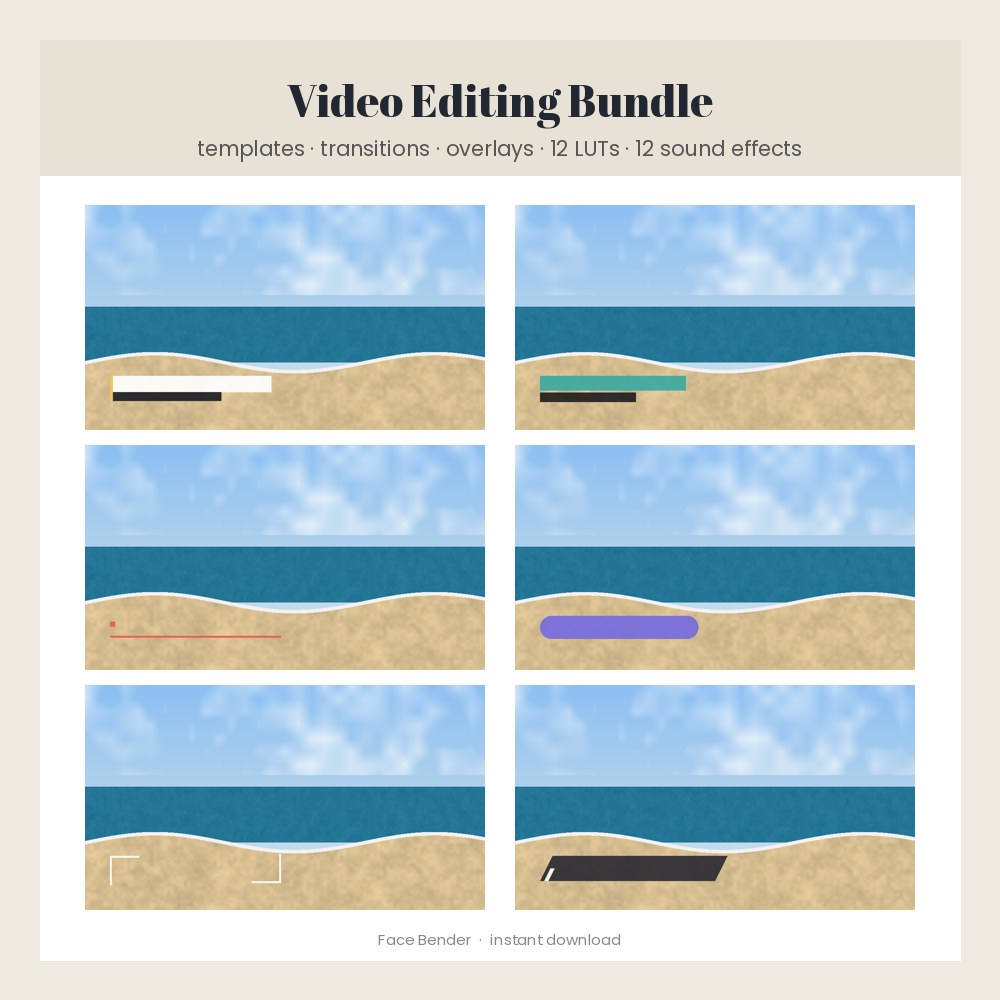
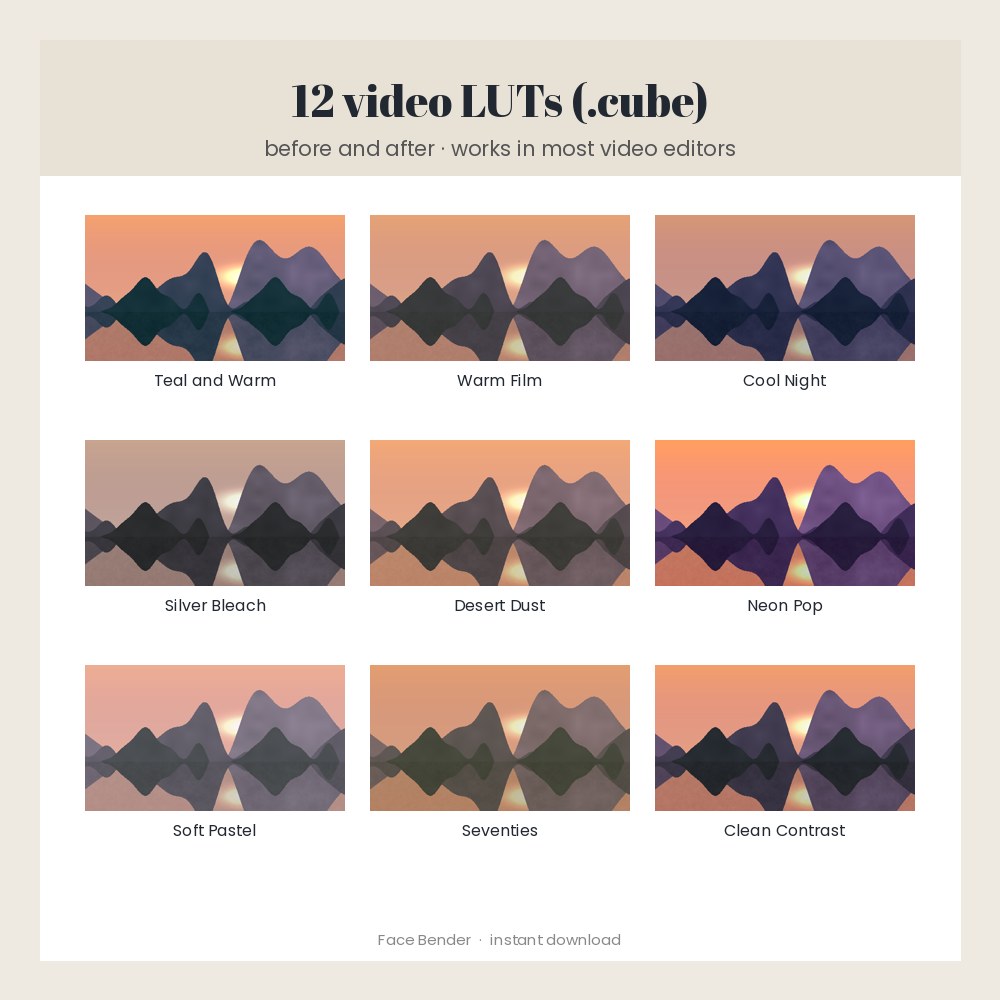
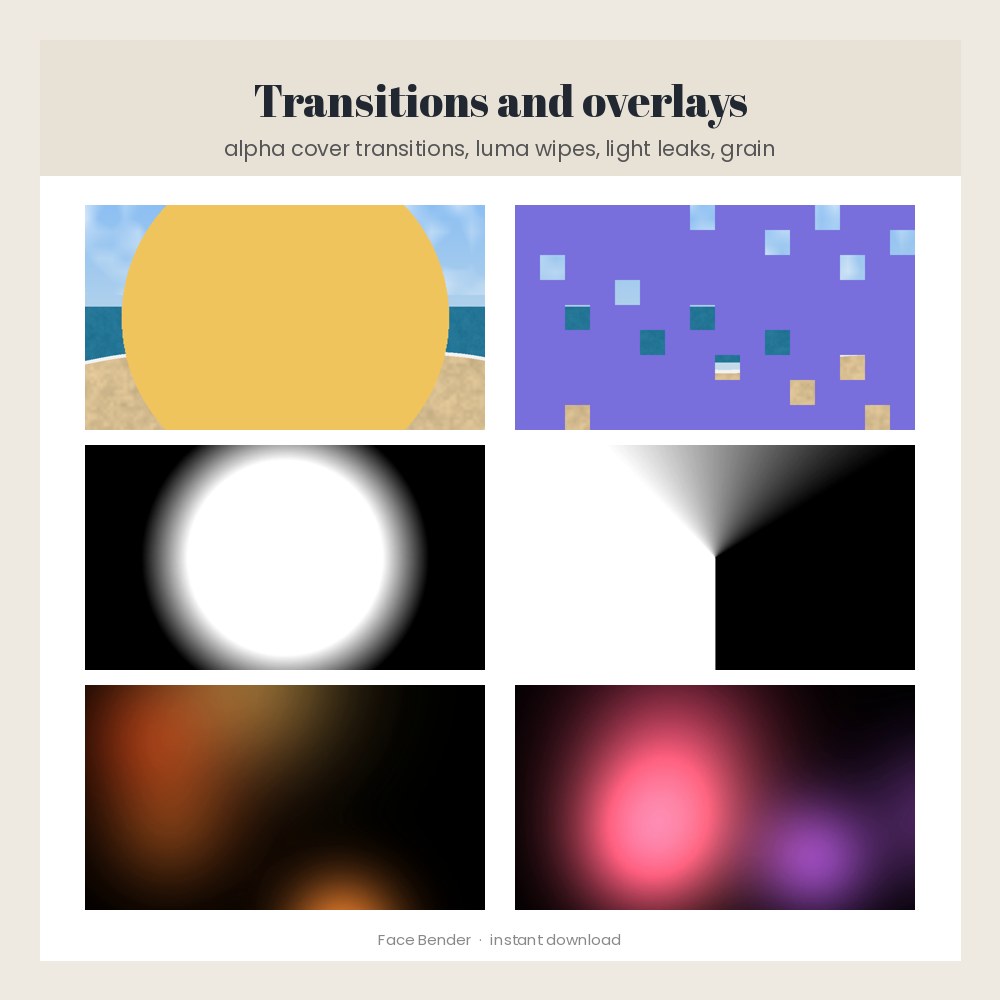
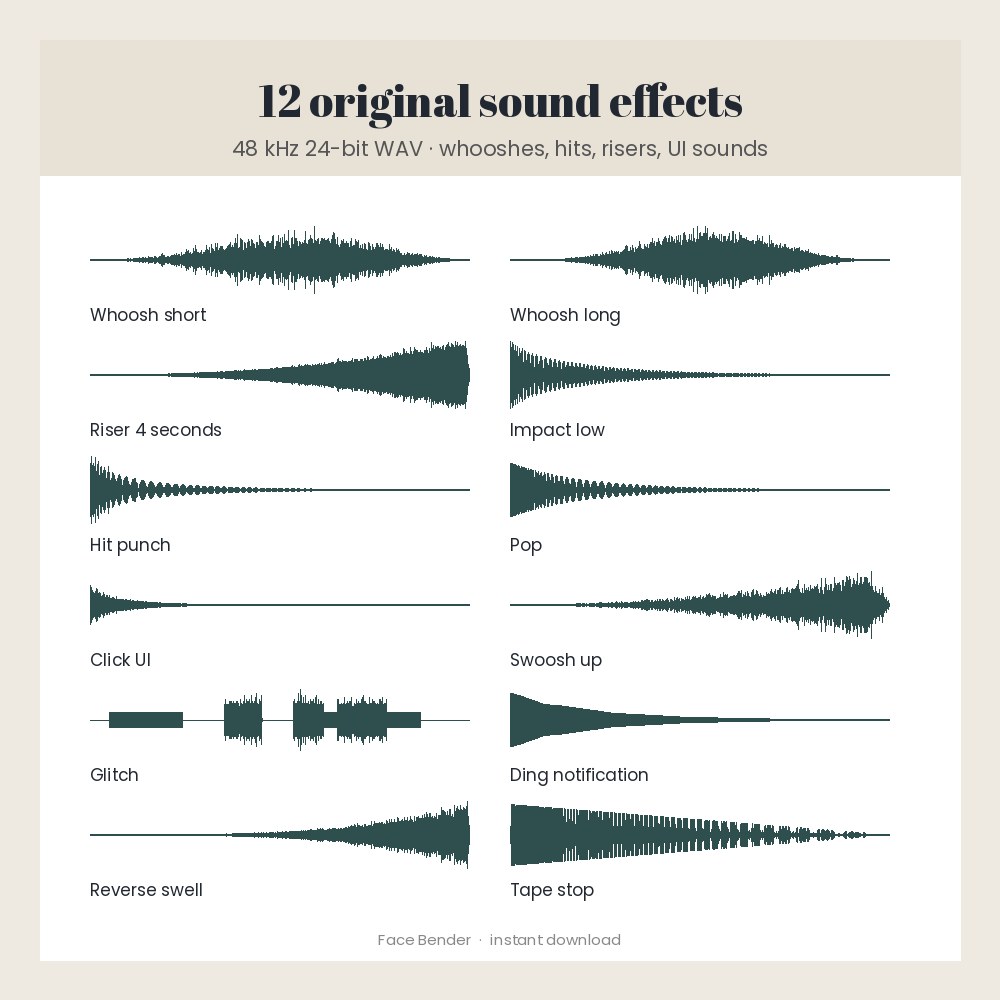
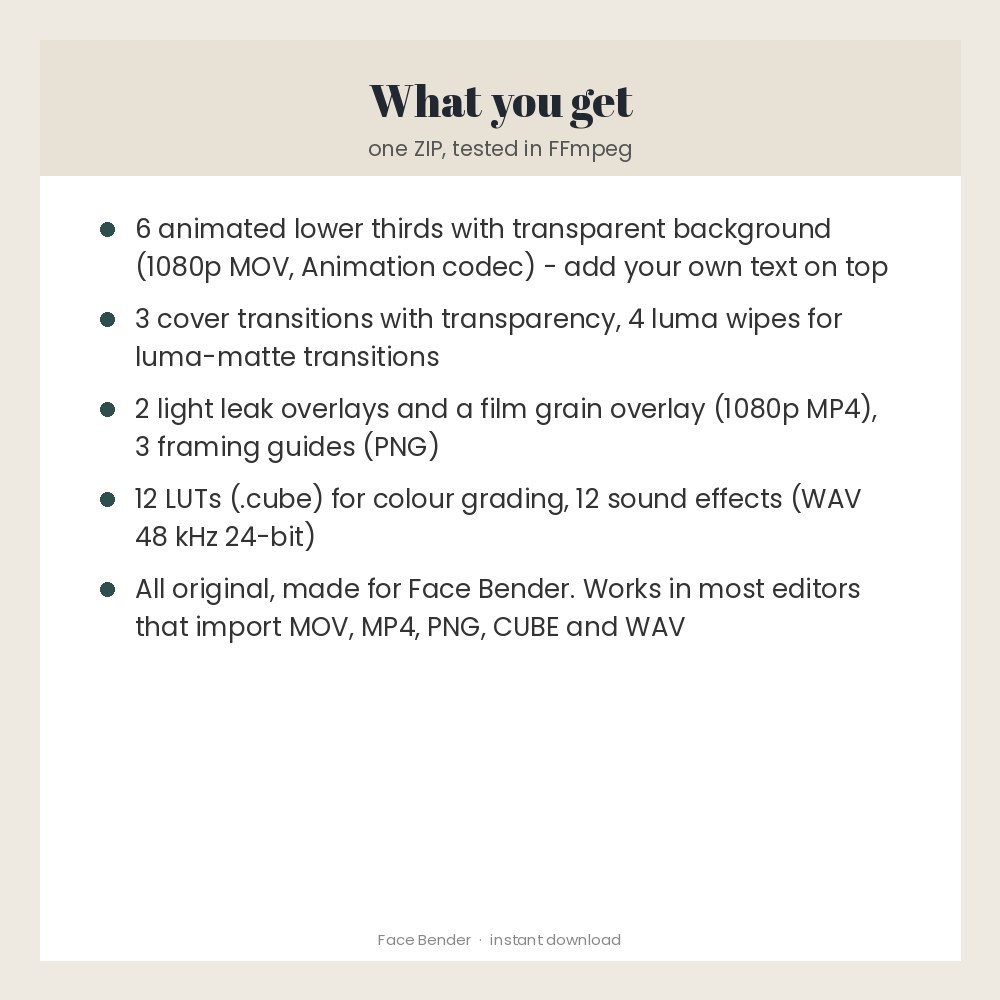
An original toolkit for online videos, short vertical videos, vlogs and client videos. Inside: 6 animated lower thirds and 3 cover transitions with transparent backgrounds (1080p MOV, Animation codec), 4 luma wipe mattes, 2 light leak overlays, a film grain overlay, 3 framing guides (letterbox, safe areas, vertical 9:16), 12 colour-grading LUTs (.cube) and 12 sound effects (48 kHz 24-bit WAV: whooshes, impacts, a riser, pops, clicks, glitch, ding, tape stop). Everything was made for Face Bender with code: no samples, footage or designs from anyone else. Every file was opened and played in FFmpeg before sale. Lower thirds come without text so you add your own in any editor. Made for: video creators, vloggers, editors and small businesses. Use: make edits look finished: titles, transitions, colour and sound. You get one instant download (ZIP, 49.3 MB) with 45 usable files in CUBE, MOV, MP4, PNG, TXT, WAV. Made with AI assistance and checked by NorthFraim's quality gate; AI-generated content may contain errors.
What's included
- Letterbox 2.39 to 1 (1920x1080).png (PNG, 8.6 KB)
- Safe areas and thirds (1920x1080).png (PNG, 10.7 KB)
- Vertical 9x16 safe zone (1080x1920).png (PNG, 12.4 KB)
- LICENSE.txt (TXT, 1.4 KB)
- README.txt (TXT, 4.3 KB)
- 12 CUBE files (11.1 MB total)
- 9 MOV files (7.6 MB total)
- 7 MP4 files (42.8 MB total)
- 12 WAV files (3.7 MB total)
Download and use
- After payment, click your download link (on screen, in your receipt email, and in your account; re-download any time).
- Unzip the file on a computer: double-click it on Windows or Mac.
- Lower thirds: drag a MOV from folder 1 onto the track above your clip, then add your text on a track above it. The background is already transparent.
- Cover transitions: put a MOV from folder 2 above the cut between two clips so its middle frame (0.5 s) sits on the cut.
- Luma wipes: use a file from folder 3 as a luma matte / track matte or as the gradient in your editor's luma or gradient wipe transition.
- Overlays: put a light leak above your clip and set the blend mode to Screen; set the grain file to Overlay or Soft Light at 30-60% opacity.
- LUTs: in your colour or effects panel choose a 3D LUT / Load LUT and pick a .cube file from folder 6; lower its intensity to taste.
- Sound effects: drag a WAV from folder 7 onto an audio track.
Tags
video editingvideo templateslower thirdstransitionslutscube lutssound effectslight leaksoverlaysfilm grainvlog editingshort video editing