Floor 13 · Education and Study › Study schedules
Construction PM Exam Study Schedules, Printable Planner Set
| SKU | FB-13-8967601D |
|---|---|
| Format | ZIP: Markdown, PDF, PNG, SVG, TXT |
| File size | 1.3 MB |
| Delivery | Instant download, unlimited re-downloads from your account |
| Licences | Personal, Commercial, Extended |
All sales are final. Refund policy.
About this product
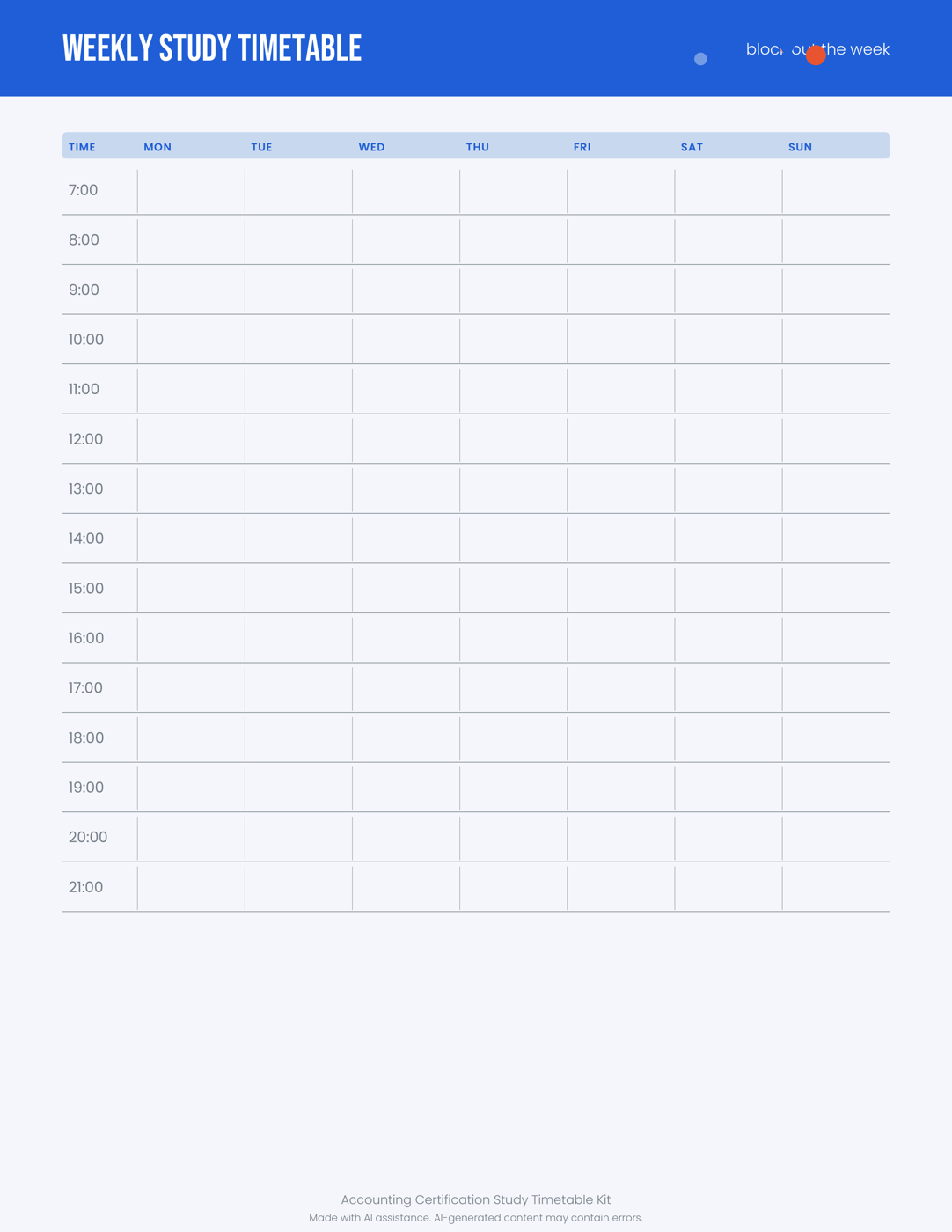
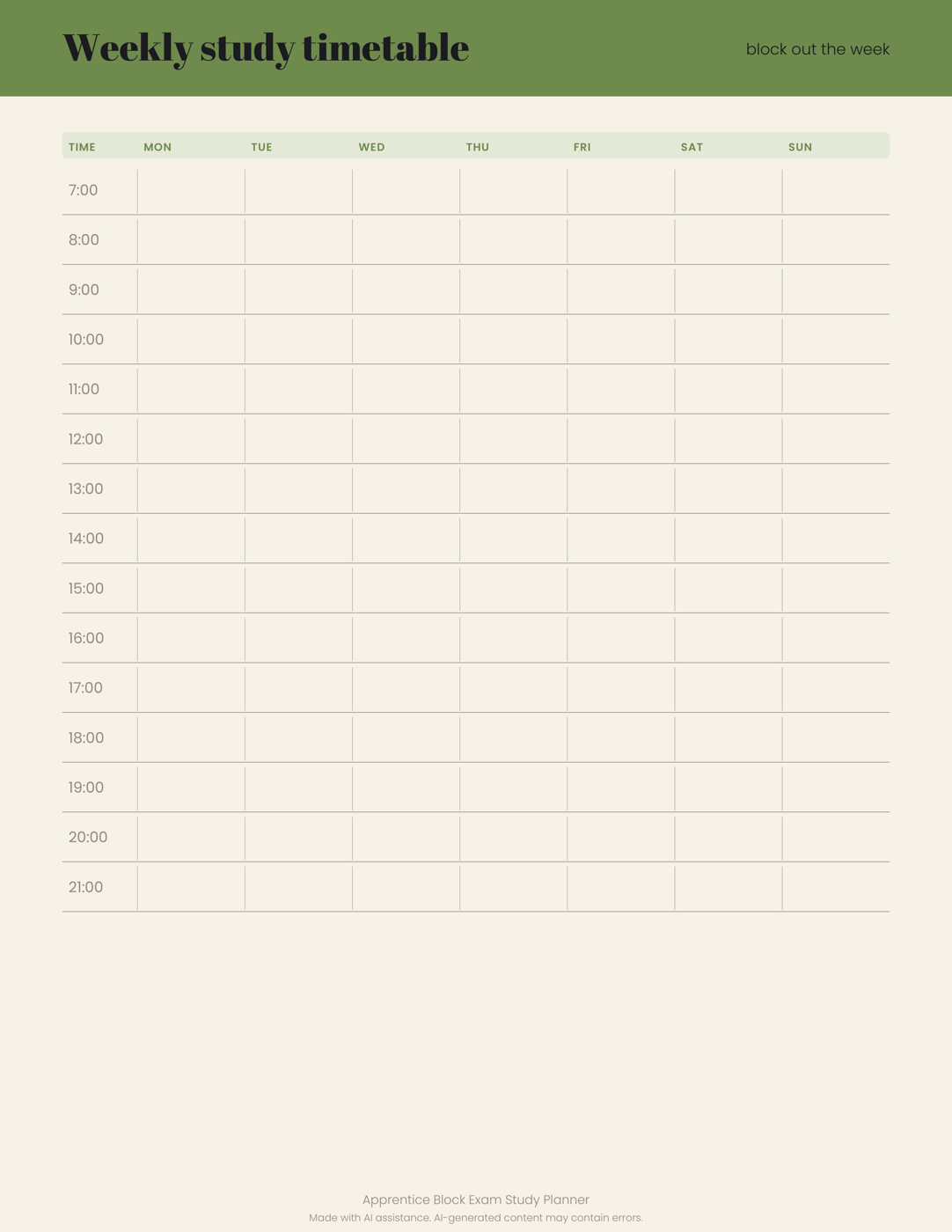
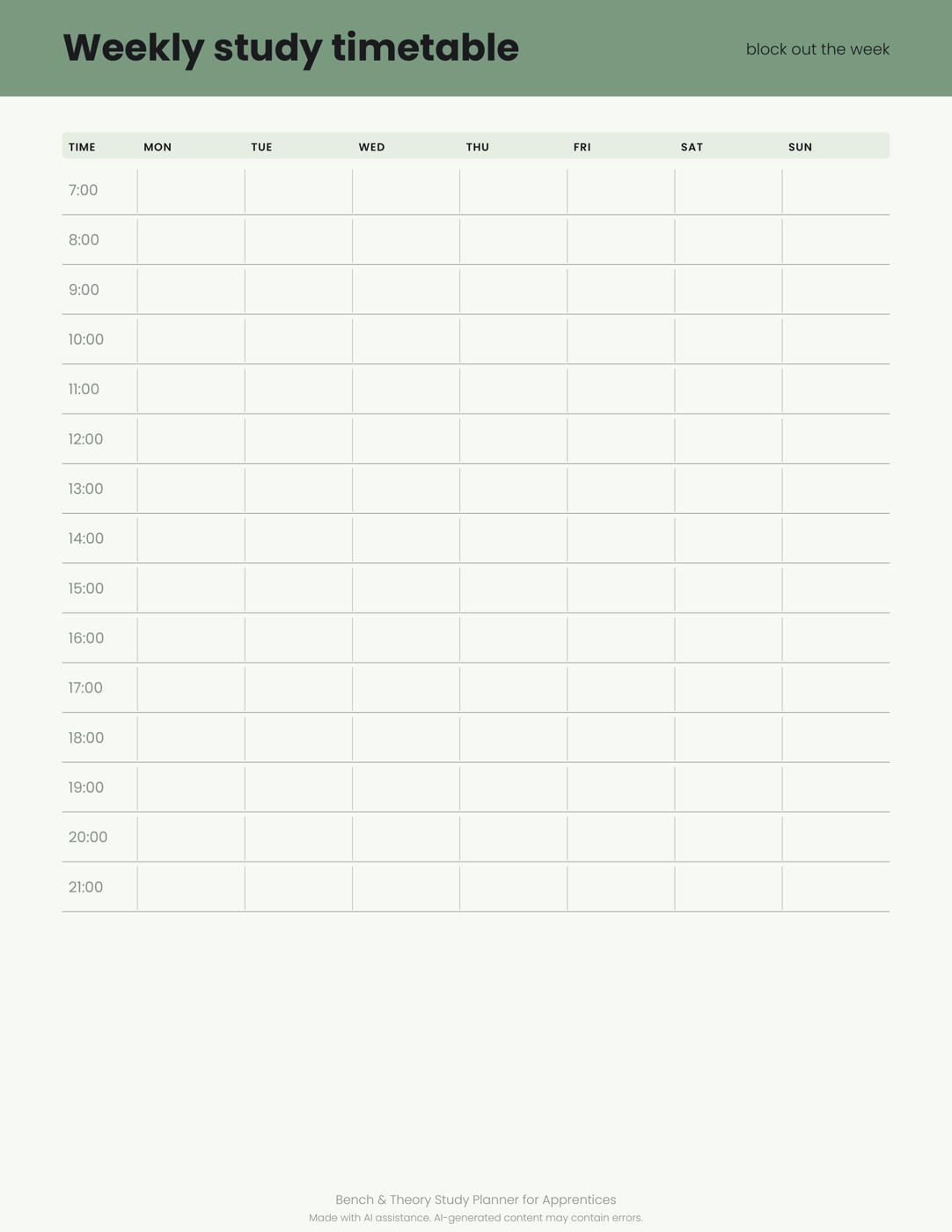
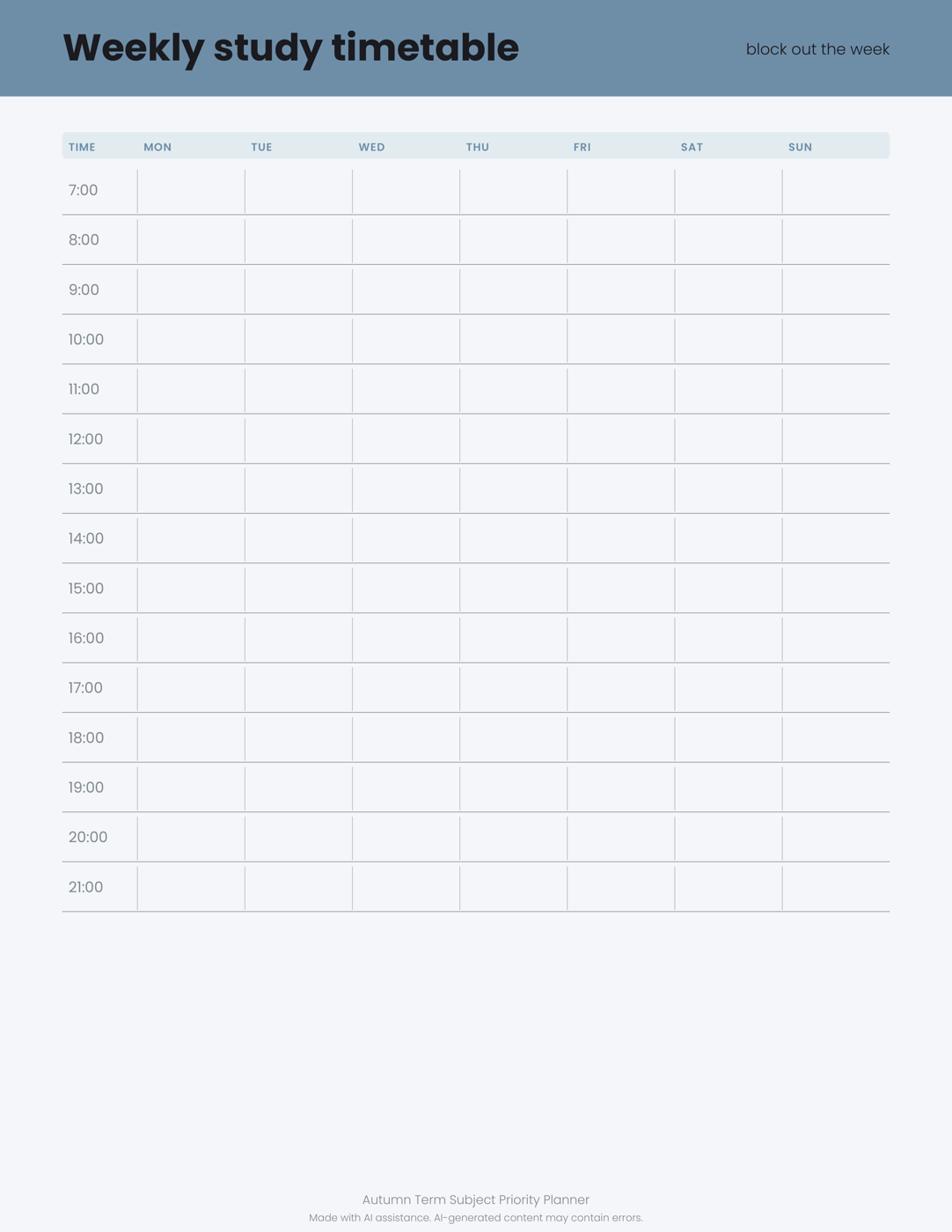
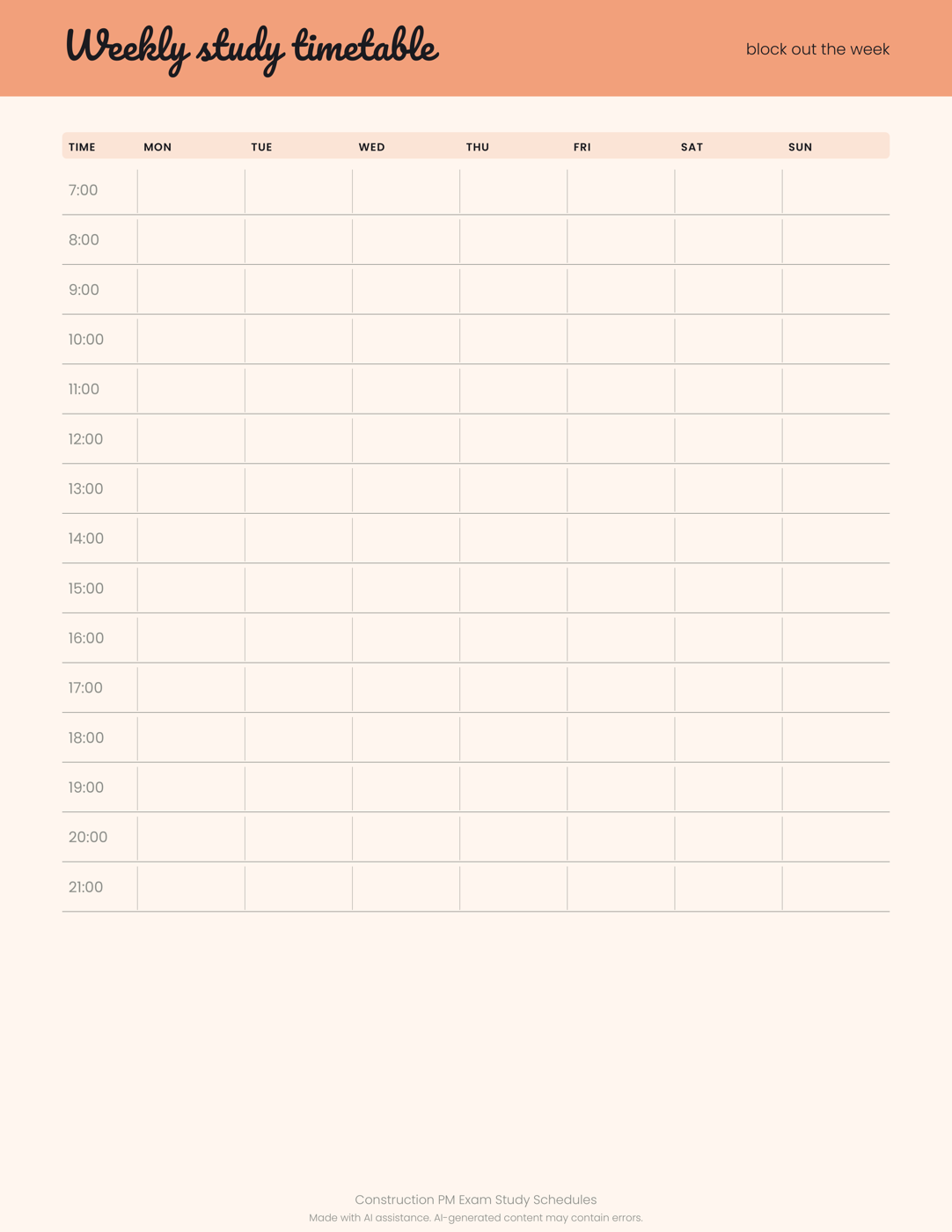
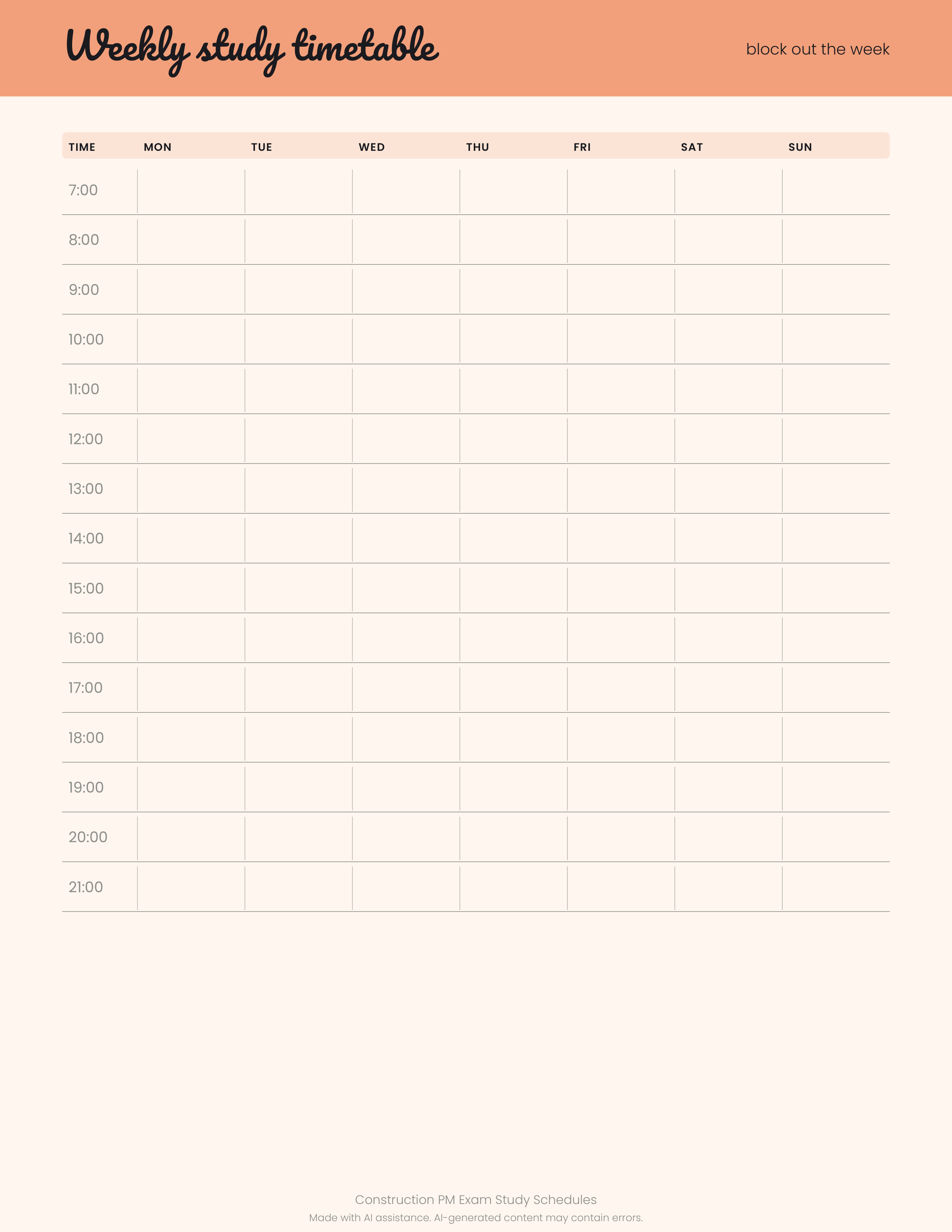
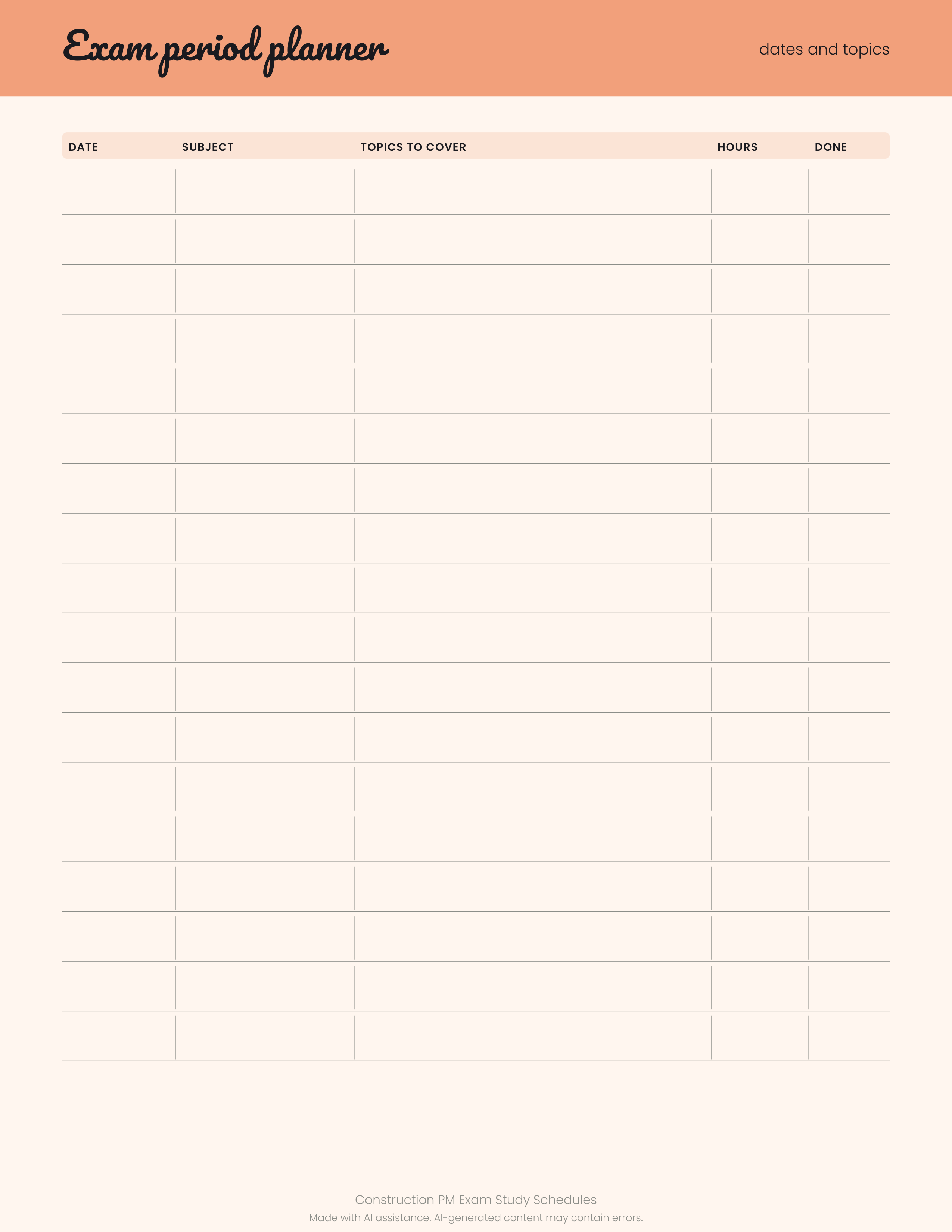
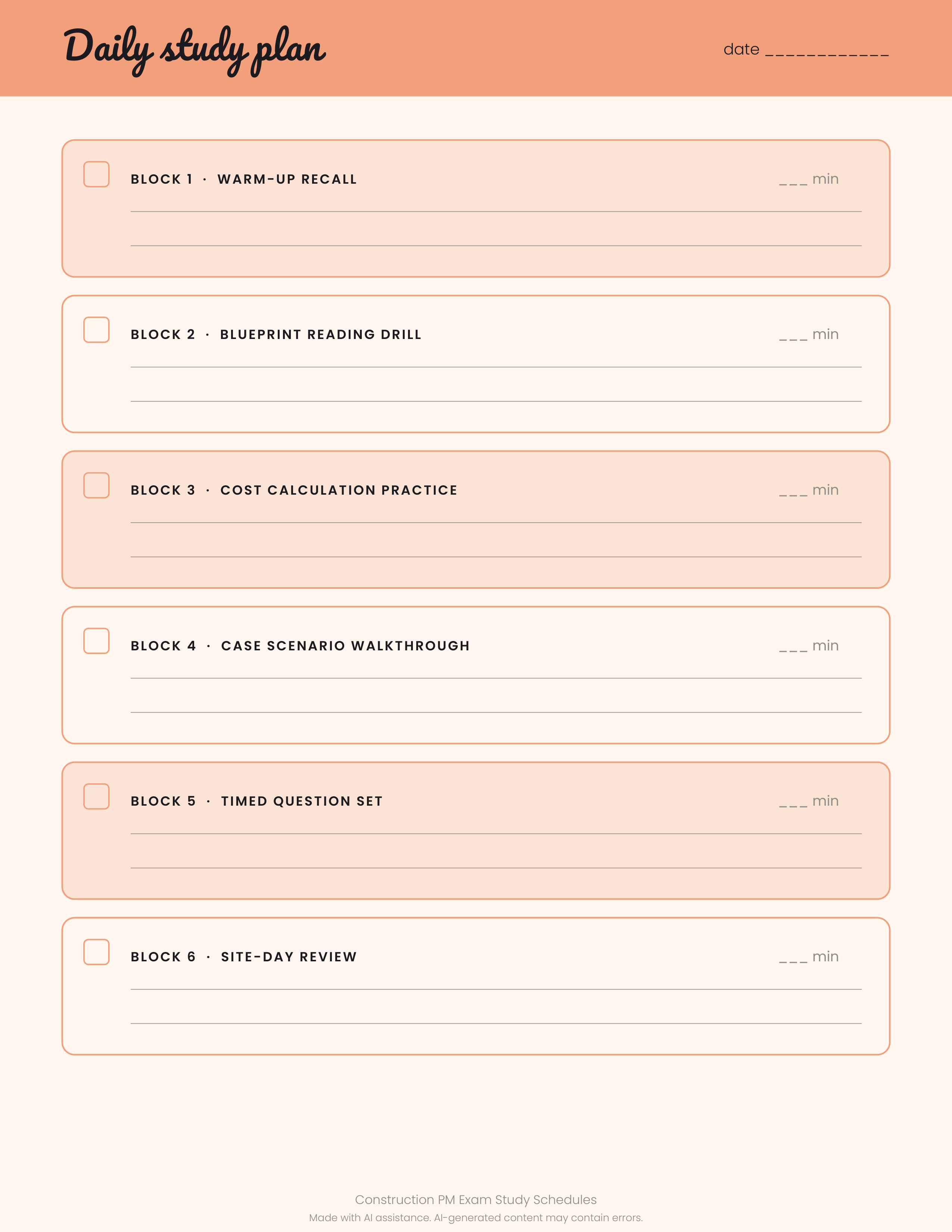
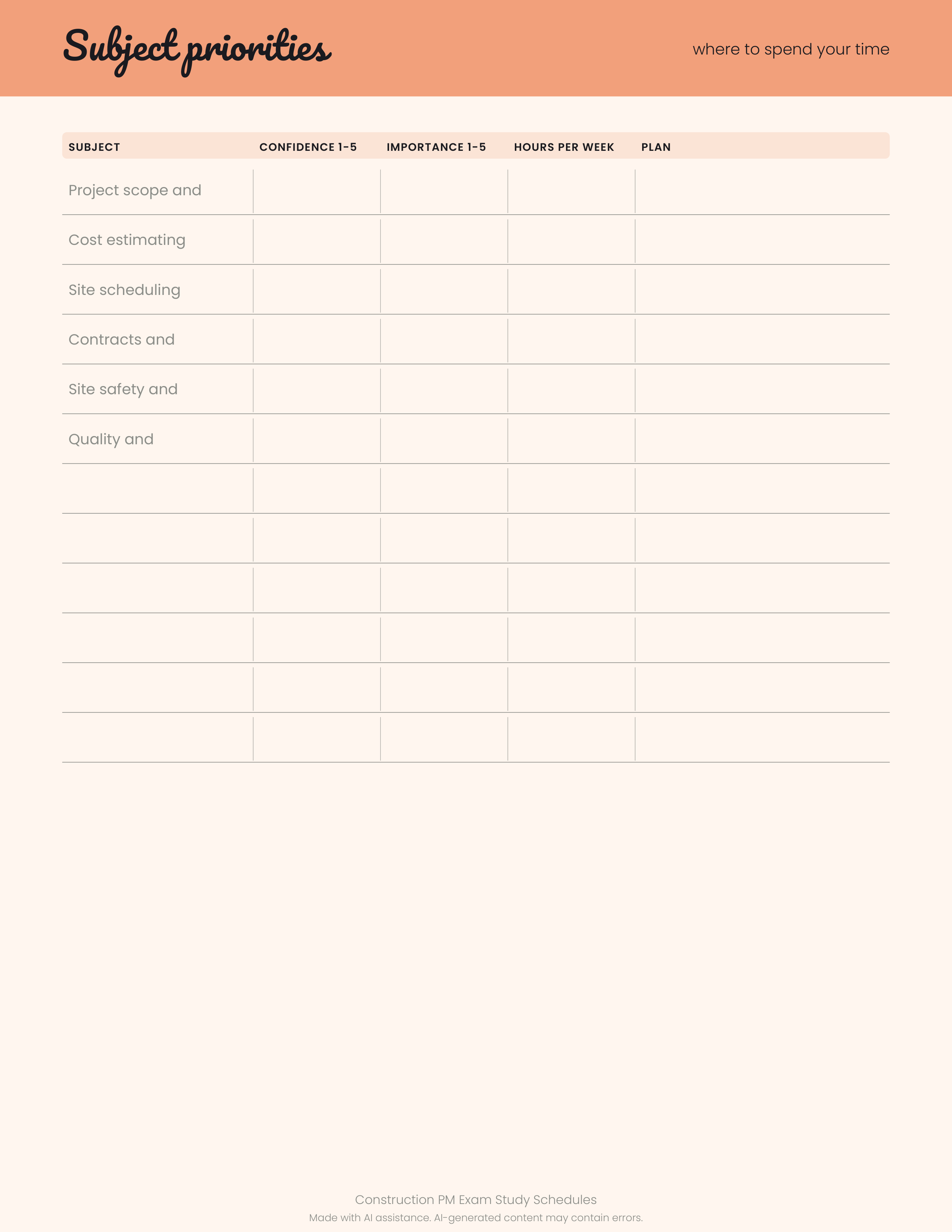
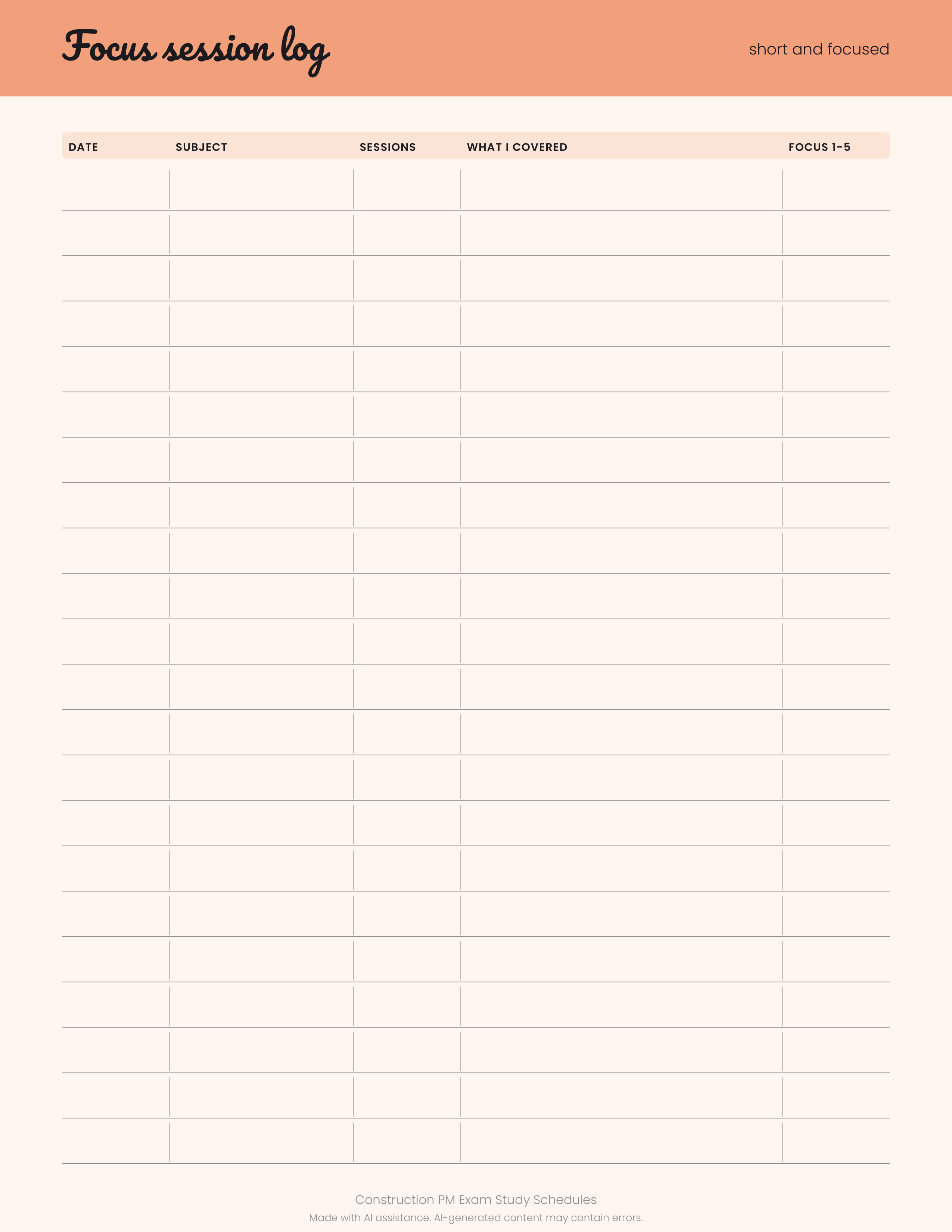
1 original sample set in PDF, PNG, SVG. A friendly printable set for construction managers preparing project management exams: weekly timetable, exam period planner, daily focus blocks, subject priority page and focus session log. Print the pages you need and fill in your own subjects and dates. Light peach and mint design keeps planning calm and clear. Made with AI assistance. Made for: Construction managers preparing PM exams. Use: Construction project management exam schedule. Style: peach and mint, whimsical, friendly and light. You get one instant download (ZIP, 1.3 MB) with 14 usable files in Markdown, PDF, PNG, SVG, TXT.
What's included
- study-schedules.pdf (PDF, 53.9 KB)
- study-schedules-1.png (PNG, 142.1 KB)
- study-schedules-2.png (PNG, 99.2 KB)
- study-schedules-3.png (PNG, 146.5 KB)
- study-schedules-4.png (PNG, 122.0 KB)
- study-schedules-5.png (PNG, 101.0 KB)
- study-schedules-1.svg (SVG, 22.3 KB)
- study-schedules-2.svg (SVG, 15.4 KB)
- study-schedules-3.svg (SVG, 7.1 KB)
- study-schedules-4.svg (SVG, 11.9 KB)
- study-schedules-5.svg (SVG, 18.3 KB)
- PROVENANCE.md (Markdown, 1.8 KB)
- README.txt (TXT, 296 B)
- 7 open-licence font file(s) with their licence texts (SIL OFL 1.1 / DejaVu)
- PROVENANCE.md: how every file was made
Download and use
- After payment, click your download link (on screen, in your email receipt and in your account dashboard; re-download any time).
- Unzip the file: double-click it on Windows or Mac, or tap it in the Files app on a phone.
- PDF: open in any PDF reader. To print, choose Actual size / 100% (not 'fit'), US Letter unless the page says otherwise, on matte paper or card stock.
- SVG: import into your cutting-machine software or a vector editor (Inkscape, Illustrator); each shape is a separate path, scale without losing quality.
- PNG: print at 100% or use on screen (phone/desktop wallpaper, social post, digital planner sticker).
- TXT/Markdown: open in any text editor; copy and paste the parts you need.
- Your licence tier (Personal, Commercial or Extended) is on your receipt and in your dashboard; see /license for what each allows.
Tags
construction pmexam plannerstudy scheduleprintable plannerweekly timetablefocus logsubject prioritysite manager