Floor 13 · Education and Study › Exam prep trackers
Harvest Moon Cybersecurity Exam Prep Tracker Set
| SKU | FB-13-C7040374 |
|---|---|
| Format | ZIP: Markdown, PDF, PNG, SVG, TXT |
| File size | 1.3 MB |
| Delivery | Instant download, unlimited re-downloads from your account |
| Licences | Personal, Commercial, Extended |
All sales are final. Refund policy.
About this product
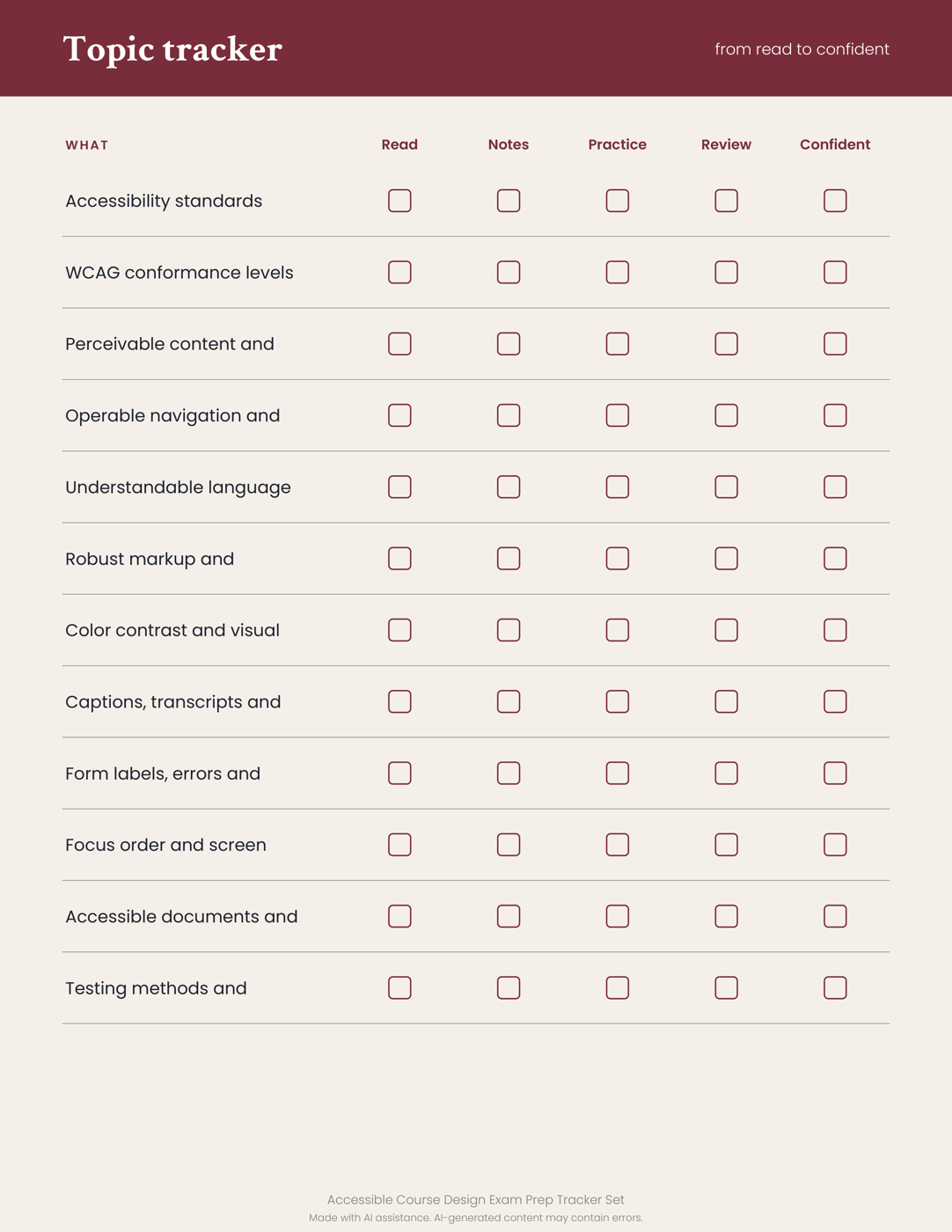
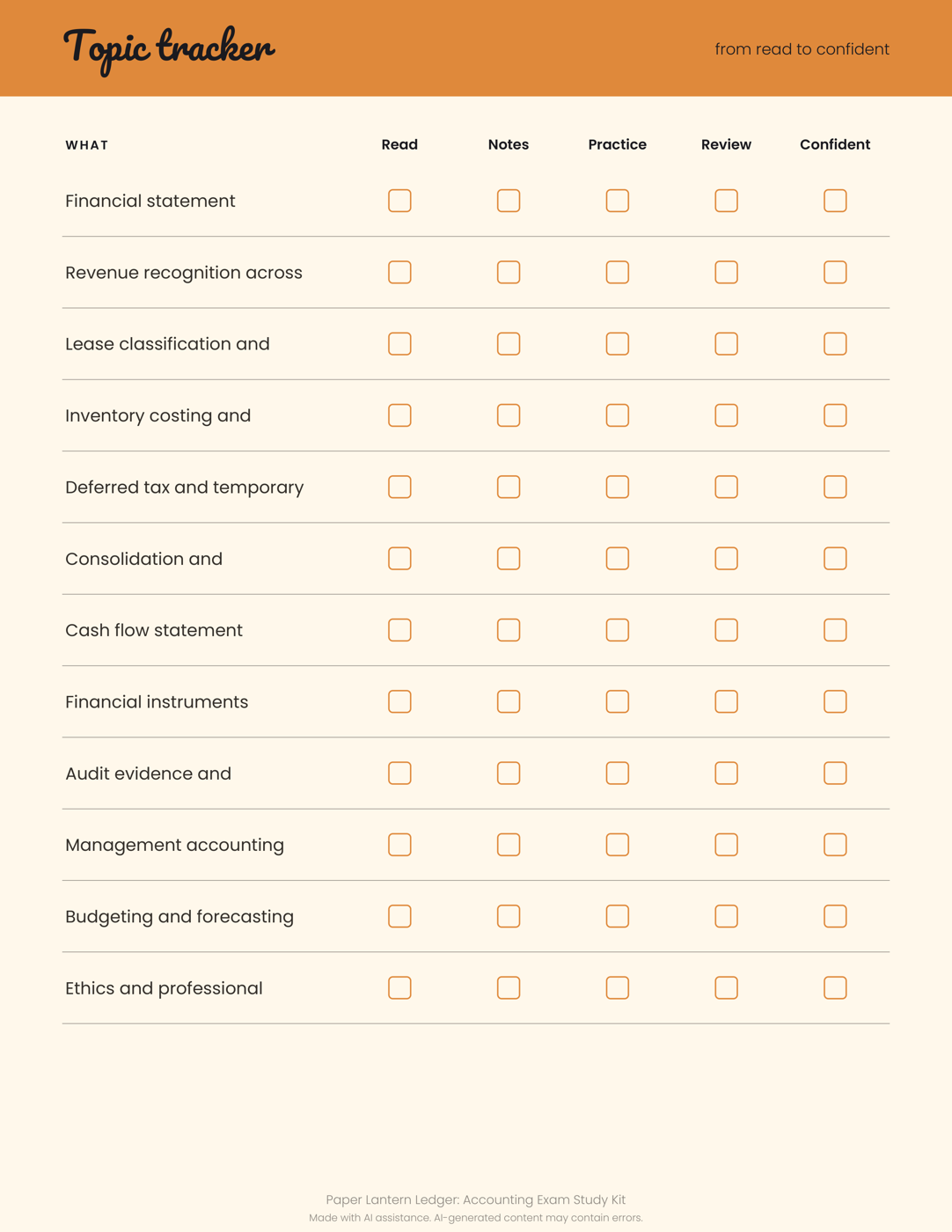
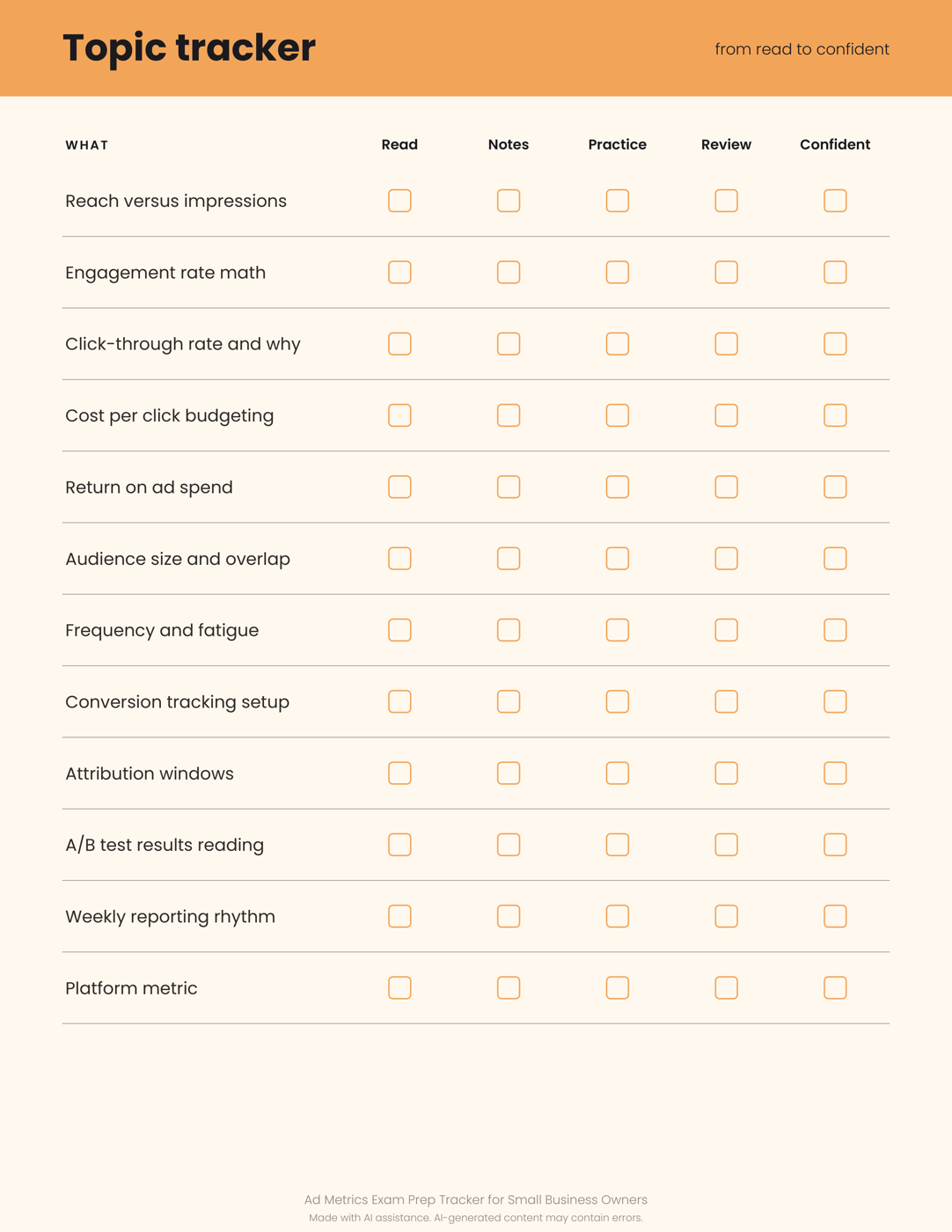
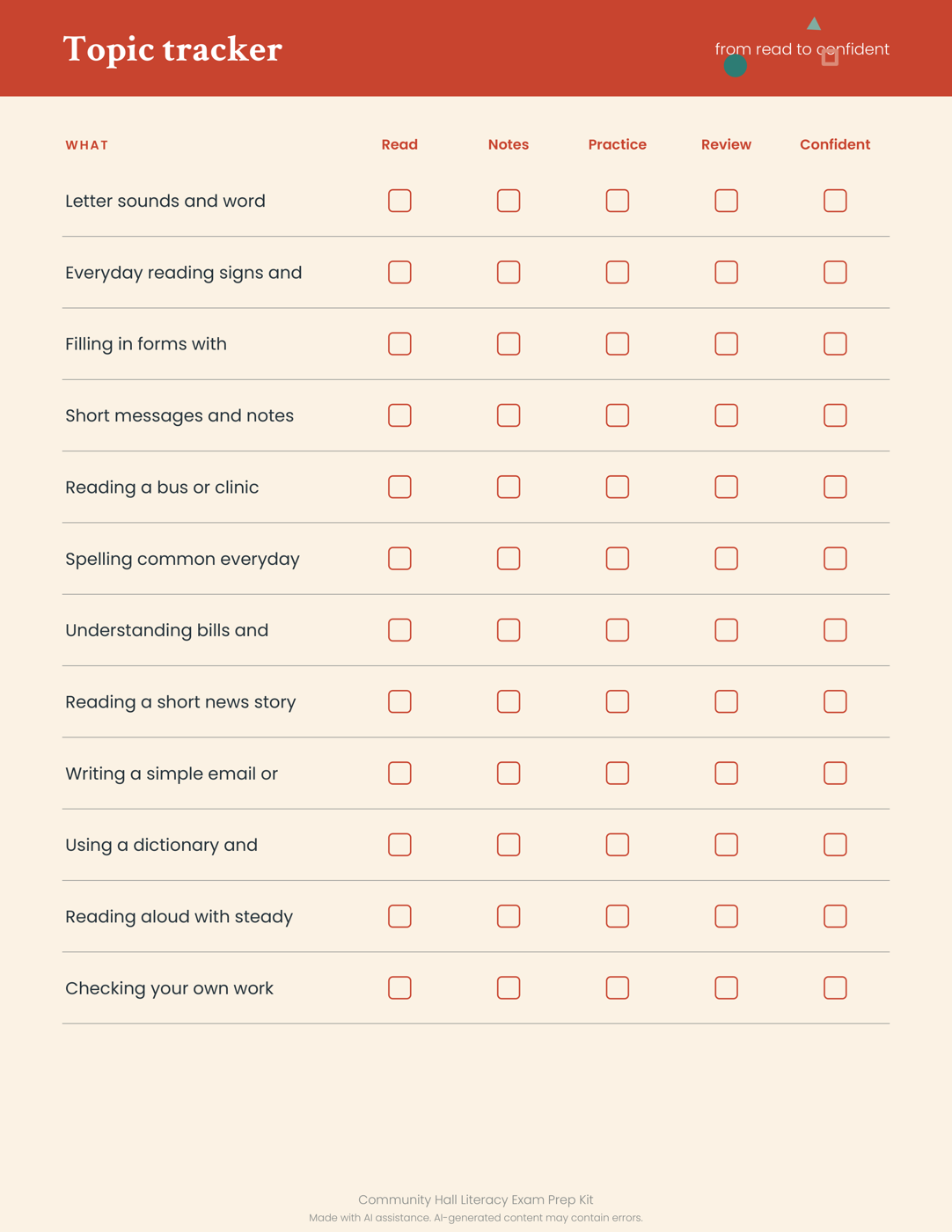
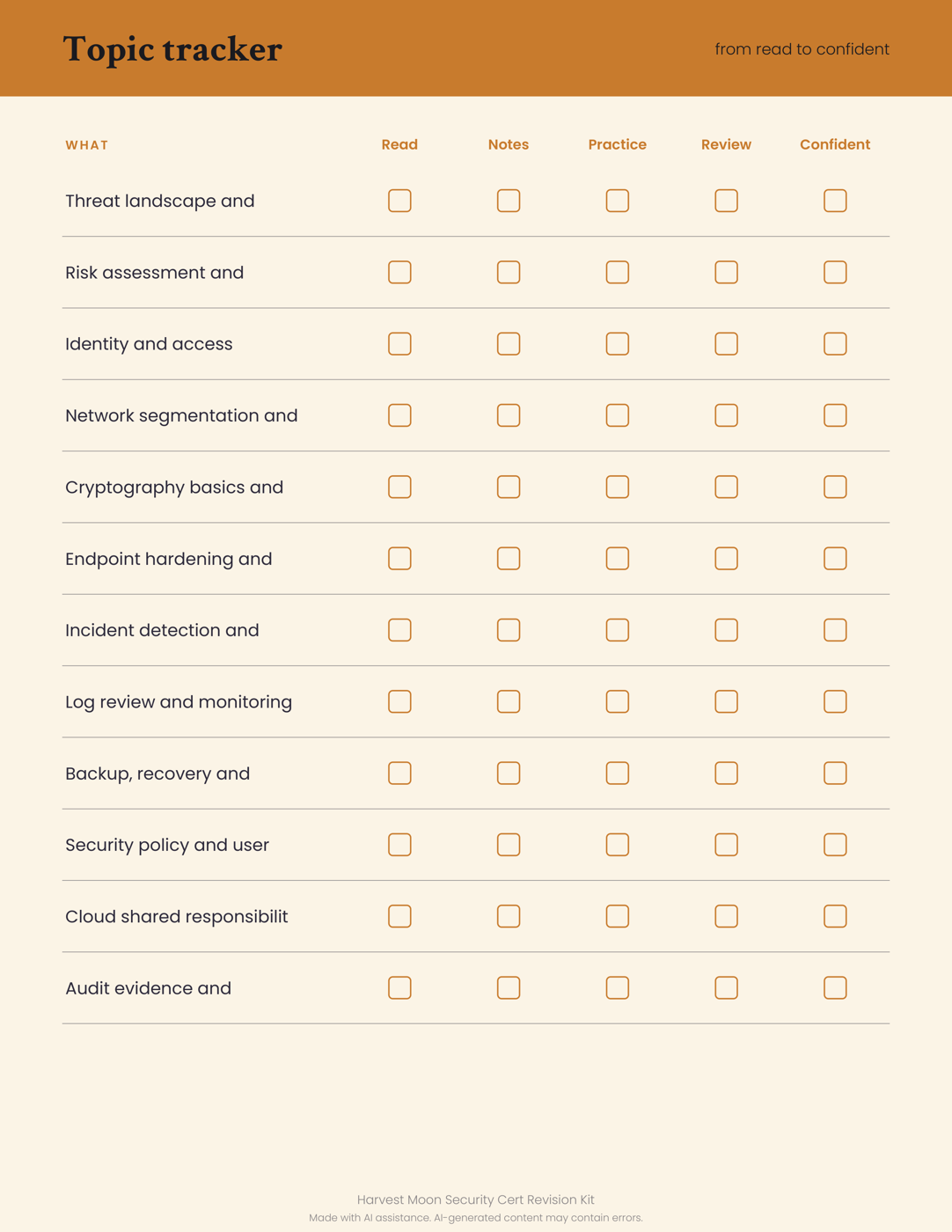
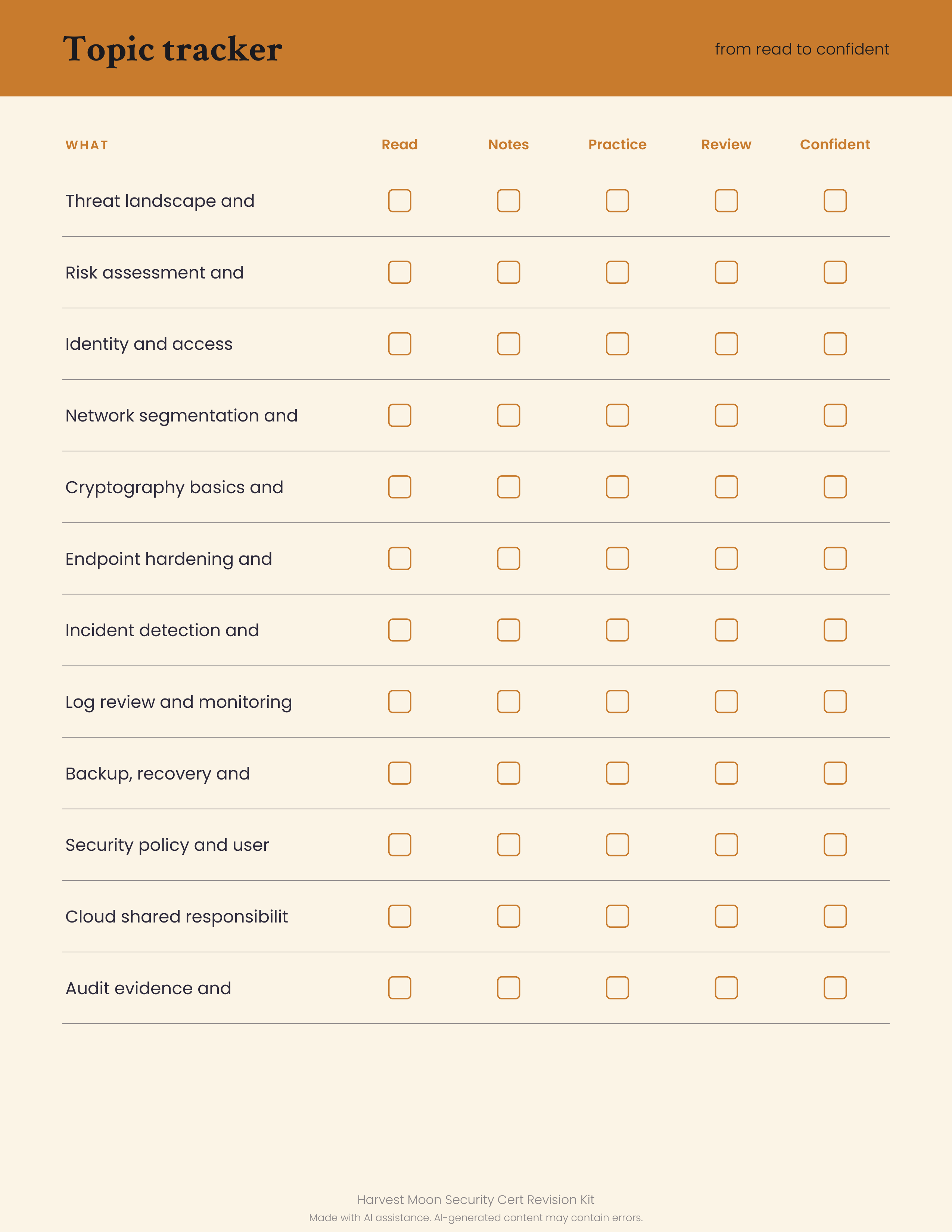
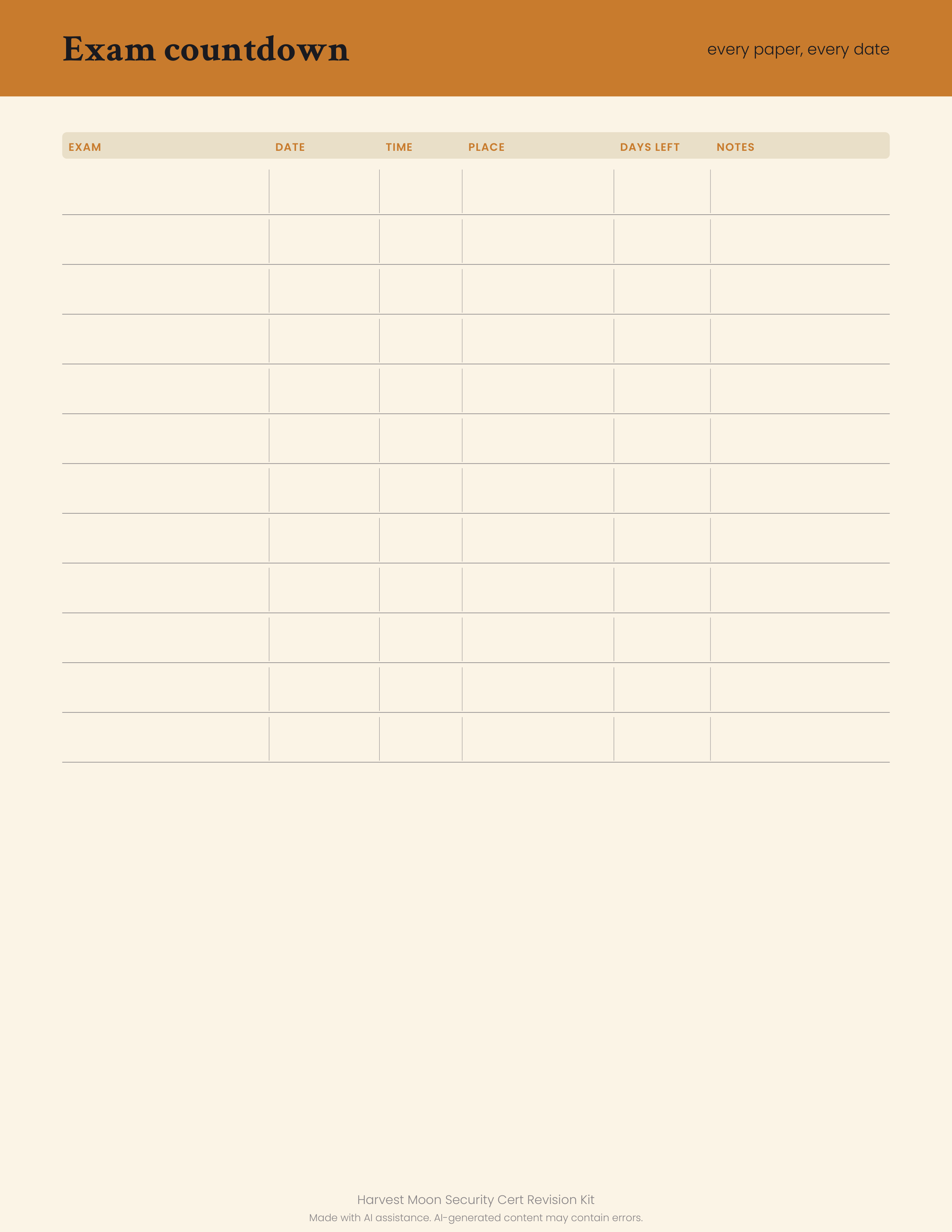
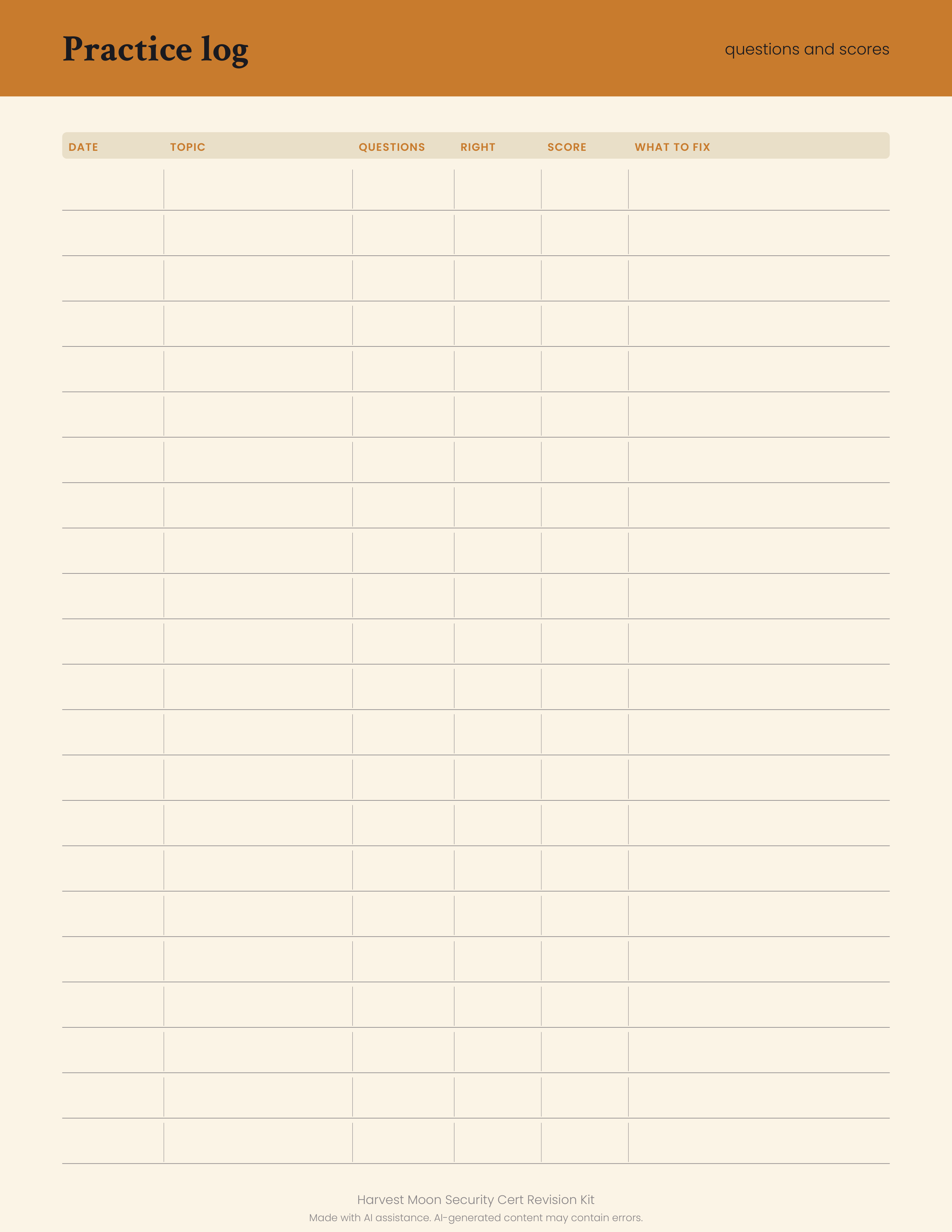
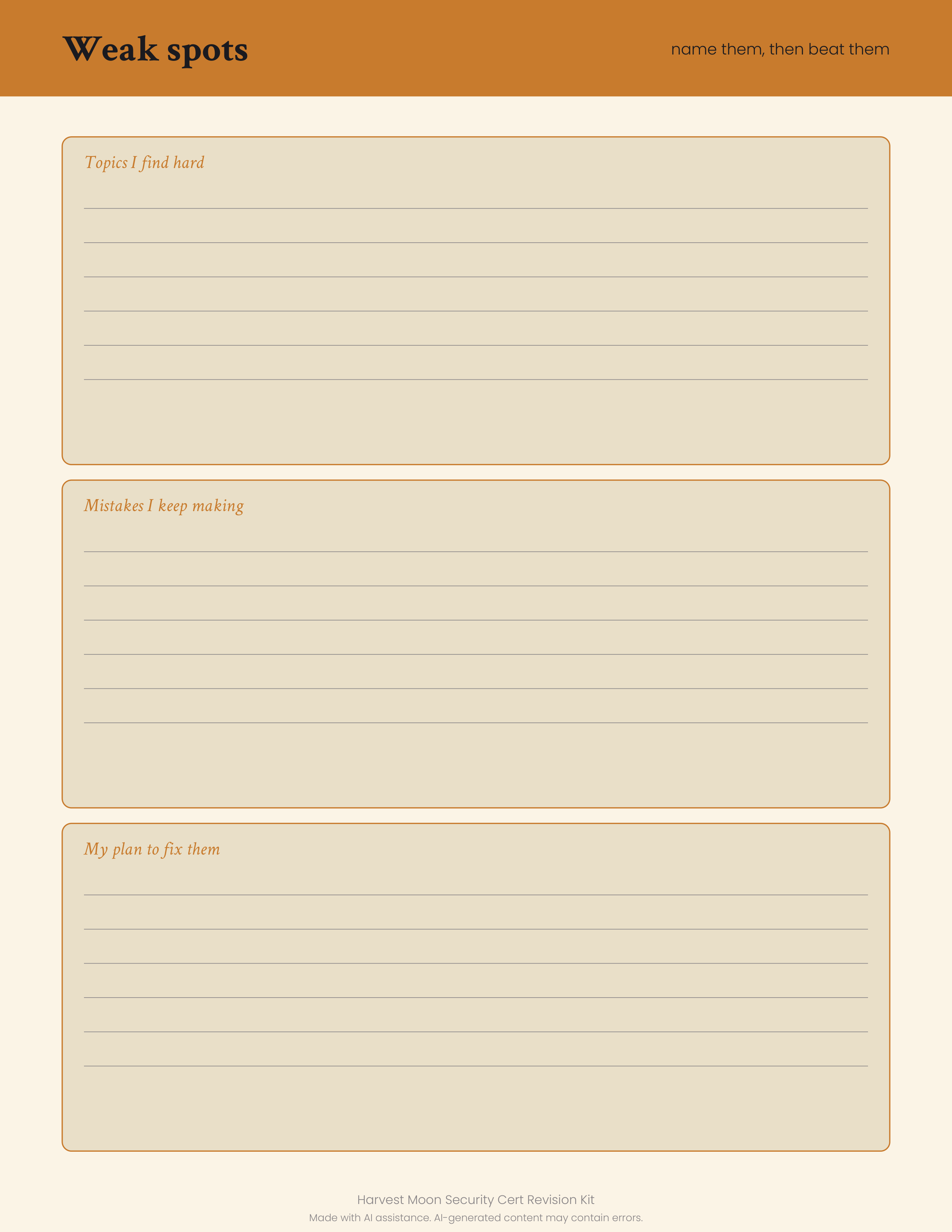
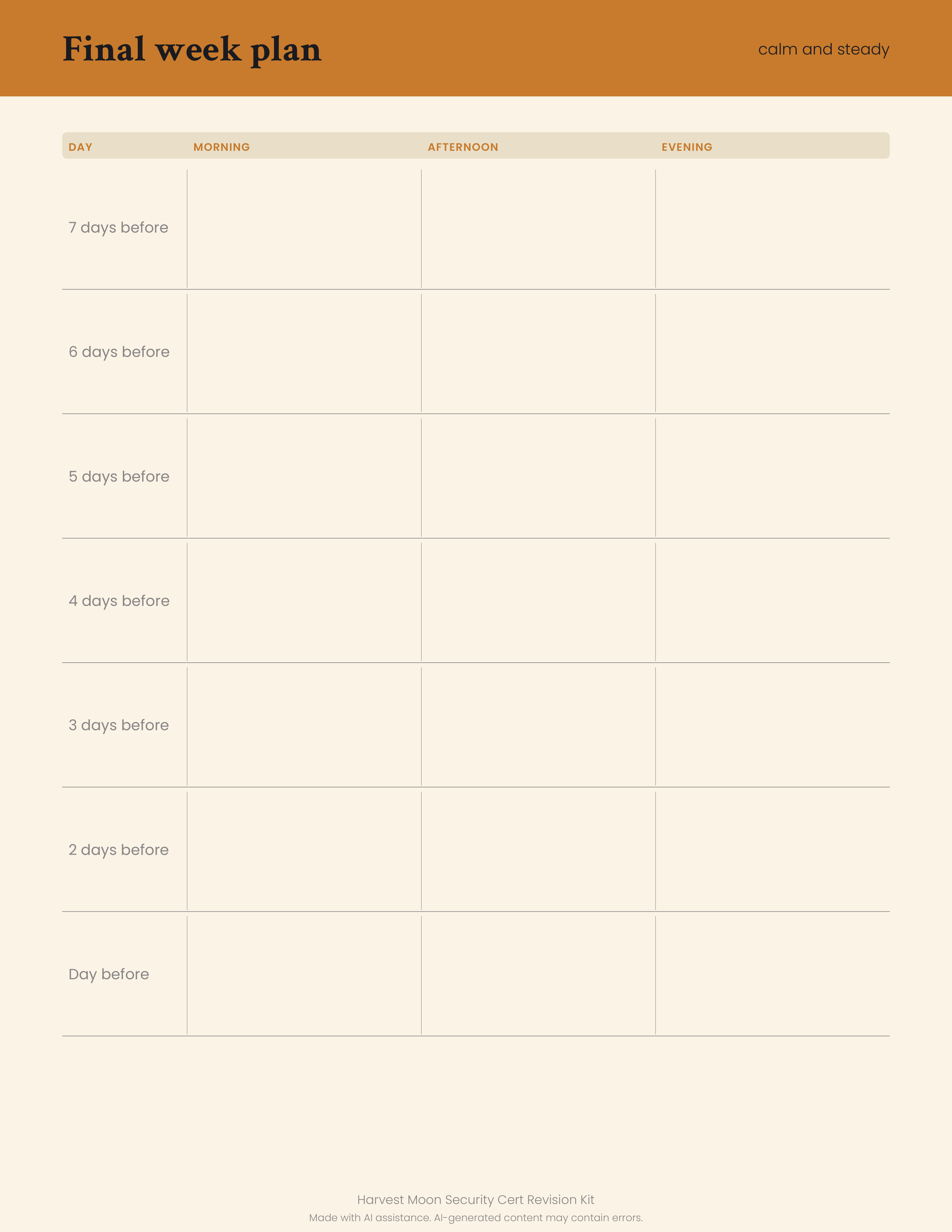
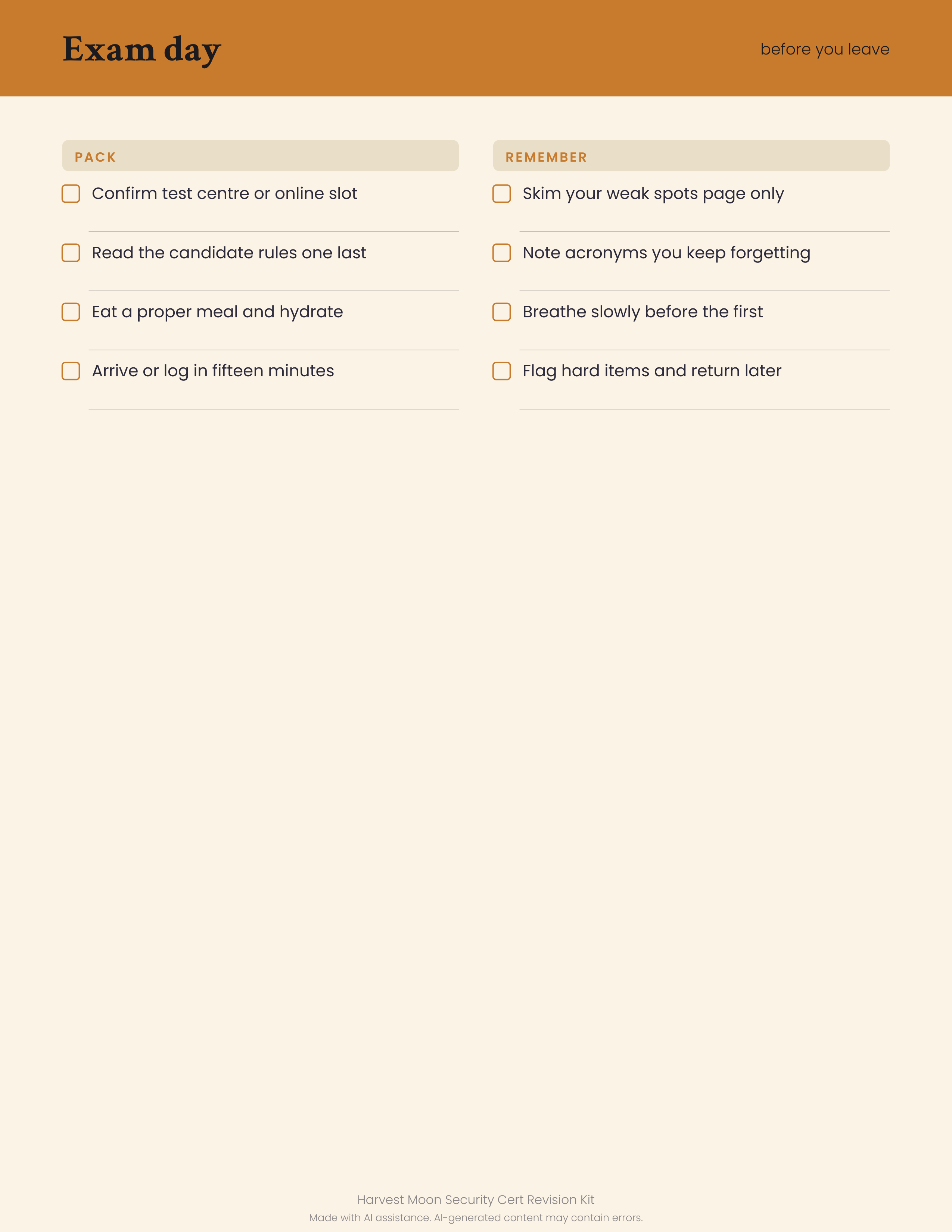
1 original sample set in PDF, PNG, SVG. A warm, elegant printable set built for IT support staff working toward security certifications. It covers a topic tracker from first read to confident, an exam countdown, a practice question log, a weak spots page, a final week plan and an exam day checklist. Print at home and fill in by hand. Made with AI assistance. Made for: IT support staff pursuing security credentials. Use: Cybersecurity certification revision. Style: harvest moon, warm, classic and elegant. You get one instant download (ZIP, 1.3 MB) with 16 usable files in Markdown, PDF, PNG, SVG, TXT.
What's included
- exam-prep.pdf (PDF, 78.9 KB)
- exam-prep-1.png (PNG, 198.3 KB)
- exam-prep-2.png (PNG, 89.5 KB)
- exam-prep-3.png (PNG, 100.0 KB)
- exam-prep-4.png (PNG, 102.8 KB)
- exam-prep-5.png (PNG, 117.8 KB)
- exam-prep-6.png (PNG, 121.1 KB)
- exam-prep-1.svg (SVG, 15.3 KB)
- exam-prep-2.svg (SVG, 12.9 KB)
- exam-prep-3.svg (SVG, 21.7 KB)
- exam-prep-4.svg (SVG, 4.9 KB)
- exam-prep-5.svg (SVG, 7.2 KB)
- exam-prep-6.svg (SVG, 5.6 KB)
- PROVENANCE.md (Markdown, 1.9 KB)
- README.txt (TXT, 285 B)
- 7 open-licence font file(s) with their licence texts (SIL OFL 1.1 / DejaVu)
- PROVENANCE.md: how every file was made
Download and use
- After payment, click your download link (on screen, in your email receipt and in your account dashboard; re-download any time).
- Unzip the file: double-click it on Windows or Mac, or tap it in the Files app on a phone.
- PDF: open in any PDF reader. To print, choose Actual size / 100% (not 'fit'), US Letter unless the page says otherwise, on matte paper or card stock.
- SVG: import into your cutting-machine software or a vector editor (Inkscape, Illustrator); each shape is a separate path, scale without losing quality.
- PNG: print at 100% or use on screen (phone/desktop wallpaper, social post, digital planner sticker).
- TXT/Markdown: open in any text editor; copy and paste the parts you need.
- Your licence tier (Personal, Commercial or Extended) is on your receipt and in your dashboard; see /license for what each allows.
Tags
exam prepcybersecuritystudy trackerrevision plannerprintable pdfcert studyit supportcountdown