Floor 14 · Money and Side Hustle › Sinking funds
Sinking Funds Tracker, Spreadsheet That Does the Math + Printable Pages
| SKU | FB-14-BFB7BBFE |
|---|---|
| Format | ZIP: PDF, TXT, XLSX |
| File size | 545.2 KB |
| Delivery | Instant download, unlimited re-downloads from your account |
| Licences | Personal, Commercial, Extended |
All sales are final. Refund policy.
About this product
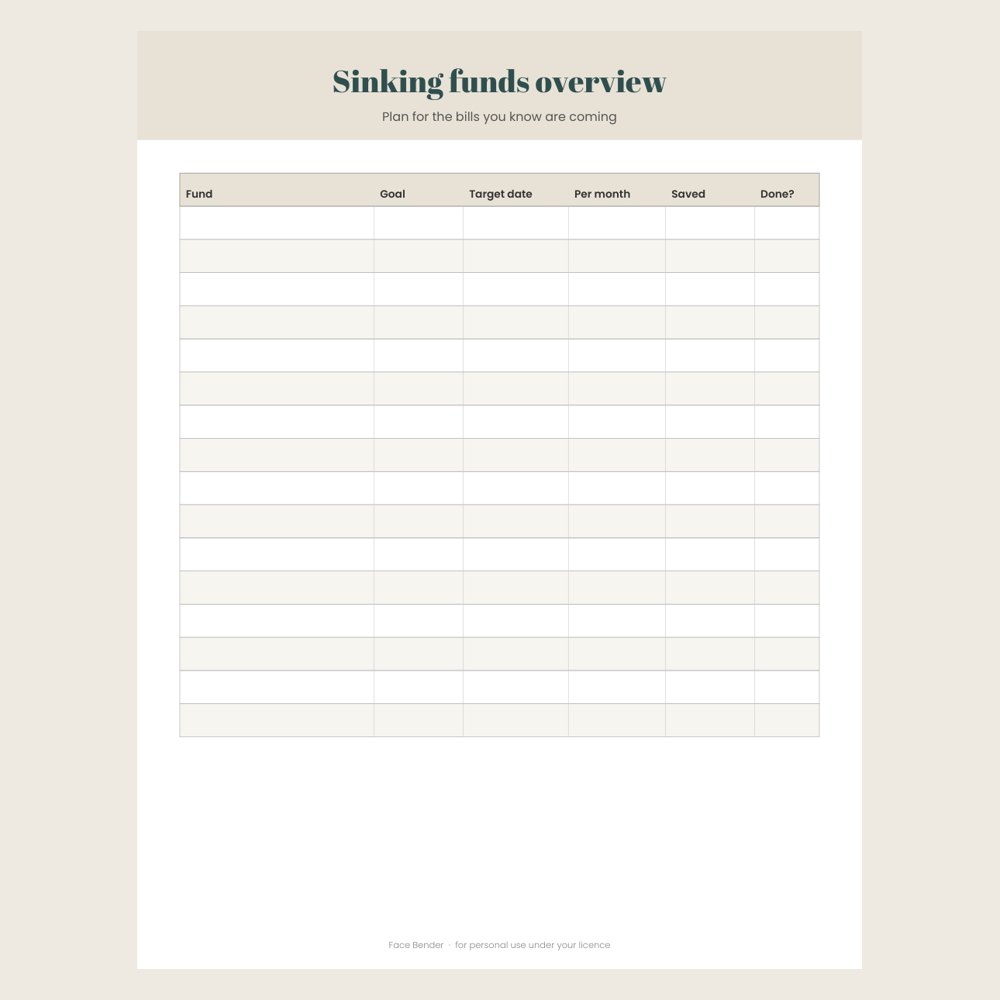
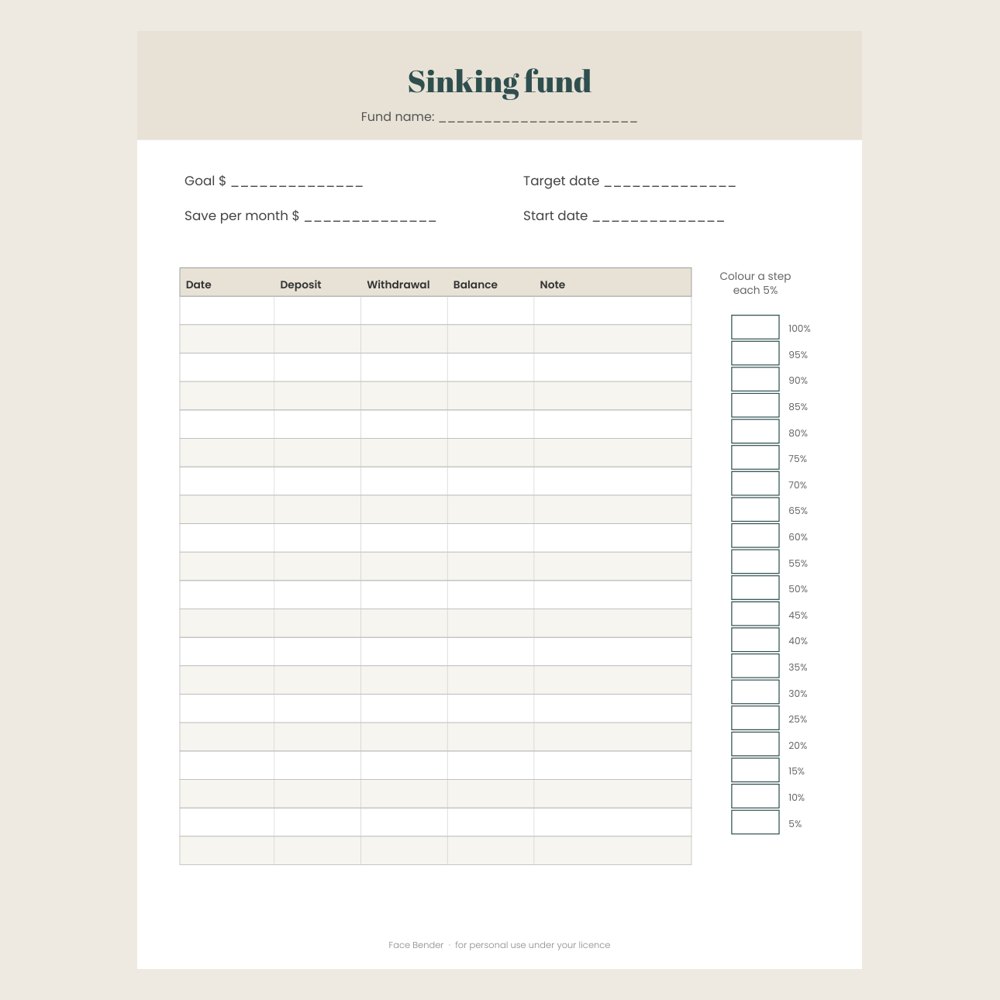
A sinking funds kit with an Excel / Google Sheets spreadsheet that works out how much to save each month for every fund: enter a goal and a target date, log deposits on the Deposits tab, and it totals what you have saved, what is left, the months left, the monthly amount and % done. Comes with six example funds you can overwrite. Also includes a printable overview page and four single-fund pages with a deposit log and a colour-in 20-step progress bar, in US Letter and A4. Made for: households saving ahead for irregular bills. Use: save a little every month for car repairs, gifts, insurance and holidays. You get one instant download (ZIP, 545.2 KB) with 4 usable files in PDF, TXT, XLSX. Made with AI assistance and checked by NorthFraim's quality gate; AI-generated content may contain errors.
What's included
- sinking-funds-printable-A4.pdf (PDF, 377.7 KB)
- sinking-funds-printable-US-Letter.pdf (PDF, 374.2 KB)
- sinking-funds-calculator.xlsx (XLSX, 7.7 KB)
- README.txt (TXT, 954 B)
Download and use
- After payment, click your download link (on screen, in your email receipt and in your account dashboard; re-download any time).
- Unzip the file: double-click it on Windows or Mac, or tap it in the Files app on a phone.
- PDF: open in any PDF reader. To print, choose Actual size / 100% (not 'fit'), US Letter unless the page says otherwise, on matte paper or card stock.
- XLSX/CSV: open in Excel, LibreOffice Calc, Numbers or Google Sheets; type in the white cells, formulas fill the rest.
- TXT/Markdown: open in any text editor; copy and paste the parts you need.
- Your licence tier (Personal, Commercial or Extended) is on your receipt and in your dashboard; see /license for what each allows.
Tags
sinking fundssinking fund trackerbudget spreadsheetsavings trackergoogle sheets budgetexcel budgetmoney plannersavings goalsprintable budget