Floor 15 · Events and Celebrations › Wedding budget trackers
Remote Dev Wedding Budget Tracker: Planned vs Actual Sheets
| SKU | FB-15-F1FA0FAA |
|---|---|
| Format | ZIP: Markdown, PDF, PNG, SVG, TXT, XLSX |
| File size | 914.0 KB |
| Delivery | Instant download, unlimited re-downloads from your account |
| Licences | Personal, Commercial, Extended |
All sales are final. Refund policy.
About this product
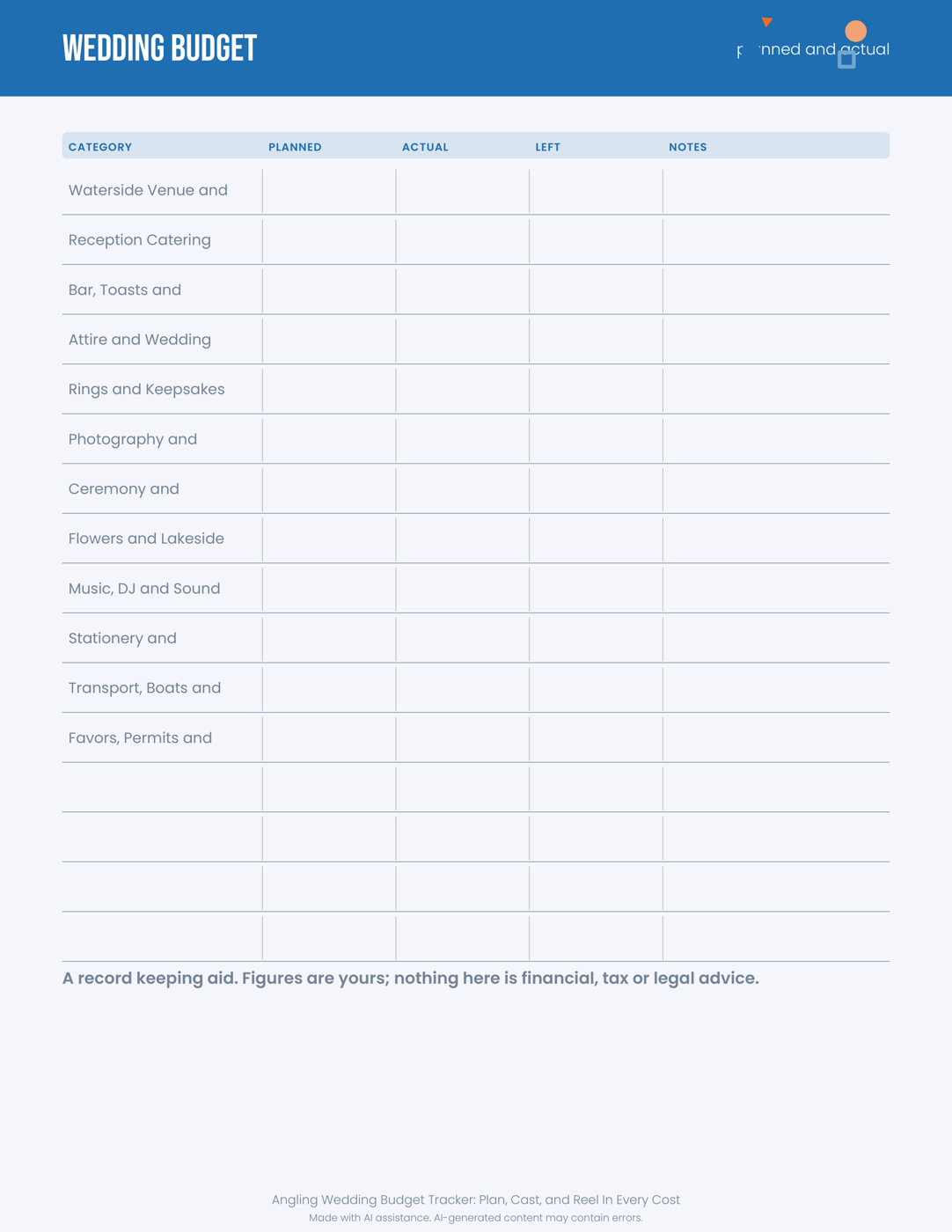
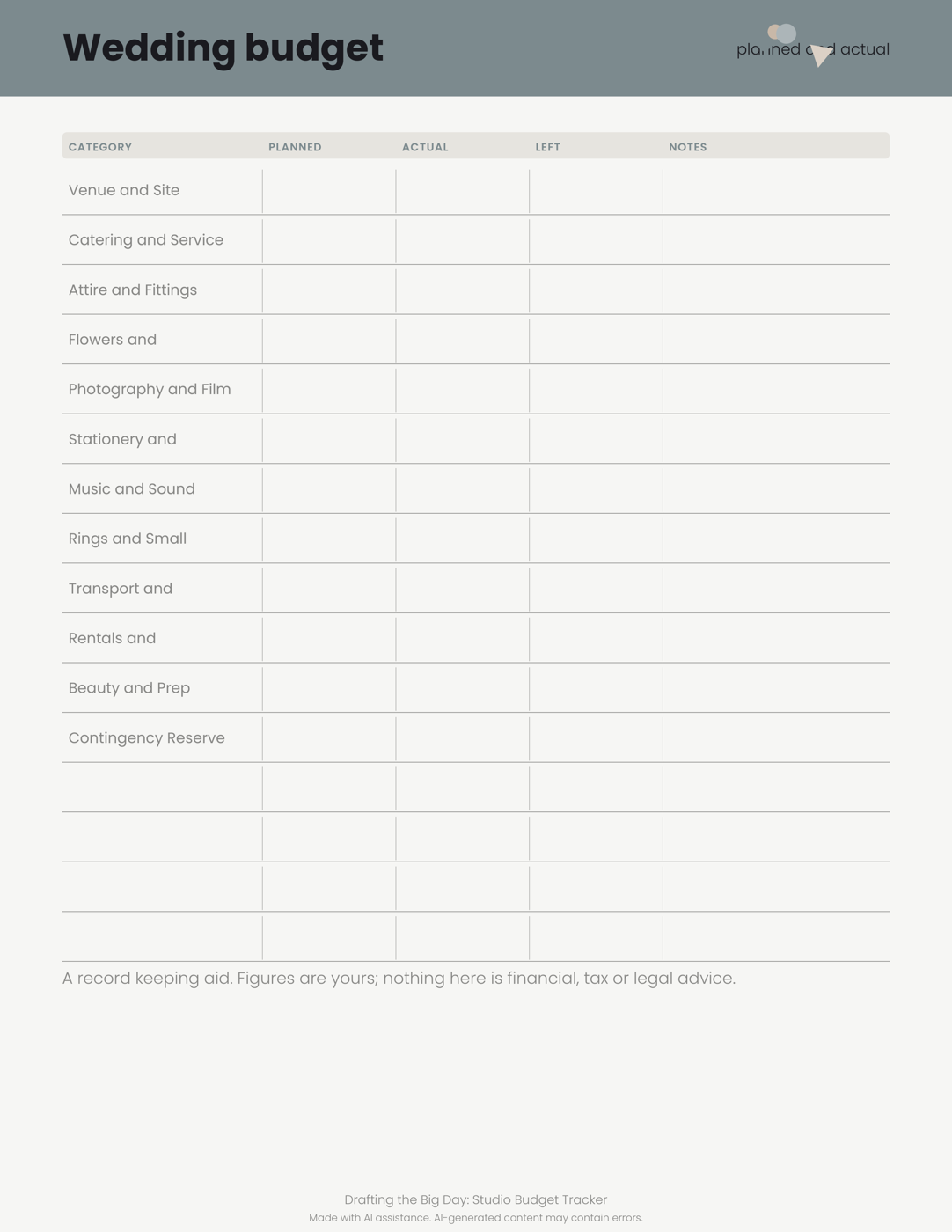
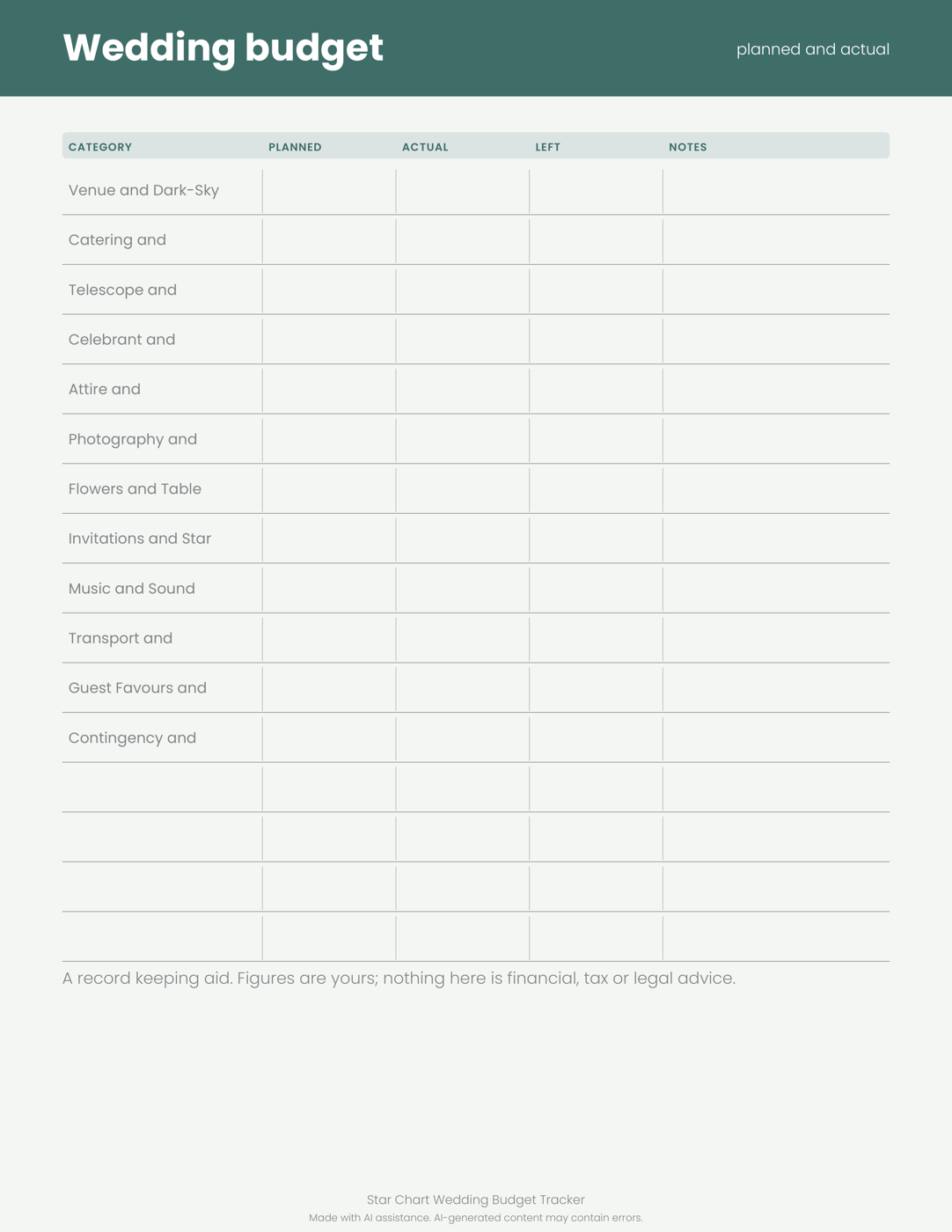
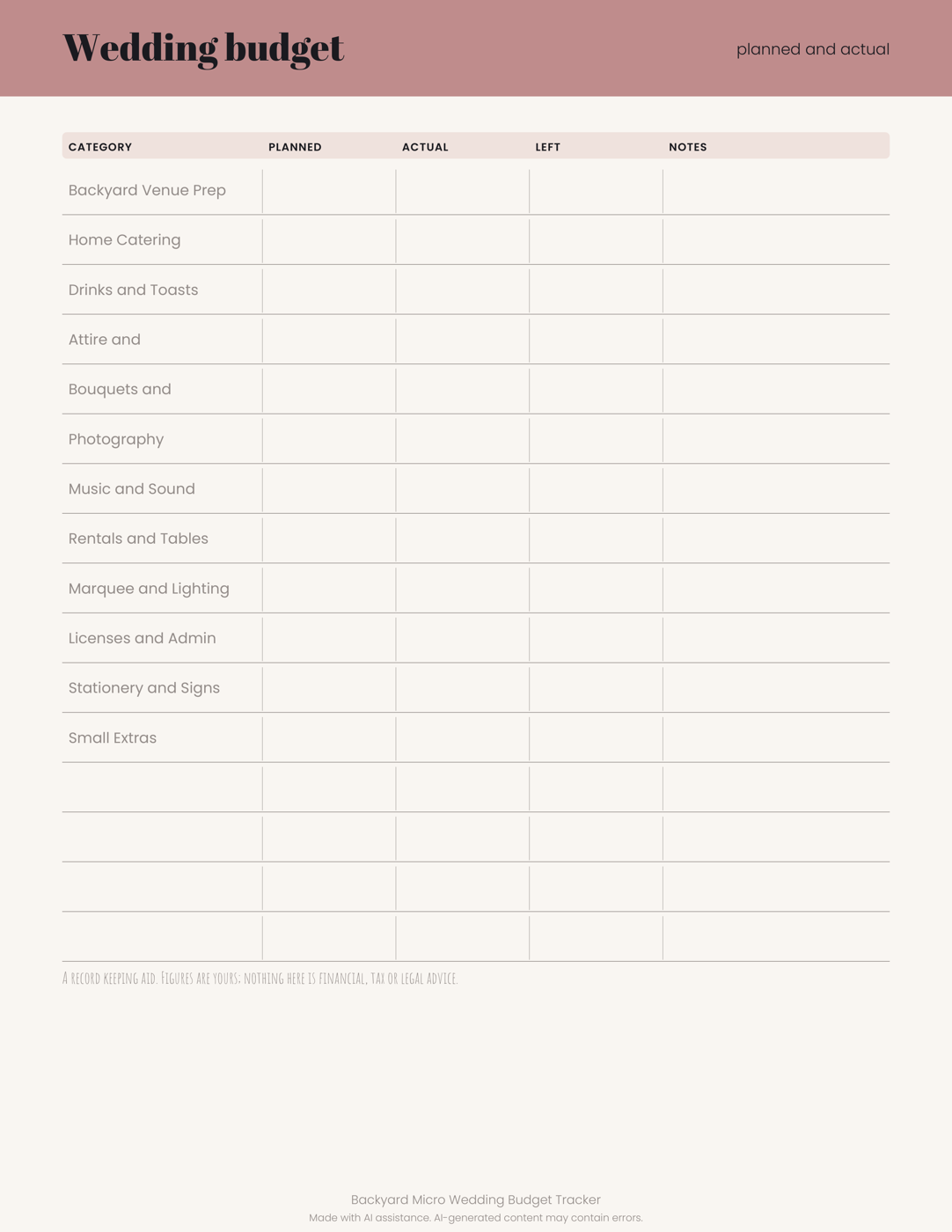
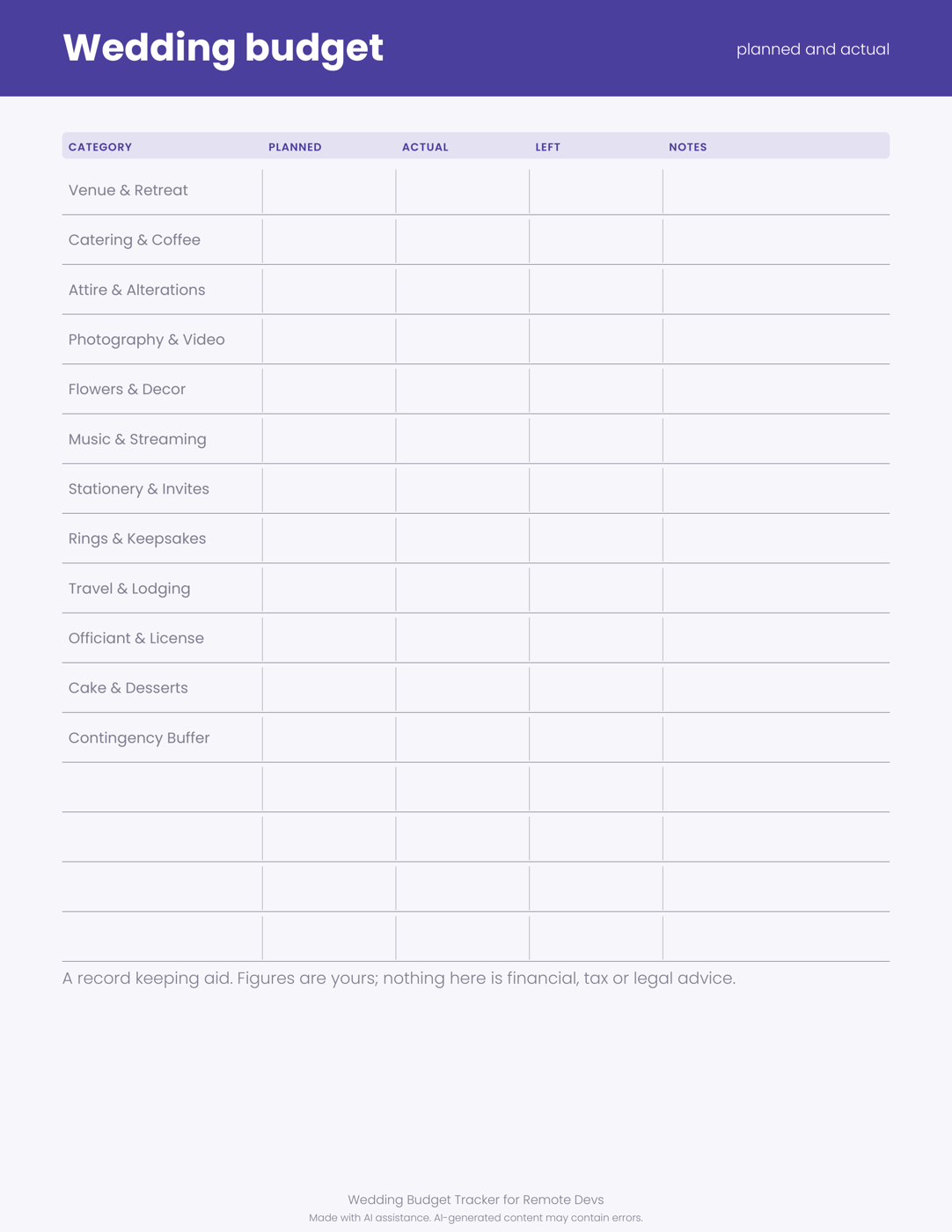
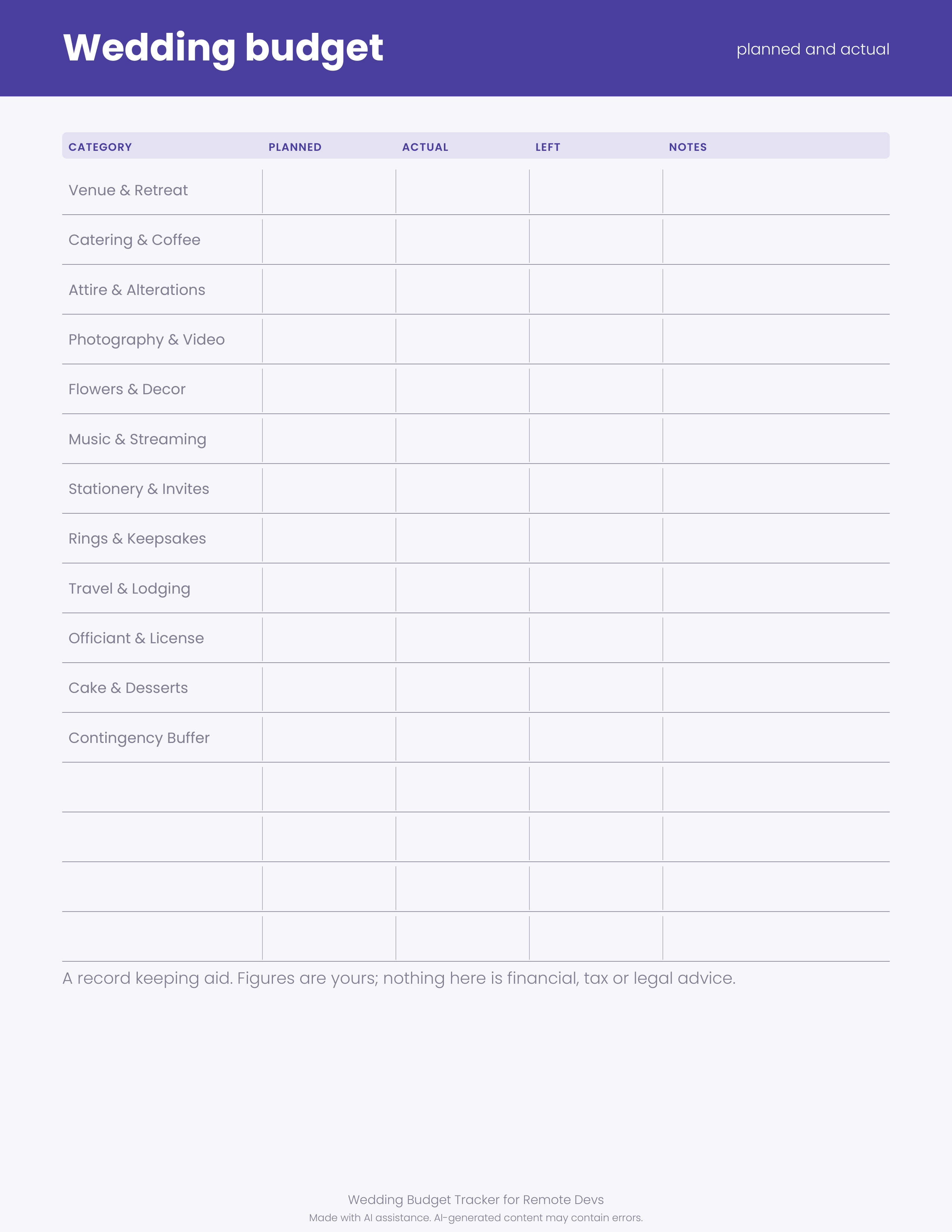
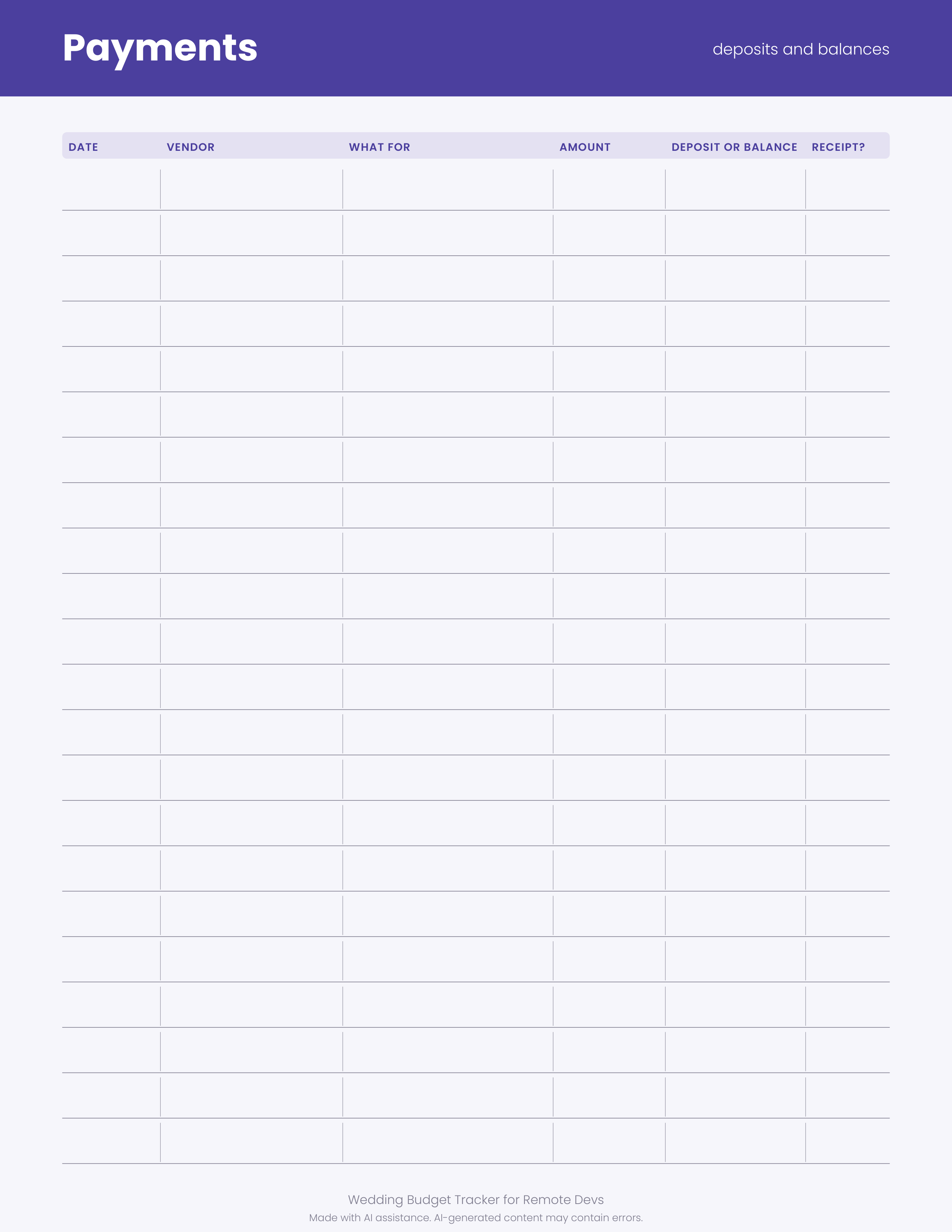
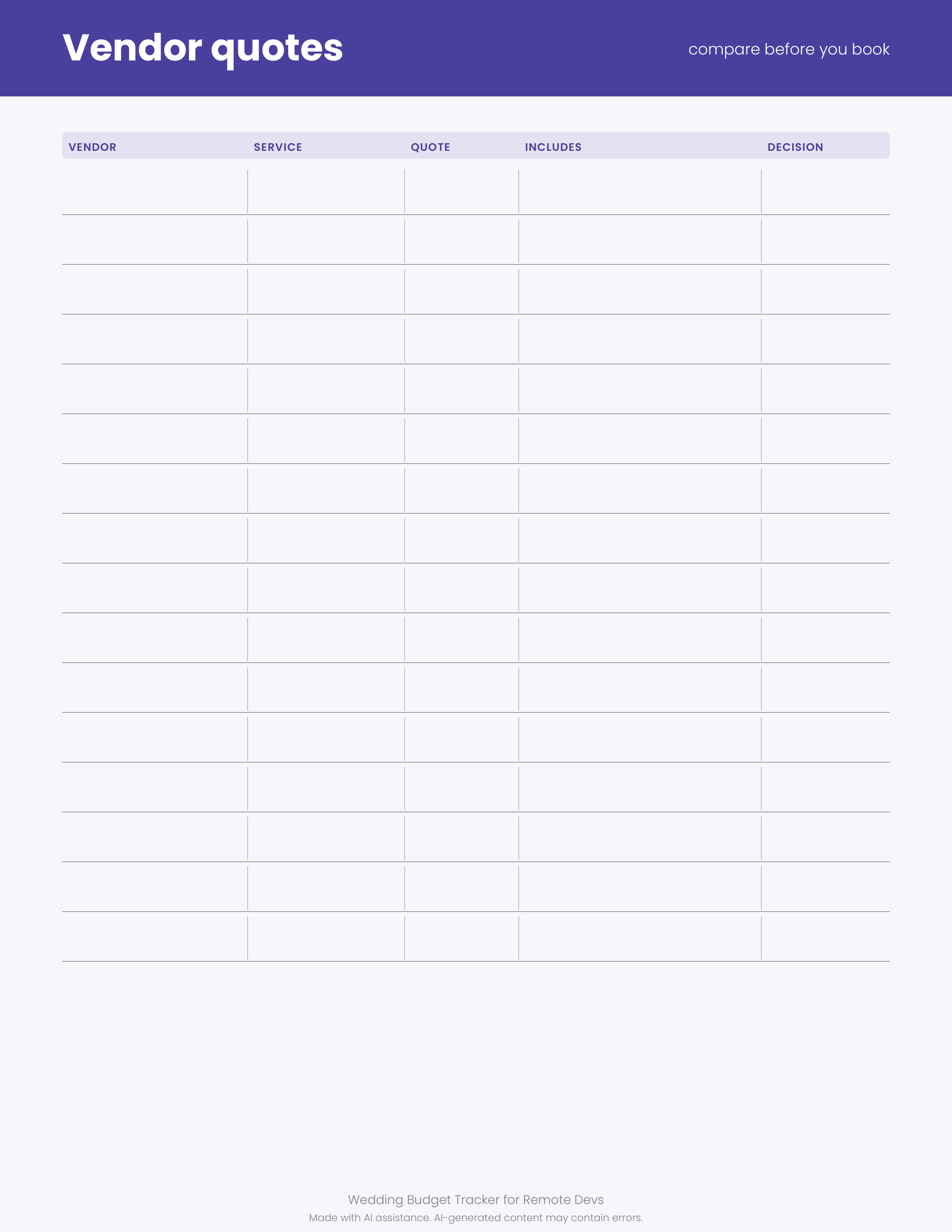
1 original sample set in PDF, PNG, SVG, XLSX. A calm, minimal budget kit for couples who plan between standups. Includes a spreadsheet with planned versus actual spending and live totals, plus printable budget, payment and vendor quote pages. No amounts filled in, ready for your own numbers. Made with AI assistance. Made for: Developers and tech remote workers. Use: Software development and remote work wedding. Style: indigo and gold, soft, modern and minimal. You get one instant download (ZIP, 914.0 KB) with 11 usable files in Markdown, PDF, PNG, SVG, TXT, XLSX.
What's included
- wedding-budget-print.pdf (PDF, 39.1 KB)
- wedding-budget.xlsx (XLSX, 4.6 KB)
- wedding-budget-print-1.png (PNG, 167.2 KB)
- wedding-budget-print-2.png (PNG, 104.0 KB)
- wedding-budget-print-3.png (PNG, 92.8 KB)
- wedding-budget-print-1.svg (SVG, 16.0 KB)
- wedding-budget-print-2.svg (SVG, 21.7 KB)
- wedding-budget-print-3.svg (SVG, 13.9 KB)
- PROVENANCE.md (Markdown, 1.5 KB)
- README.txt (TXT, 296 B)
- 5 open-licence font file(s) with their licence texts (SIL OFL 1.1 / DejaVu)
- PROVENANCE.md: how every file was made
Download and use
- After payment, click your download link (on screen, in your email receipt and in your account dashboard; re-download any time).
- Unzip the file: double-click it on Windows or Mac, or tap it in the Files app on a phone.
- PDF: open in any PDF reader. To print, choose Actual size / 100% (not 'fit'), US Letter unless the page says otherwise, on matte paper or card stock.
- XLSX/CSV: open in Excel, LibreOffice Calc, Numbers or Google Sheets; type in the white cells, formulas fill the rest.
- SVG: import into your cutting-machine software or a vector editor (Inkscape, Illustrator); each shape is a separate path, scale without losing quality.
- PNG: print at 100% or use on screen (phone/desktop wallpaper, social post, digital planner sticker).
- TXT/Markdown: open in any text editor; copy and paste the parts you need.
- Your licence tier (Personal, Commercial or Extended) is on your receipt and in your dashboard; see /license for what each allows.
Tags
wedding budgetbudget trackerremote workdeveloper giftwedding plannerprintable budgetvendor quotetech wedding