Courses floor › Business, Money and Career
Excel from Zero to Confident for Analysts Building Models (Advanced)
| SKU | FB-16-0C401909 |
|---|---|
| Format | ZIP: Markdown, PDF, PNG, Python |
| File size | 663.8 KB |
| Delivery | Instant download, unlimited re-downloads from your account |
| Licences | Personal, Commercial, Extended |
All sales are final. Refund policy.
About this product
8-module advanced course for analysts building models. Design multi-sheet models with separated inputs, calculations and outputs that stay auditable as they grow. Includes written lessons, worked examples, a quiz with answer key per module, runnable companion scripts, a workbook, a cheat sheet, a final project and a NorthFraim completion certificate. Made with AI assistance. Modules: 1. Model Architecture: Layers, Inputs and Named Ranges; 2. Advanced Lookup Patterns That Survive Change; 3. Structured Tables as the Backbone of a Model; 4. Aggregation and Conditional Logic at Scale; 5. Pivot Tables and Charts Driven by the Model; 6. Data Cleaning and Validation Before the Model; 7. Scenario, Sensitivity and Error-Checking Frameworks; 8. Model Review, Documentation and Handover. What you will be able to do: Design multi-sheet models with separated inputs, calculations and outputs that stay auditable as they grow; Construct dynamic lookups and array-style formulas that resist breakage when rows or columns change; Convert messy ranges into structured tables and drive pivots, charts and formulas from them; Clean and reshape imported data using text, date and validation techniques before it enters the model; Build and stress-test a scenario-driven financial-style model with checks, sensitivity and clear documentation. Format: self-paced written course you download and keep (663.8 KB, 8 modules, 24 lessons, about 13,596 words), plus workbook, cheat sheet, quizzes and scripts.
What's included
- 8 modules, 24 written lessons (13,596 words of teaching text)
- A worked example per module
- A 2-question quiz and answer key per module
- Runnable companion Python scripts per module (checked in a sandbox)
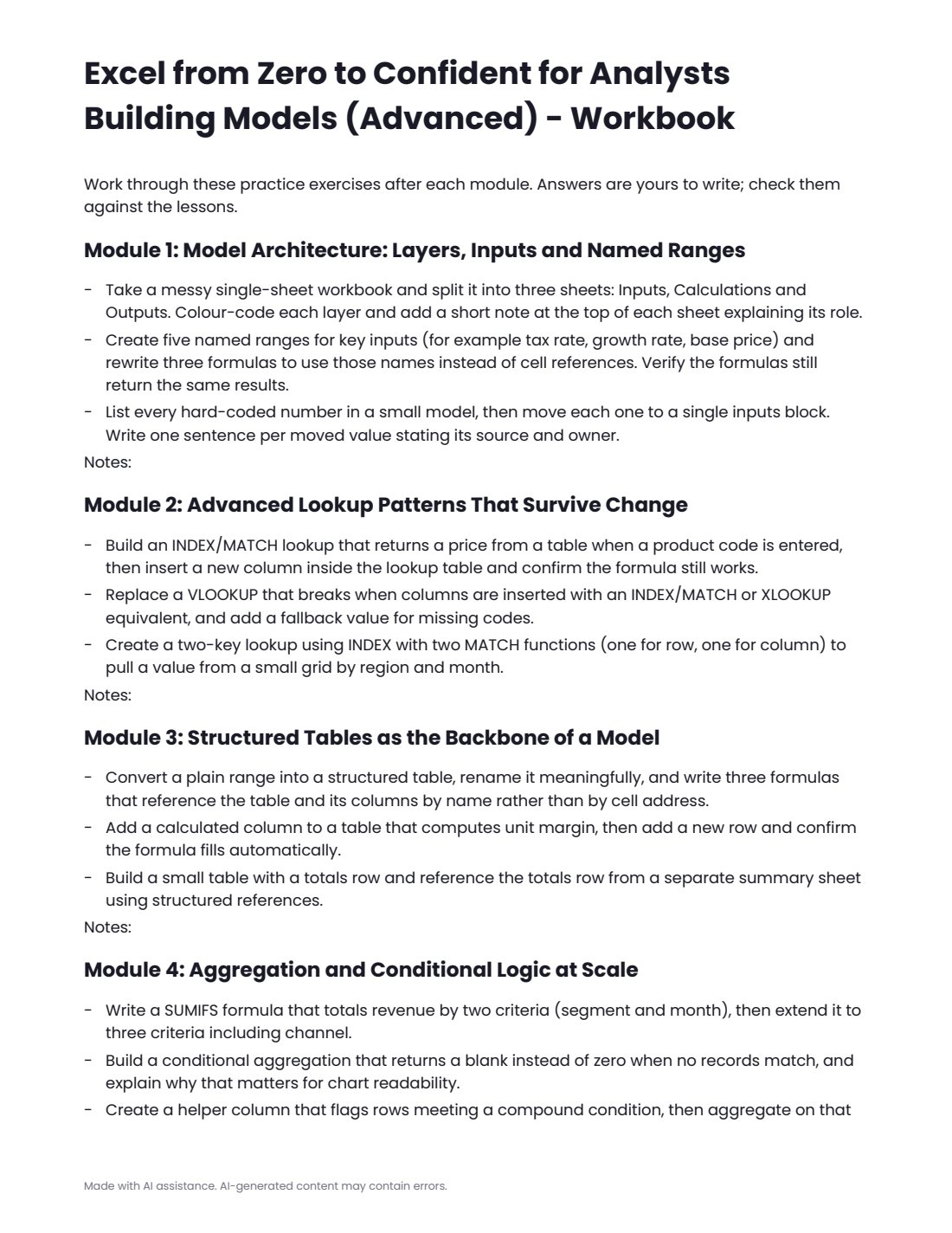
- workbook.pdf: practice exercises for every module
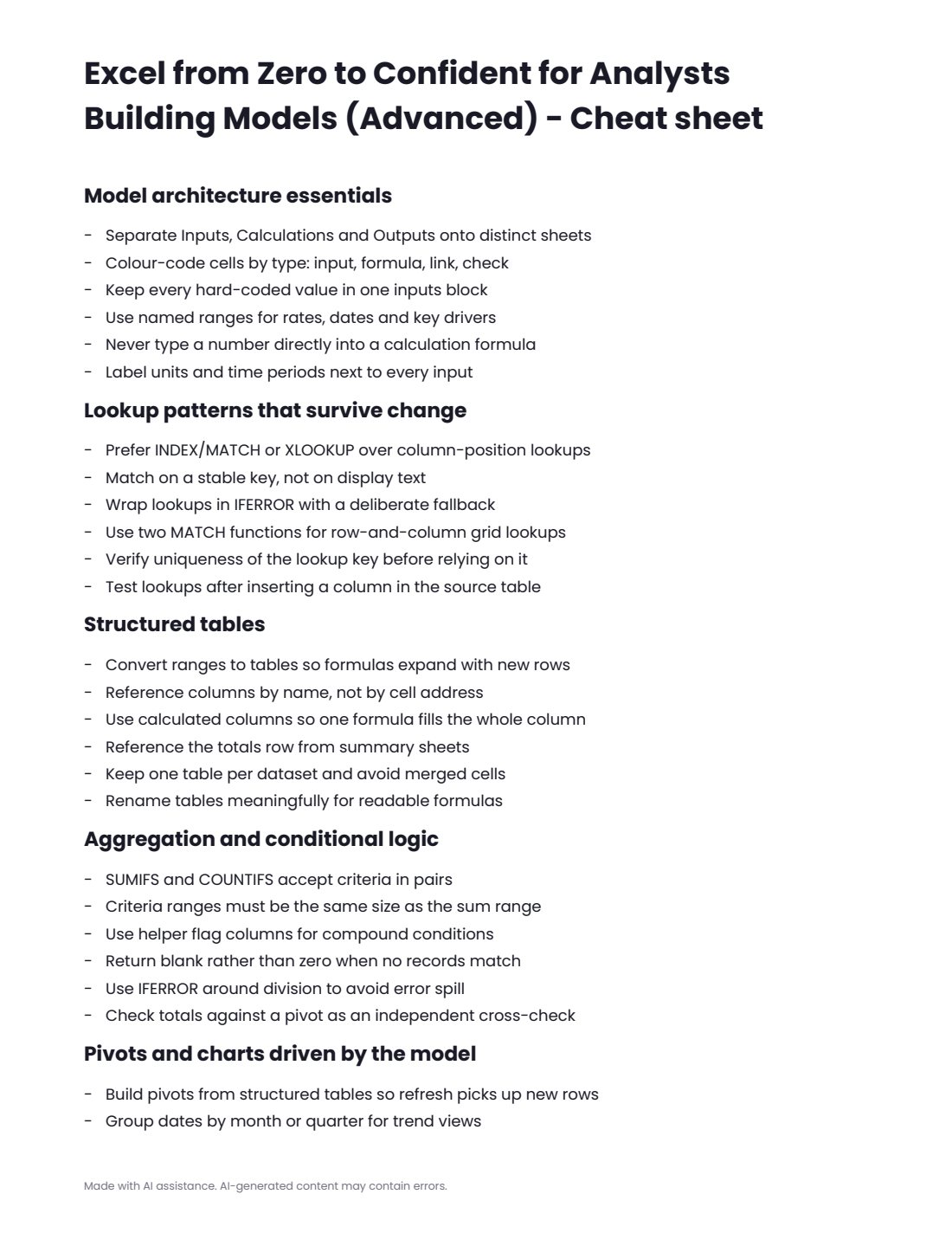
- cheatsheet.pdf
- final-project.md with steps, deliverables and rubric
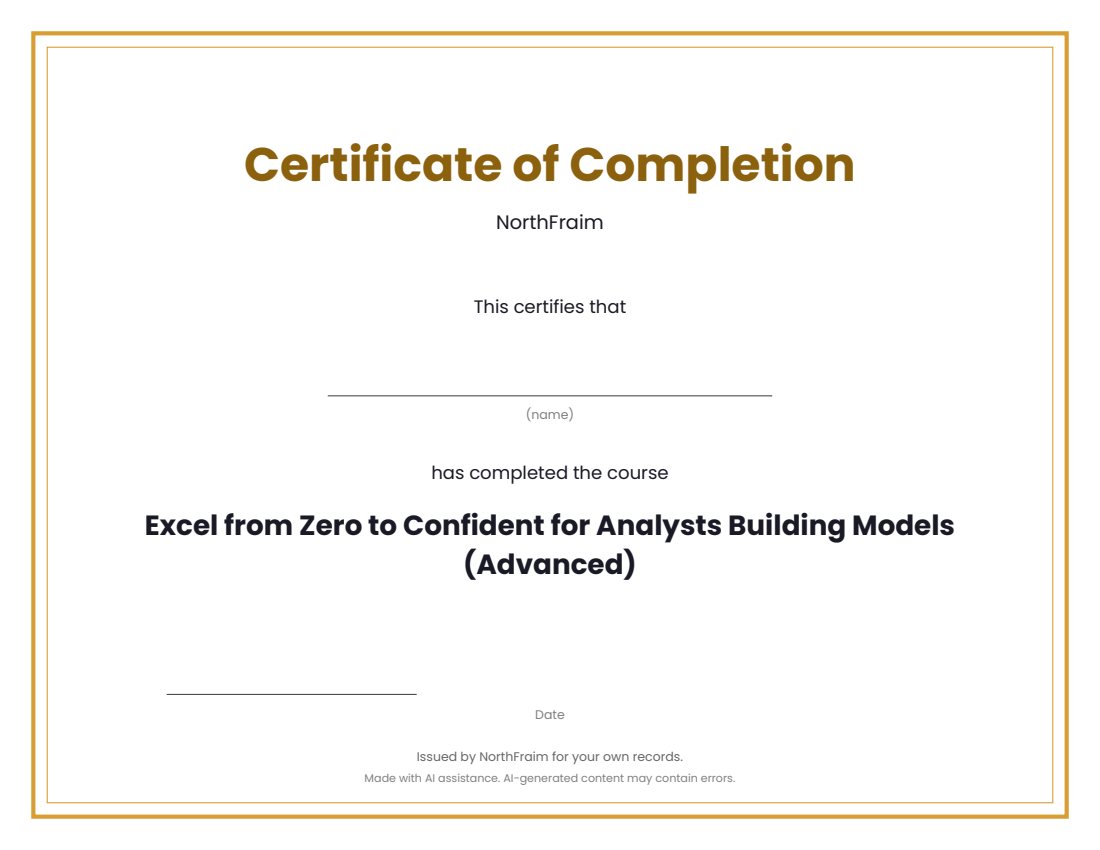
- certificate.pdf (completion certificate)
- syllabus.md, README.md, PROVENANCE.md
Download and use
- After payment, click your download link (on screen, in your email receipt and in your account dashboard; re-download any time).
- Unzip the file: double-click it on Windows or Mac, or tap it in the Files app on a phone.
- Open README.md, then syllabus.md, to see the plan.
- Work through modules/m1 to the last module: read the three lessons, study the worked example, do the practice (practice.md or the workbook), take quiz.md and check quiz-answer-key.md.
- Run each module's companion script with Python 3.9 or newer: open a terminal in the module's code folder and run the command shown in the lesson (standard library only, no internet or keys needed).
- Print or fill in workbook.pdf as you go, keep cheatsheet.pdf at hand, then complete final-project.md.
- Print certificate.pdf and write your name on it when you finish.
Tags
advancedanalystsbuildingconfidentcourseexcelforfromlessonsmodels