Build and Repair Drones
| SKU | FB-16-3FB3A233 |
|---|---|
| Format | ZIP: Markdown, PDF, PNG, Python |
| File size | 655.8 KB |
| Delivery | Instant download, unlimited re-downloads from your account |
| Licences | Personal, Commercial, Extended |
All sales are final. Refund policy.
About this product
10-module intermediate course for hobbyists and aspiring drone technicians. Identify the major components of a small multirotor and explain how they connect and interact. Includes written lessons, worked examples, a quiz with answer key per module, runnable companion scripts, a workbook, a cheat sheet, a final project and a NorthFraim completion certificate. Made with AI assistance. Modules: 1. How a Small Multirotor Works: Parts and Power Flow; 2. Frames, Layouts, and Mechanical Assembly; 3. Motors, Propellers, and Thrust Basics; 4. ESCs, Flight Controllers, and Signal Wiring; 5. Soldering, Wiring, and Power Distribution; 6. Lithium-Polymer Battery Safety; 7. Flight Controller Setup and Firmware Configuration; 8. Tuning for Stable Flight; 9. Finding and Fixing Common Faults; 10. Repair Walkthroughs, Registration, and Remote ID. What you will be able to do: Identify the major components of a small multirotor and explain how they connect and interact; Assemble a safe, correctly wired power and control system using sound soldering and strain-relief practices; Configure and tune a flight controller for stable, predictable flight; Diagnose and repair common electrical, motor, and configuration faults using a structured method; Handle, charge, store, and transport lithium-polymer batteries safely and state current FAA registration and Remote ID obligations. Format: self-paced written course you download and keep (655.8 KB, 10 modules, 30 lessons, about 18,331 words), plus workbook, cheat sheet, quizzes and scripts.
What's included
- 10 modules, 30 written lessons (18,331 words of teaching text)
- A worked example per module
- A 2-question quiz and answer key per module
- Runnable companion Python scripts per module (checked in a sandbox)
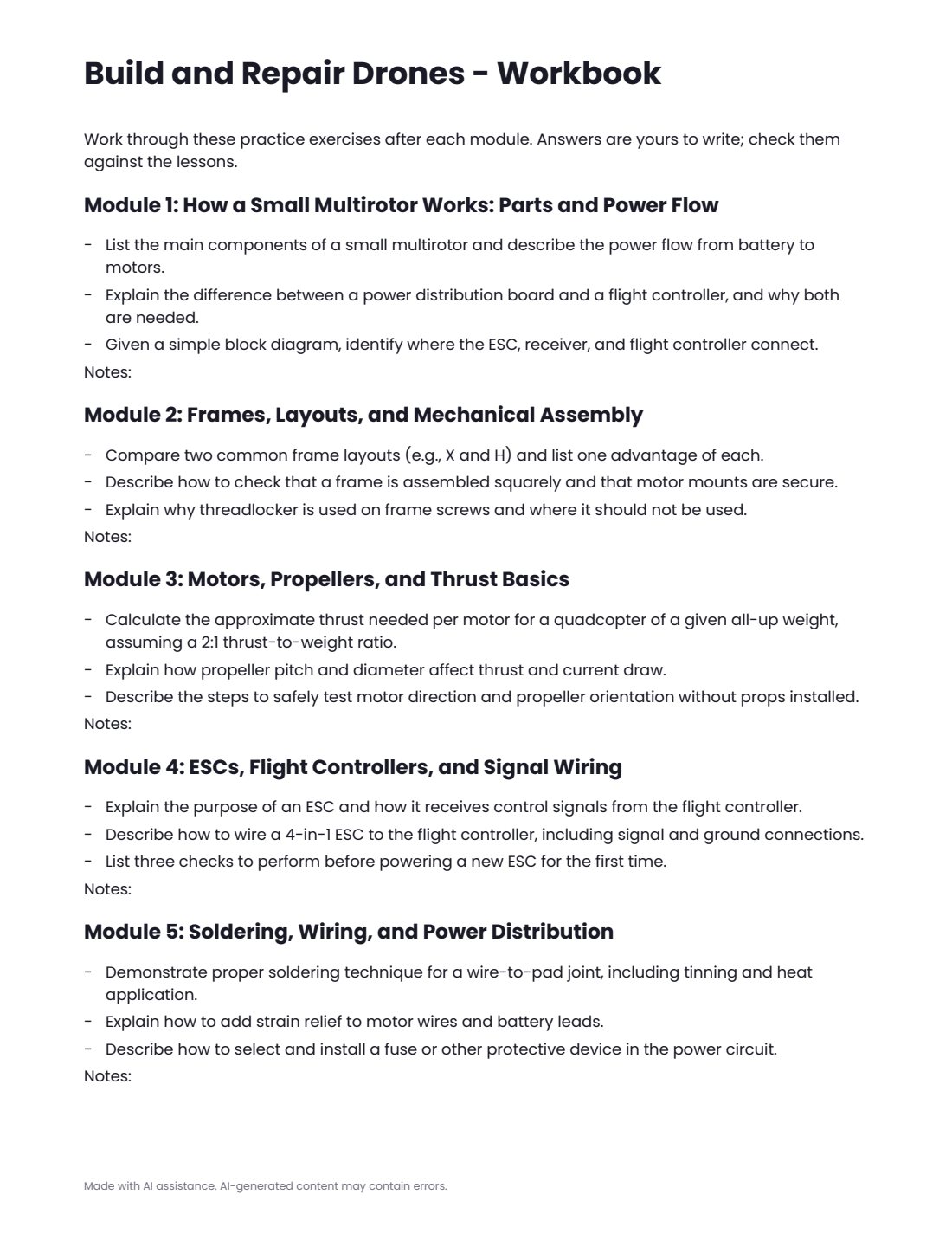
- workbook.pdf: practice exercises for every module
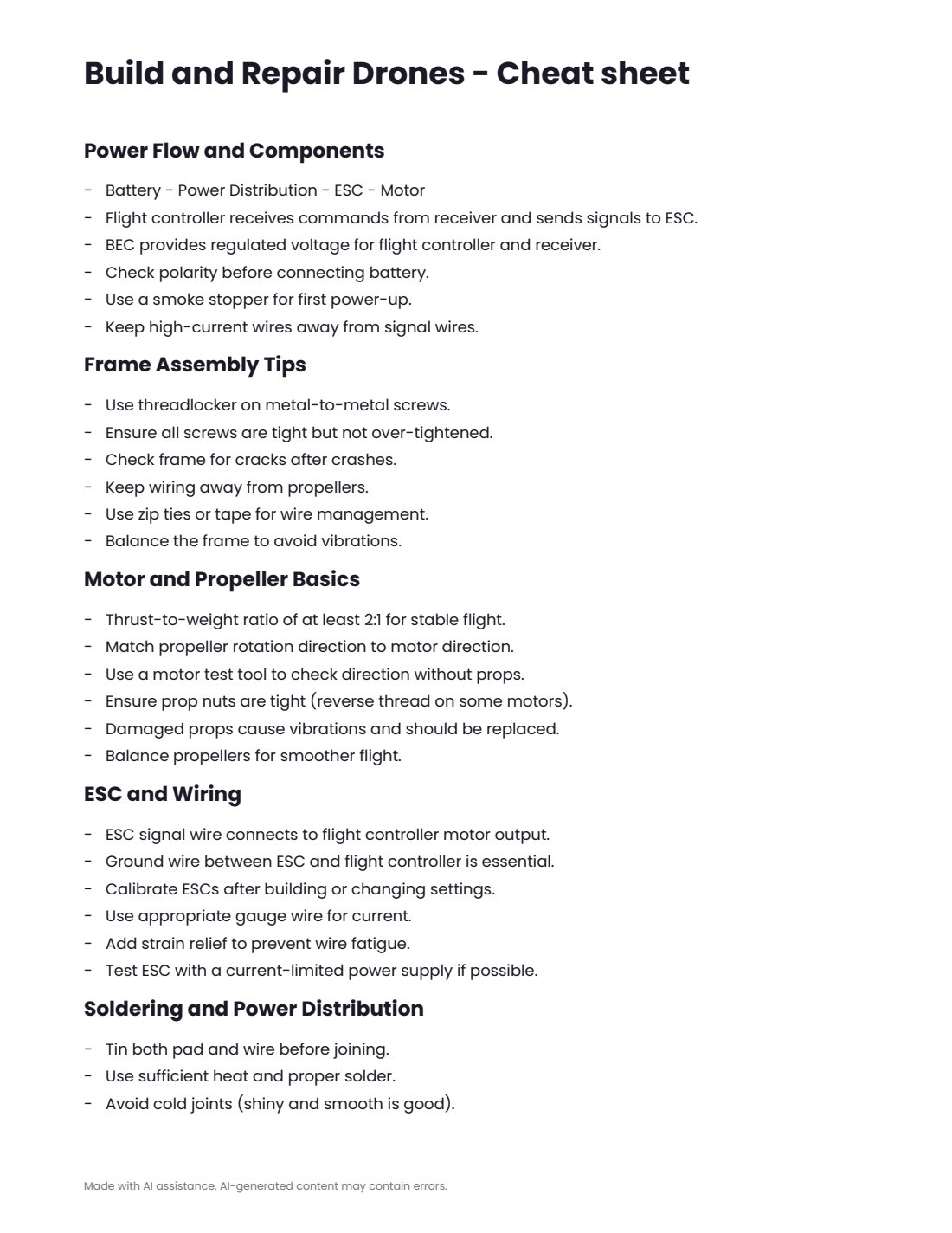
- cheatsheet.pdf
- final-project.md with steps, deliverables and rubric
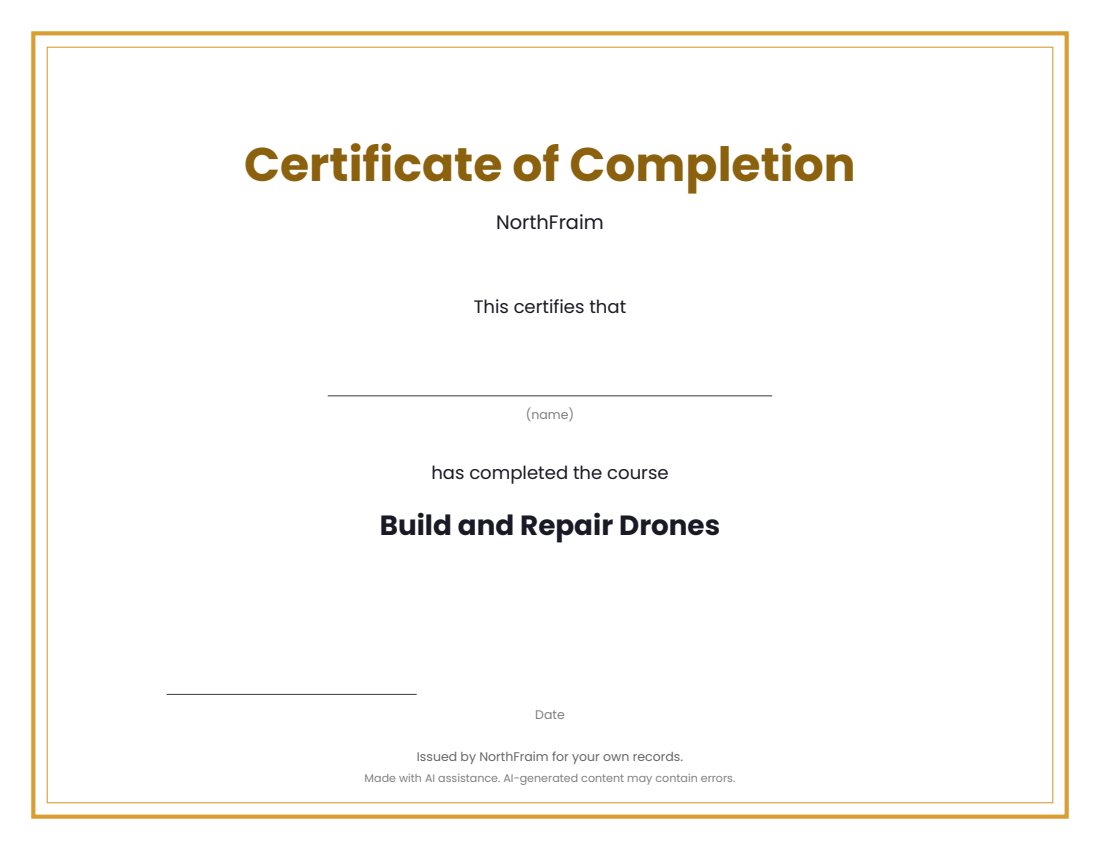
- certificate.pdf (completion certificate)
- syllabus.md, README.md, PROVENANCE.md
Download and use
- After payment, click your download link (on screen, in your email receipt and in your account dashboard; re-download any time).
- Unzip the file: double-click it on Windows or Mac, or tap it in the Files app on a phone.
- Open README.md, then syllabus.md, to see the plan.
- Work through modules/m1 to the last module: read the three lessons, study the worked example, do the practice (practice.md or the workbook), take quiz.md and check quiz-answer-key.md.
- Run each module's companion script with Python 3.9 or newer: open a terminal in the module's code folder and run the command shown in the lesson (standard library only, no internet or keys needed).
- Print or fill in workbook.pdf as you go, keep cheatsheet.pdf at hand, then complete final-project.md.
- Print certificate.pdf and write your name on it when you finish.
Tags
andbuildcoursedronesintermediatelessonsquizrepairworkbook