Courses floor › Tech, AI and Security
Generative AI and Prompt Engineering for Marketing and Content Teams (
| SKU | FB-16-986DB091 |
|---|---|
| Format | ZIP: Markdown, PDF, PNG, Python |
| File size | 642.3 KB |
| Delivery | Instant download, unlimited re-downloads from your account |
| Licences | Personal, Commercial, Extended |
All sales are final. Refund policy.
About this product
7-module intermediate course for marketing and content teams. Explain how a generative text model turns a prompt into output using tokens, context limits, and sampling settings. Includes written lessons, worked examples, a quiz with answer key per module, runnable companion scripts, a workbook, a cheat sheet, a final project and a NorthFraim completion certificate. Made with AI assistance. Modules: 1. What a Generative Text Model Actually Does With a Marketing Brief; 2. Anatomy of a Reliable Prompt for Campaign Work; 3. Structured Outputs: Getting JSON and Tables You Can Trust; 4. Evaluating Prompt Variants Without Guesswork; 5. Safety, Brand, and Privacy Guardrails for AI-Assisted Content; 6. Building a Small Prompt-Driven Content Tool; 7. Shipping and Maintaining the Workflow With Your Team. What you will be able to do: Explain how generative models produce text, including tokens, context windows, sampling parameters, and why outputs vary; Design reliable prompts using role, task, constraints, examples, and output contracts that survive real marketing use; Produce and validate structured outputs such as JSON briefs, content calendars, and metadata schemas; Evaluate model outputs with lightweight rubrics, scoring scripts, and regression checks before publishing; Build small prompt-driven tools that assemble briefs, generate variant sets, and flag safety or brand risks. Format: self-paced written course you download and keep (642.3 KB, 7 modules, 21 lessons, about 12,108 words), plus workbook, cheat sheet, quizzes and scripts.
What's included
- 7 modules, 21 written lessons (12,108 words of teaching text)
- A worked example per module
- A 2-question quiz and answer key per module
- Runnable companion Python scripts per module (checked in a sandbox)
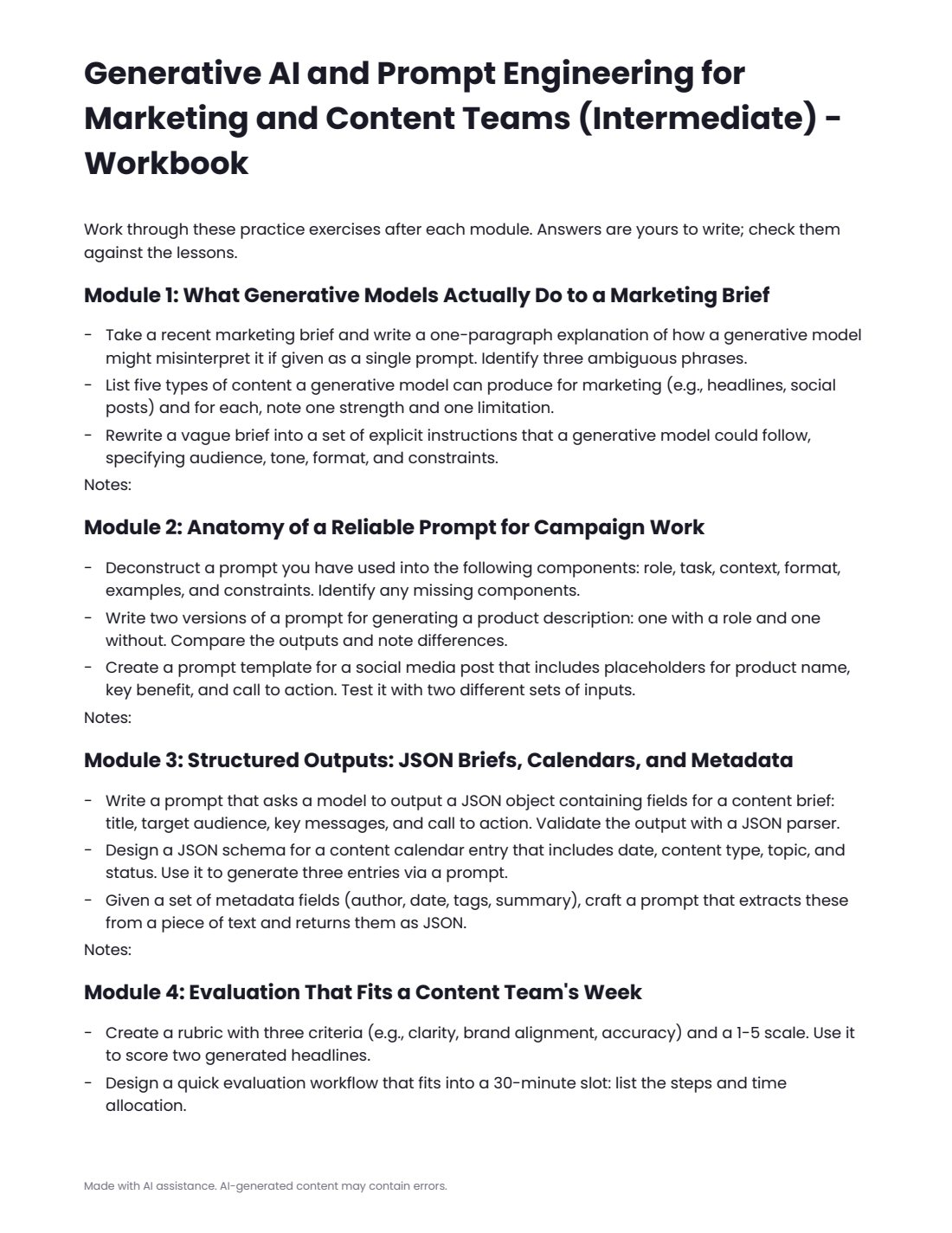
- workbook.pdf: practice exercises for every module
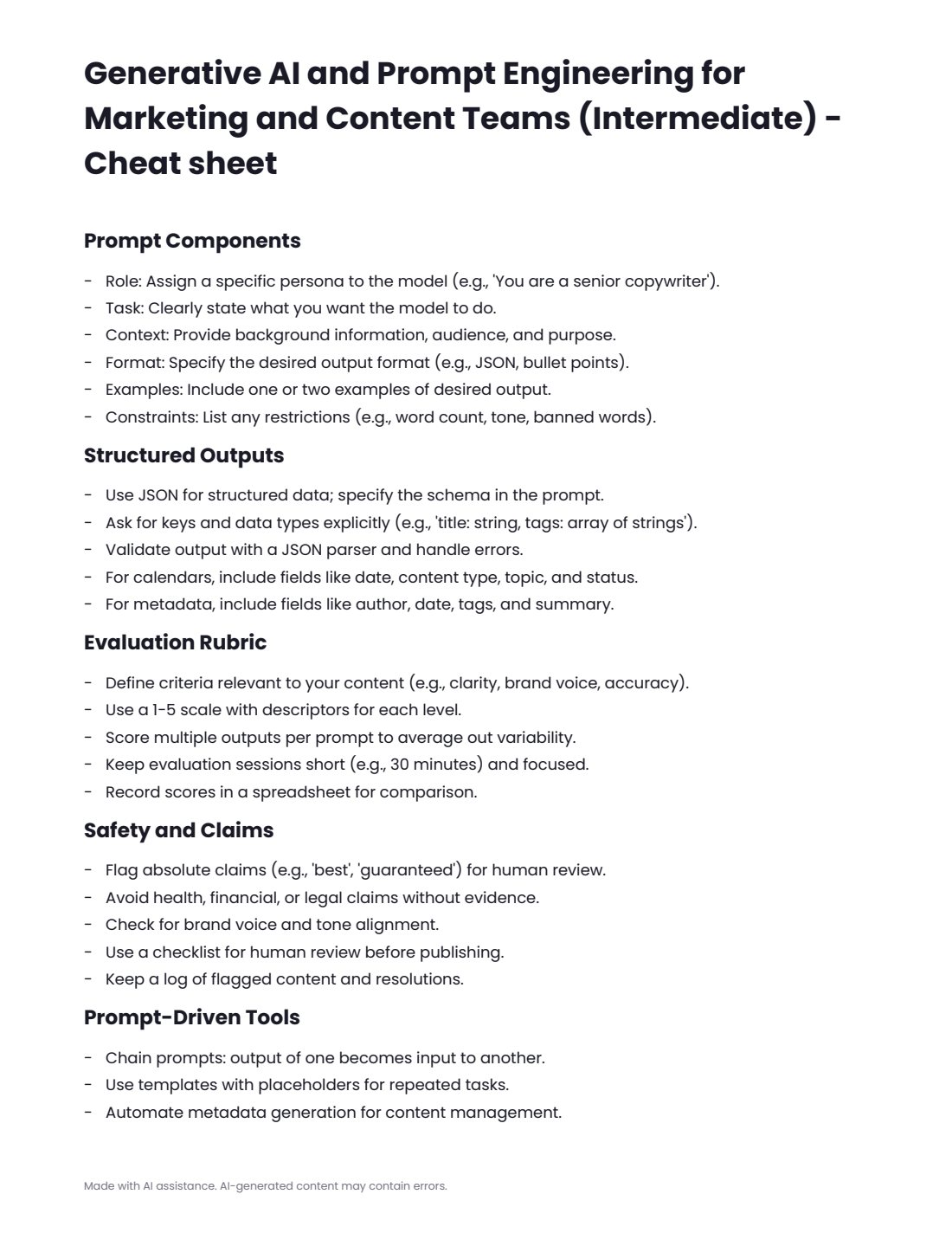
- cheatsheet.pdf
- final-project.md with steps, deliverables and rubric
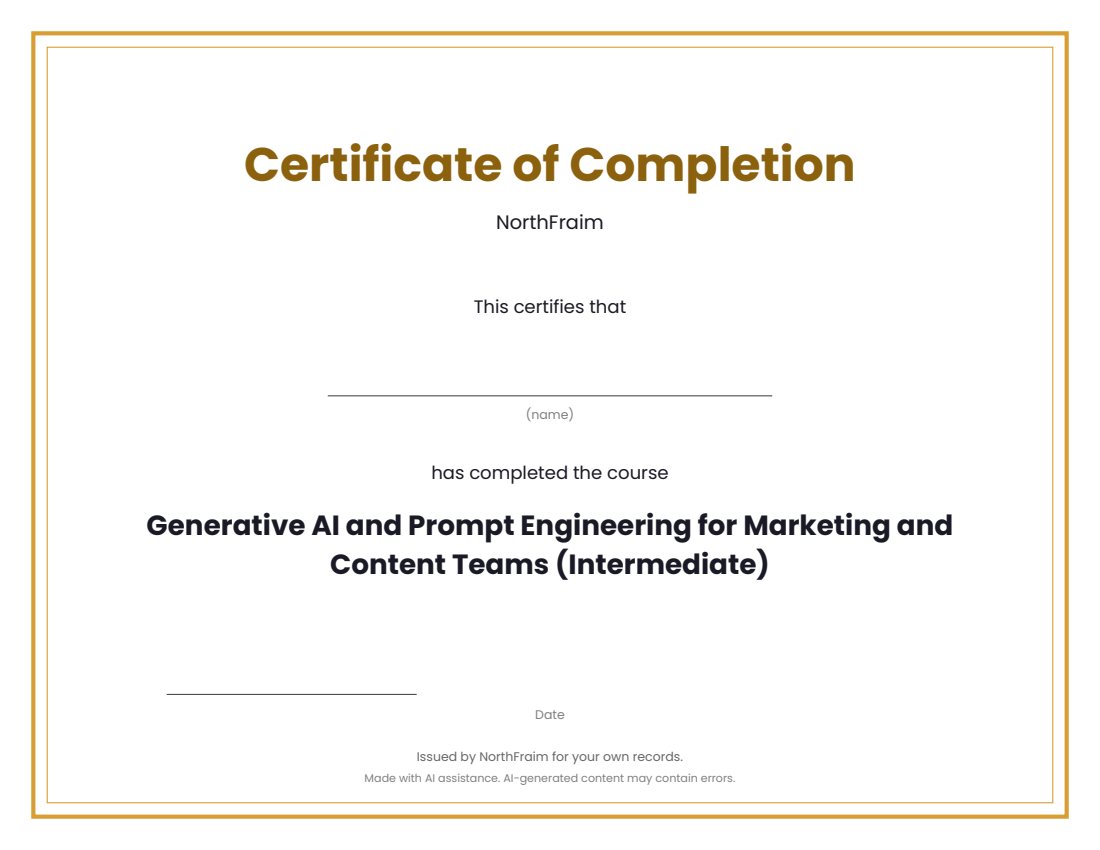
- certificate.pdf (completion certificate)
- syllabus.md, README.md, PROVENANCE.md
Download and use
- After payment, click your download link (on screen, in your email receipt and in your account dashboard; re-download any time).
- Unzip the file: double-click it on Windows or Mac, or tap it in the Files app on a phone.
- Open README.md, then syllabus.md, to see the plan.
- Work through modules/m1 to the last module: read the three lessons, study the worked example, do the practice (practice.md or the workbook), take quiz.md and check quiz-answer-key.md.
- Run each module's companion script with Python 3.9 or newer: open a terminal in the module's code folder and run the command shown in the lesson (standard library only, no internet or keys needed).
- Print or fill in workbook.pdf as you go, keep cheatsheet.pdf at hand, then complete final-project.md.
- Print certificate.pdf and write your name on it when you finish.
Tags
andcontentcourseengineeringforgenerativeintermediatelessonsmarketingprompt