Courses floor › Tech, AI and Security
Cybersecurity Basics
| SKU | FB-16-CF02880E |
|---|---|
| Format | ZIP: Markdown, PDF, PNG, Python |
| File size | 630.8 KB |
| Delivery | Instant download, unlimited re-downloads from your account |
| Licences | Personal, Commercial, Extended |
All sales are final. Refund policy.
About this product
8-module beginner course for everyday users and small teams. Explain the common threat categories that affect individuals and small teams and how each one typically succeeds. Includes written lessons, worked examples, a quiz with answer key per module, runnable companion scripts, a workbook, a cheat sheet, a final project and a NorthFraim completion certificate. Made with AI assistance. Modules: 1. What We Are Protecting and Who Is Attacking; 2. Passwords, Accounts and Multi-Factor Authentication; 3. Device Hygiene: Updates, Settings and Least Privilege; 4. Network Hygiene at Home and in a Small Office; 5. Phishing and Social Engineering; 6. Backups You Can Actually Restore; 7. Incident Response for Individuals and Small Teams; 8. Putting It Together: A Personal and Team Security Plan. What you will be able to do: Explain the common threat categories that affect individuals and small teams and how each one typically succeeds; Build strong, unique passwords and manage accounts with multi-factor authentication and safe recovery options; Apply device and network hygiene practices at home and in a small office; Recognise phishing and social-engineering attempts and respond correctly; Design a backup routine and a simple incident response plan, then test both with small scripts. Format: self-paced written course you download and keep (630.8 KB, 8 modules, 24 lessons, about 14,975 words), plus workbook, cheat sheet, quizzes and scripts.
What's included
- 8 modules, 24 written lessons (14,975 words of teaching text)
- A worked example per module
- A 2-question quiz and answer key per module
- Runnable companion Python scripts per module (checked in a sandbox)
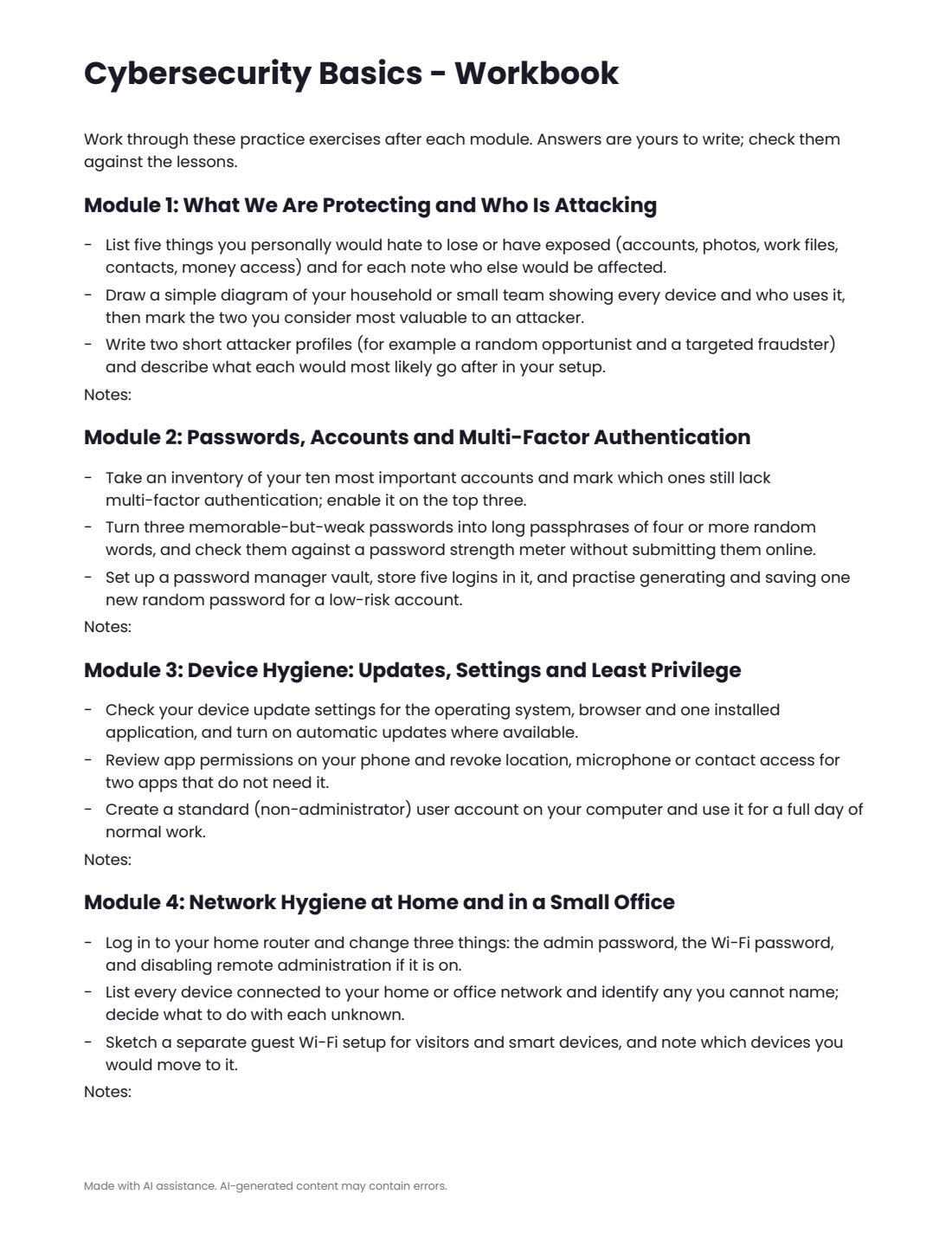
- workbook.pdf: practice exercises for every module
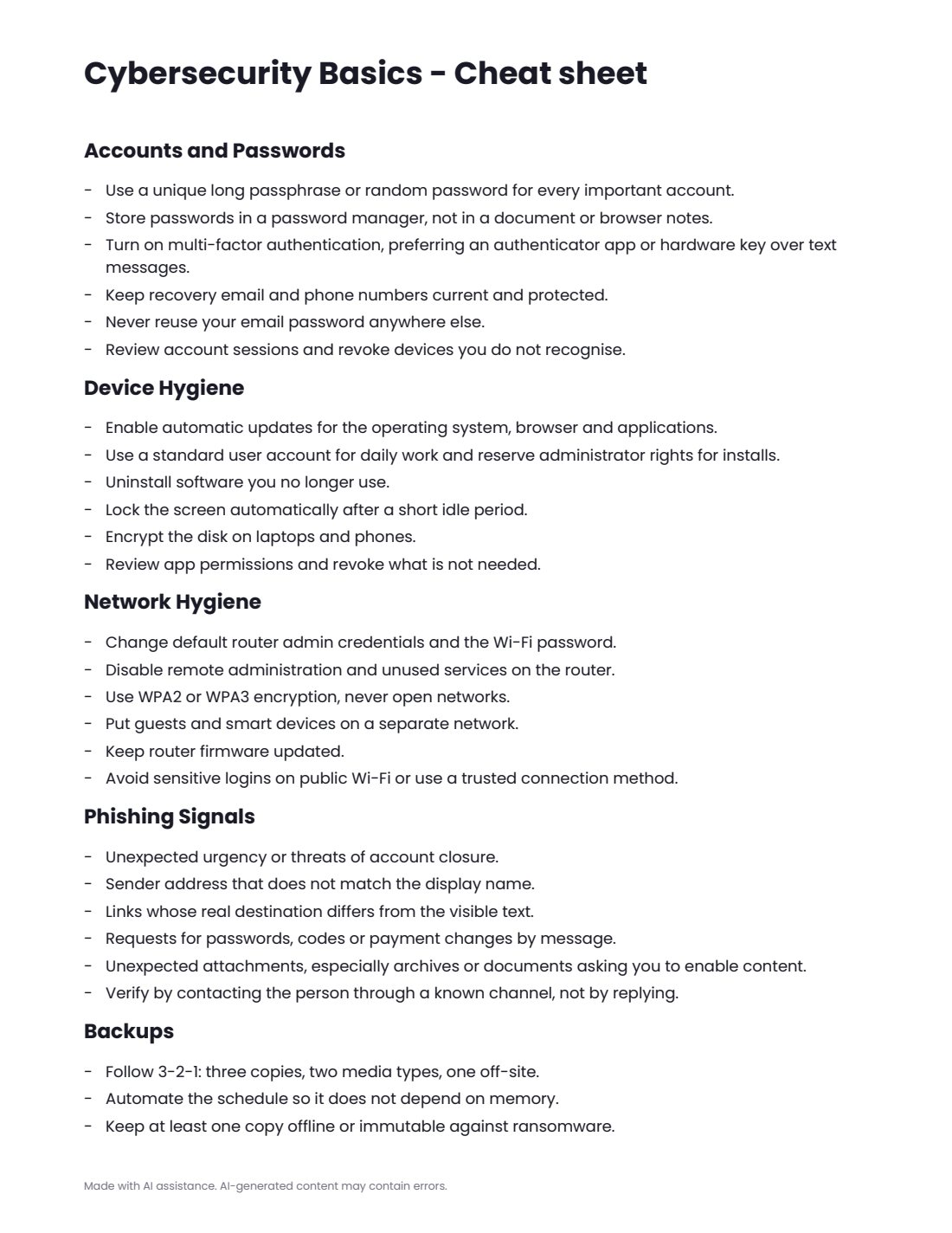
- cheatsheet.pdf
- final-project.md with steps, deliverables and rubric
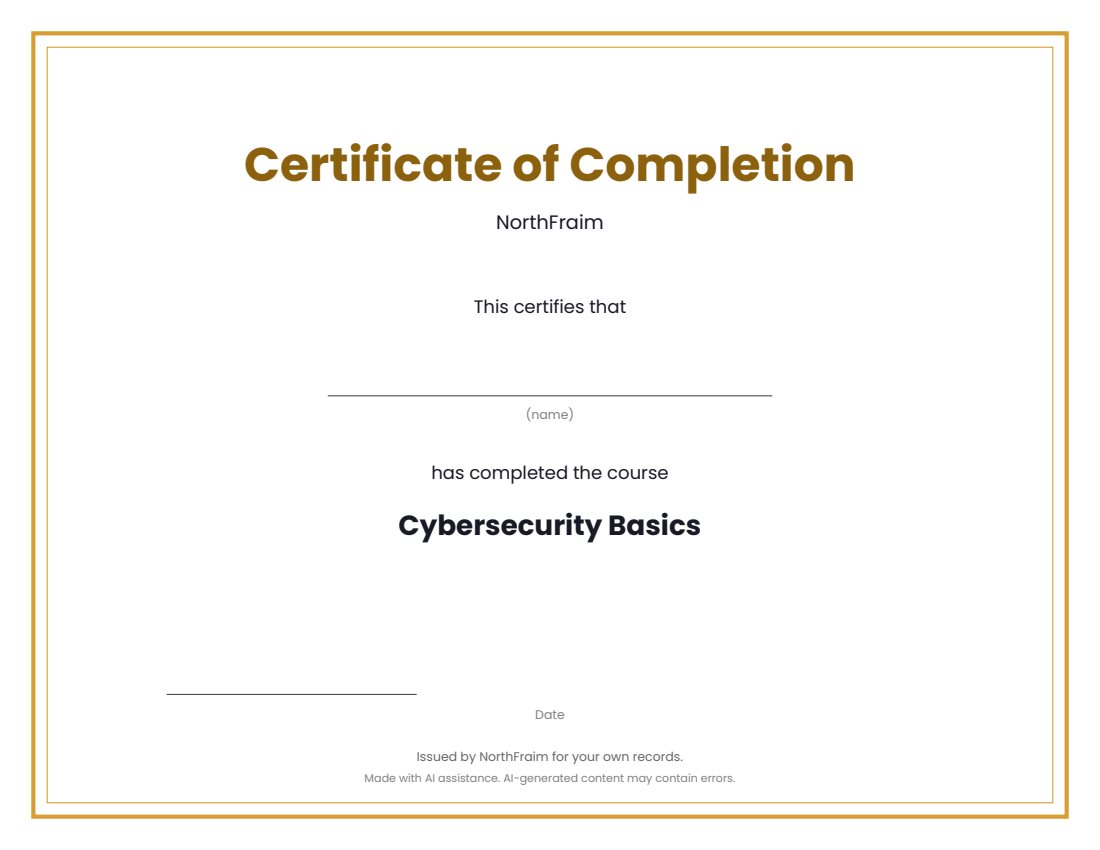
- certificate.pdf (completion certificate)
- syllabus.md, README.md, PROVENANCE.md
Download and use
- After payment, click your download link (on screen, in your email receipt and in your account dashboard; re-download any time).
- Unzip the file: double-click it on Windows or Mac, or tap it in the Files app on a phone.
- Open README.md, then syllabus.md, to see the plan.
- Work through modules/m1 to the last module: read the three lessons, study the worked example, do the practice (practice.md or the workbook), take quiz.md and check quiz-answer-key.md.
- Run each module's companion script with Python 3.9 or newer: open a terminal in the module's code folder and run the command shown in the lesson (standard library only, no internet or keys needed).
- Print or fill in workbook.pdf as you go, keep cheatsheet.pdf at hand, then complete final-project.md.
- Print certificate.pdf and write your name on it when you finish.
Tags
basicsbeginnercoursecybersecuritylessonsquizworkbook