Courses floor › Tech, AI and Security
Data Analysis with Python and SQL
| SKU | FB-16-DAB98DE1 |
|---|---|
| Format | ZIP: Markdown, PDF, PNG, Python |
| File size | 661.7 KB |
| Delivery | Instant download, unlimited re-downloads from your account |
| Licences | Personal, Commercial, Extended |
All sales are final. Refund policy.
About this product
9-module intermediate course for analysts and aspiring analysts. Write SQL queries that clean, filter, join and aggregate messy tables. Includes written lessons, worked examples, a quiz with answer key per module, runnable companion scripts, a workbook, a cheat sheet, a final project and a NorthFraim completion certificate. Made with AI assistance. Modules: 1. Framing an Analysis Before You Query; 2. SQL for Clean, Trustworthy Extractions; 3. Profiling Data Quality with SQL and Python; 4. Reshaping and Joining Data in Python; 5. Descriptive Statistics That Tell the Truth; 6. Charts That Do Not Mislead; 7. Segmentation and Group Comparisons; 8. Reproducible Reporting and Honest Conclusions; 9. Reviewing Your Own Analysis Before Delivery. What you will be able to do: Write SQL queries that clean, filter, join and aggregate messy tables; Load query results into Python and reshape them with clear, tested code; Summarise data with appropriate statistics and defend each choice; Build honest charts that show uncertainty and avoid misleading scales; Produce a reproducible report that states findings, limits and next steps. Format: self-paced written course you download and keep (661.7 KB, 9 modules, 27 lessons, about 15,186 words), plus workbook, cheat sheet, quizzes and scripts.
What's included
- 9 modules, 27 written lessons (15,186 words of teaching text)
- A worked example per module
- A 2-question quiz and answer key per module
- Runnable companion Python scripts per module (checked in a sandbox)
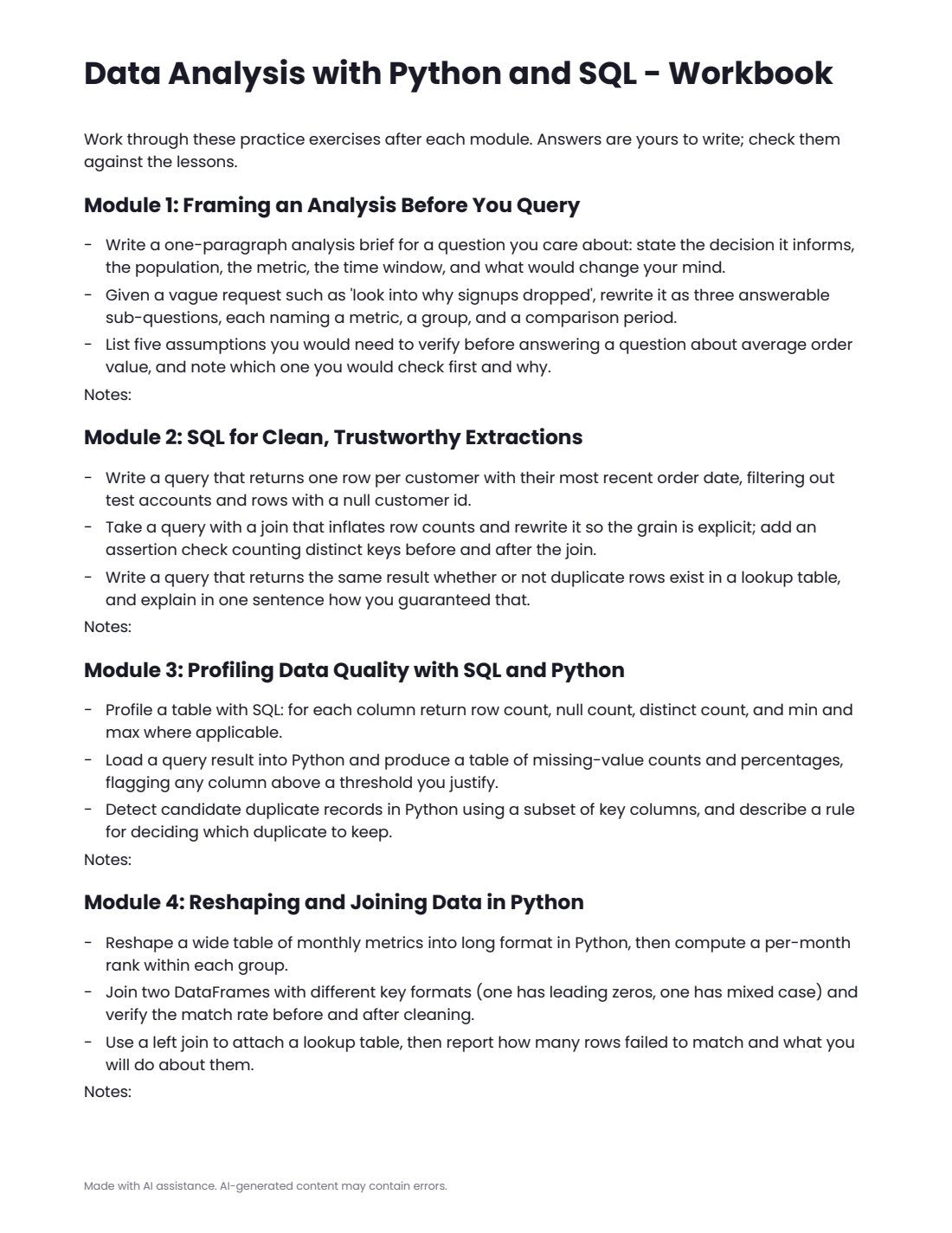
- workbook.pdf: practice exercises for every module
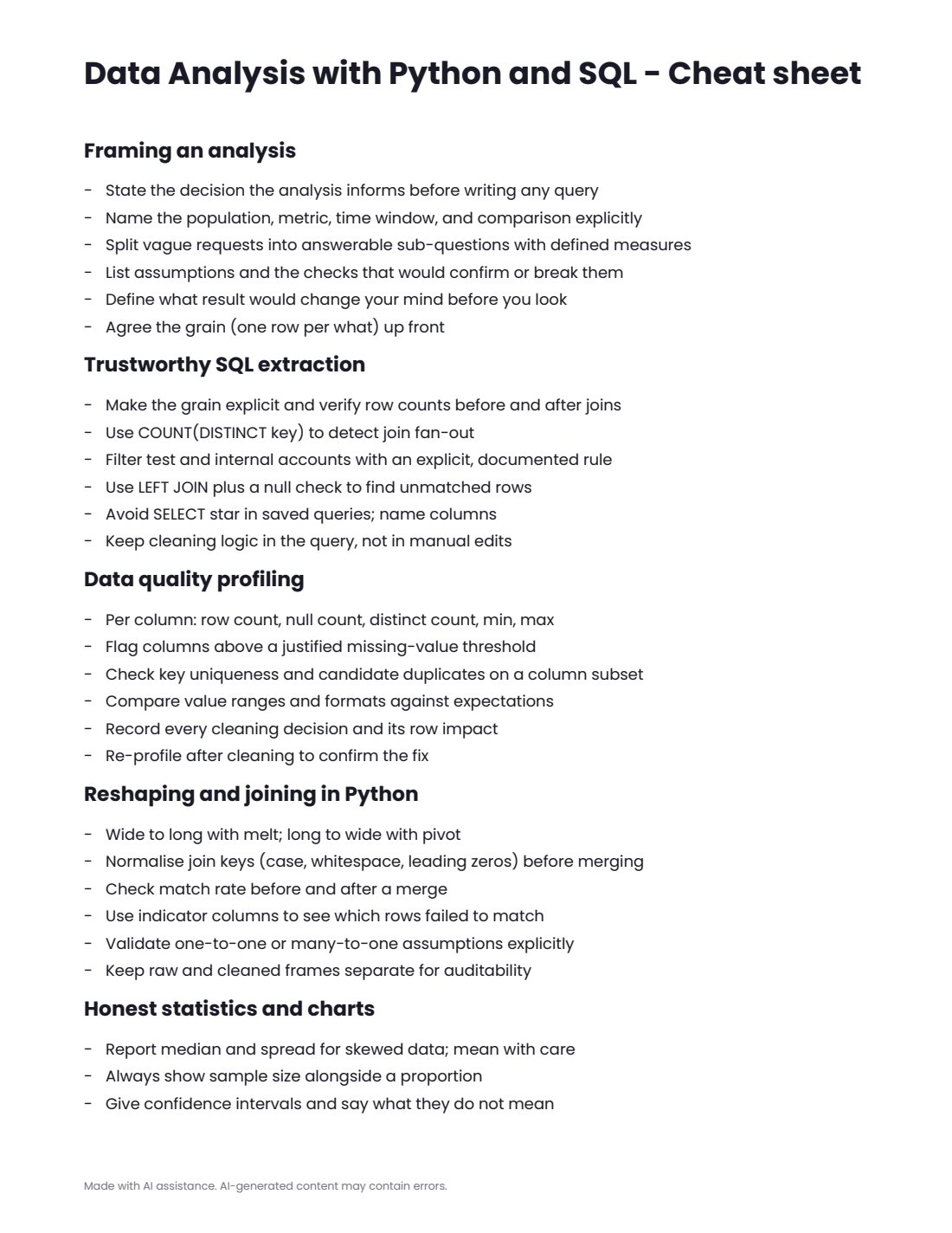
- cheatsheet.pdf
- final-project.md with steps, deliverables and rubric
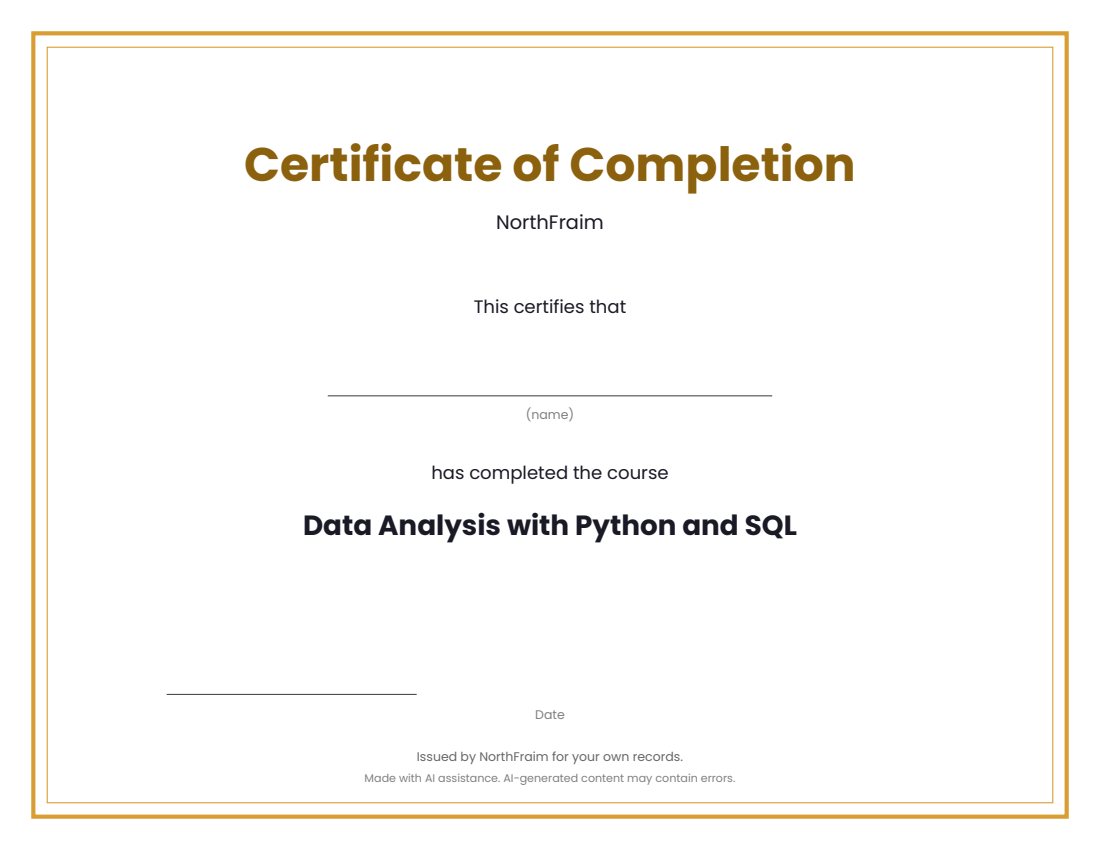
- certificate.pdf (completion certificate)
- syllabus.md, README.md, PROVENANCE.md
Download and use
- After payment, click your download link (on screen, in your email receipt and in your account dashboard; re-download any time).
- Unzip the file: double-click it on Windows or Mac, or tap it in the Files app on a phone.
- Open README.md, then syllabus.md, to see the plan.
- Work through modules/m1 to the last module: read the three lessons, study the worked example, do the practice (practice.md or the workbook), take quiz.md and check quiz-answer-key.md.
- Run each module's companion script with Python 3.9 or newer: open a terminal in the module's code folder and run the command shown in the lesson (standard library only, no internet or keys needed).
- Print or fill in workbook.pdf as you go, keep cheatsheet.pdf at hand, then complete final-project.md.
- Print certificate.pdf and write your name on it when you finish.
Tags
analysisandcoursedataintermediatelessonspythonquizsqlwith